
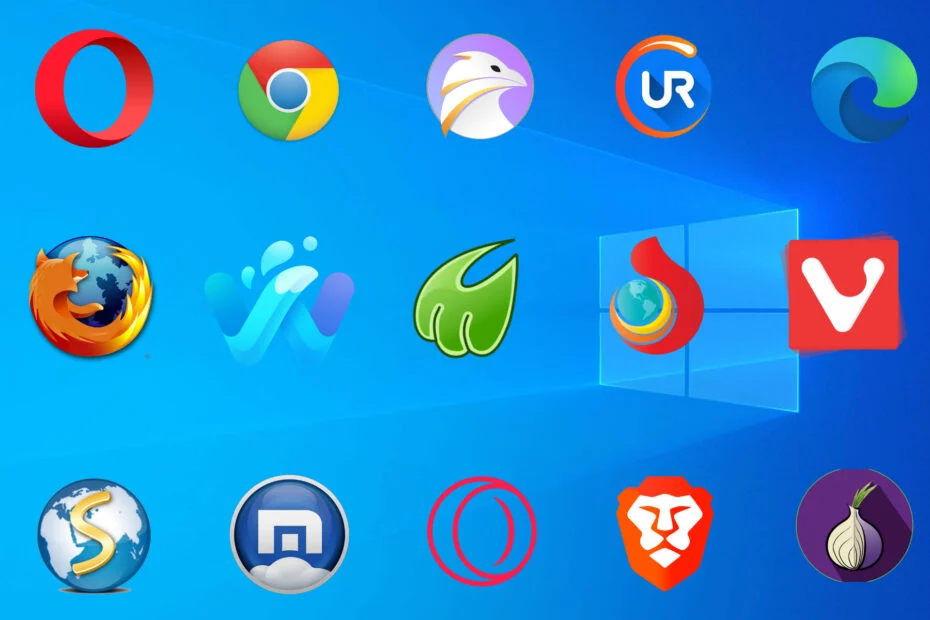
The Ultimate Guide to Finding The Best Browser For Windows 10
Are you tired of using a browser that’s slow, cluttered, or just not meeting your needs? Look no further! In this comprehensive guide, we’ll explore the best browsers available for Windows 10 and help you find the perfect one for your online activities.
What is a Browser?
Before we dive into the world of browsers, let’s quickly define what a browser is. A browser is an application that allows you to access and view websites on the internet. It’s essentially the gateway to the web, and there are many options available to choose from.
The Top Browsers For Windows 10
Here are some of the best browsers available for Windows 10:
Microsoft Edge
[H2] The First Choice: Microsoft Edge
Microsoft Edge is the default browser that comes with Windows 10. It’s based on the Chromium engine, which makes it fast and efficient. Edge also offers excellent integration with other Microsoft services like Office Online and OneDrive.
- Pros:
- Fast performance
- Excellent integration with Microsoft services
- Reduced memory consumption
- Cons:
- Limited extensions availability
- No support for some advanced features
Google Chrome
[H2] The Popular Choice: Google Chrome
Google Chrome is one of the most popular browsers globally, known for its speed and versatility. It’s available on Windows 10, macOS, and Linux platforms.
- Pros:
- Fast performance
- Huge library of extensions
- Excellent integration with Google services
- Cons:
- High memory consumption
- Some users find it cluttered
Mozilla Firefox
[H2] The Long-running Choice: Mozilla Firefox
Firefox is a veteran browser that’s been around since 2004. It offers a unique blend of speed and functionality, making it an excellent choice for those who value customization.
- Pros:
- Fast performance
- Huge library of extensions
- Strong focus on user privacy
- Cons:
- High memory consumption in some versions
- Some users find the interface outdated
How to Choose The Best Browser For You
Choosing the best browser for you depends on your specific needs and preferences. Here are some factors to consider:
- Speed: If speed is your top priority, Microsoft Edge or Google Chrome might be the way to go.
- Customization: If you value customization options, Mozilla Firefox is a great choice.
- Integration With Services: If you use other Microsoft or Google services, it’s best to stick with their respective browsers for seamless integration.
- User Interface: If you prefer a clean and simple interface, Microsoft Edge might be the way to go.
[H3] Setting Your Browser as Default on Windows 10
If you’ve decided on your favorite browser, here’s how to set it as the default:
- Open the Settings app.
- Click on “Apps” (or “Applications” in some versions).
- Select “Default apps.”
- Choose the browser you prefer from the list.
That’s it! You’ve successfully set your browser as the default for Windows 10. Now, go ahead and enjoy the best browsing experience tailored to your needs.
Conclusion
Choosing the best browser for Windows 10 depends on your specific needs and preferences. With this comprehensive guide, you’re now equipped with the knowledge to make an informed decision. Remember, the perfect browser is one that suits your lifestyle and provides a smooth online experience.
Frequently Asked Questions (FAQs)
Here are some additional questions and answers to help you navigate the world of browsers:
- Q: Which Browser is Best For Gaming?
A: For gaming, Mozilla Firefox offers excellent performance due to its ability to handle multiple tabs and extensions. - Q: Can I Use Multiple Browsers at Once?
A: Yes! You can have multiple browsers installed on your Windows 10 device. Just be sure to set one as the default for smooth operation. - Q: How do I Update my Browser?
A: Browser updates are usually automatic, but you can also manually check for them in Settings (Windows) or Preferences (macOS/Linux). - Q: Are Browsers Safe?
A: Most modern browsers have robust security features to protect your data and online activities. - Q: Can I Use a Browser on a Mobile Device?
A: Yes! Many browsers offer mobile versions that you can download from the respective app stores (Apple App Store or Google Play).


