
Better Software Recovery: A Comprehensive Guide
As a computer user, there’s nothing more frustrating than accidentally deleting an important file or losing data due to a hard drive crash. However, with the right software recovery tools, you can breathe new life into your lost files and get back to work in no time.
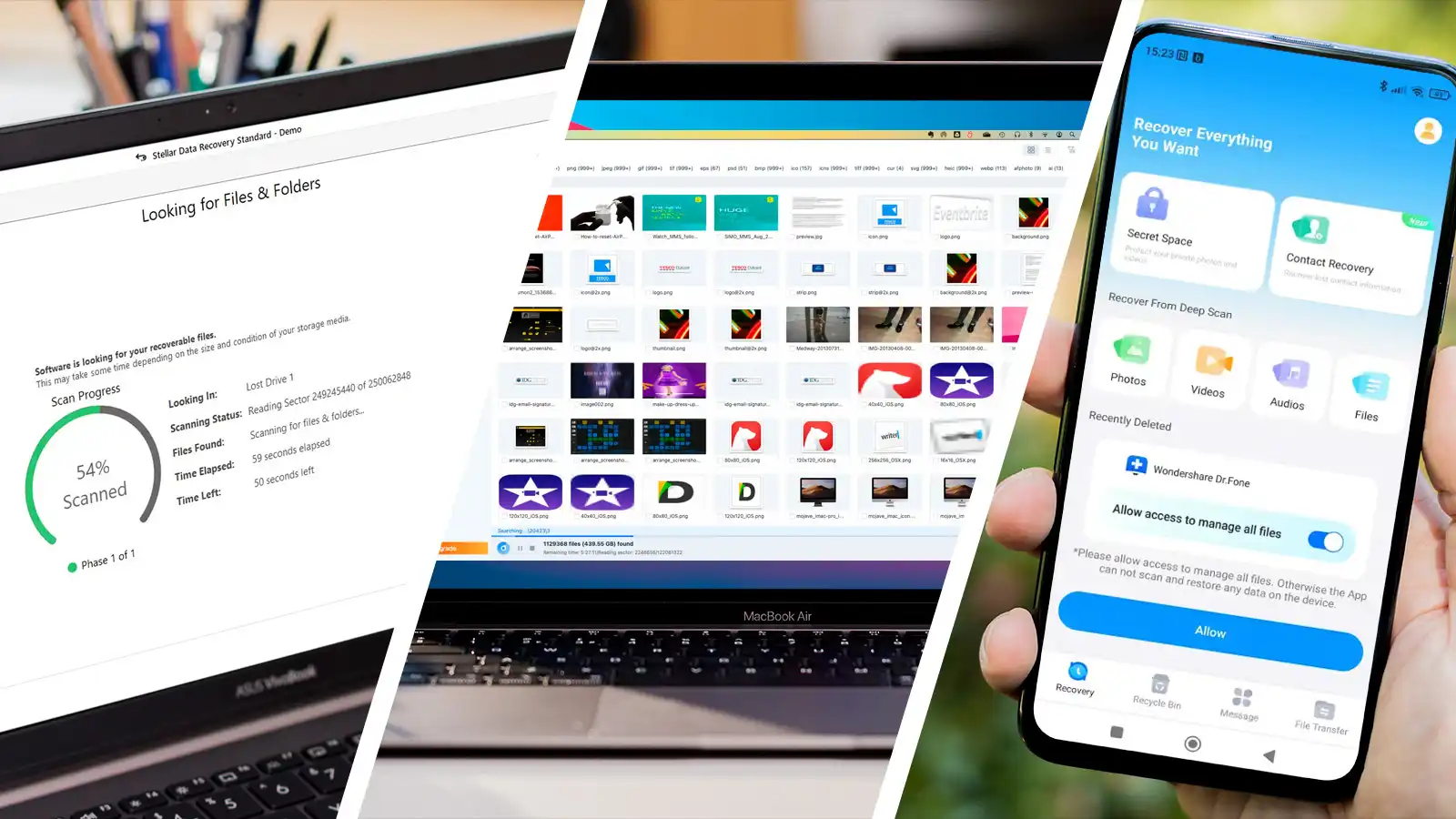
In this article, we’ll explore the best software recovery options for Windows, Mac, Android, and iOS devices. We’ll also provide detailed step-by-step guides on how to use these programs, as well as some valuable tips and tricks to ensure successful file recovery.
Understanding File Recovery
Before we dive into the specific software tools, it’s essential to understand how file recovery works. When you delete a file, it’s not immediately erased from your hard drive. Instead, the operating system marks the space on the disk as available for new data. This means that if you act quickly enough, it may be possible to recover deleted files.
However, the longer you wait, the more likely it is that the file will become unrecoverable. This is because other files and programs can overwrite the space occupied by the original file, making it impossible to retrieve.
Best Software Recovery Tools For Windows
For Windows users, there are several excellent software recovery tools available. Here are some of the best ones:
- Recuva: Developed by Piriform, Recuva is a free and powerful file recovery tool that can recover files from hard drives, USB drives, and other storage devices.
- Easeus Data Recovery Wizard: This user-friendly program can recover deleted files, as well as entire partitions, from Windows-based systems.
Best Software Recovery Tools For Mac
For Mac users, the situation is similar. Here are some of the best software recovery tools available:
- Minitool Power Data Recovery: This free version can recover up to 1MB of data, while the paid version offers more advanced features and increased storage capacity.
- Data Rescue: A user-friendly program that can recover deleted files and entire partitions from Mac-based systems.
Best Software Recovery Tools For Android
For Android users, there are several excellent software recovery tools available. Here are some of the best ones:
- Diskdigger: This free app can recover deleted files from internal storage, as well as external SD cards.
- Easeus Mobisaver: A user-friendly program that can recover deleted data from Android devices.
Best Software Recovery Tools For Ios
For iOS users, the situation is slightly more complicated. Here are some of the best software recovery tools available:
- Easeus Mobisaver: A user-friendly program that can recover deleted data from iPhone and iPad devices.
- Fonepaw Iphone Data Recovery: Another excellent option for recovering lost data from iOS devices.
Conclusion
File recovery is a complex process, but with the right software tools, you can increase your chances of successfully retrieving deleted files. Remember to act quickly, as the longer you wait, the more likely it is that the file will become unrecoverable.
By following the step-by-step guides outlined in this article, you’ll be well on your way to recovering lost files and getting back to work in no time.
Faqs
- What happens when I delete a file?
- When you delete a file, it’s not immediately erased from your hard drive. Instead, the operating system marks the space on the disk as available for new data.
- How long can I wait before recovering deleted files?
- The longer you wait, the more likely it is that the file will become unrecoverable. This is because other files and programs can overwrite the space occupied by the original file, making it impossible to retrieve.
- Are software recovery tools effective in recovering lost data?
- Yes, software recovery tools are very effective in recovering lost data, especially if you act quickly enough.
Conclusion
In this article, we’ve explored some of the best software recovery tools available for Windows, Mac, Android, and iOS devices. We’ve also provided detailed step-by-step guides on how to use these programs, as well as some valuable tips and tricks to ensure successful file recovery.


