
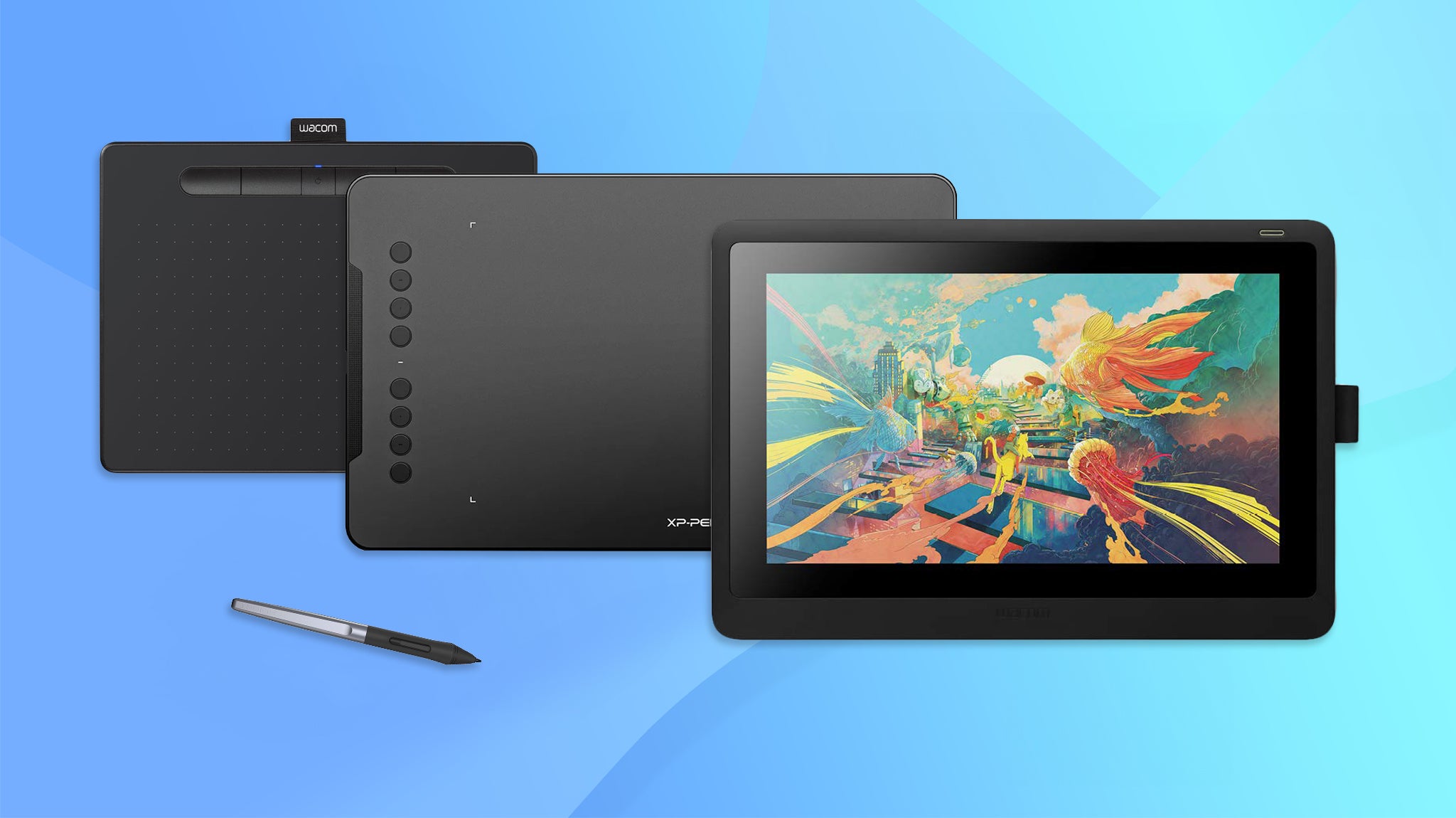
The Ultimate Guide to Choosing a Graphic Tablet (2024)
Are you a passionate cartoonist or digital artist looking to take your skills to the next level? Do you want to experience the thrill of creating art directly on your computer with precision and control? Look no further! In this comprehensive guide, we’ll explore the world of graphic tablets, also known as digitizers, and help you find the perfect one for your needs.
What is a Graphic Tablet?
A graphic tablet, or digitizer, is a device that allows you to create digital art directly on your computer using specialized pens or styluses. It’s essentially a virtual drawing board that translates your movements into digital strokes. With a graphic tablet, you can enjoy the same creative freedom as traditional drawing and painting, but with the added benefits of digital editing and sharing.
Choosing The Right Graphic Tablet
With so many options available in the market, choosing the right graphic tablet can be overwhelming. Here are some key factors to consider:
- Size And Format: Graphic tablets come in various sizes and formats, ranging from small A6 or A5 to larger A3 or custom formats.
- Resolution: Look for a tablet with high resolution (DPI or LPI) for precise and detailed artwork.
- Pressure Sensitivity: Choose a tablet that can detect pressure sensitivity levels of 8192 or more for smooth and natural line work.
- Response Rate: Opt for a tablet with a fast response rate (PPS or RPS) to ensure seamless communication between the pen and your computer.
- Connection Type: Decide whether you prefer a wired USB connection, wireless Bluetooth connectivity, or a receiver-based system.
Top Graphic Tablets on The Market
Here are some of the best graphic tablets available in 2024:
- Ugee S640
- Active area: 6.3 X 4 inches
- Resolution: 5080 LPI
- Pressure sensitivity: 8192 Levels
- Response rate: 266 PPS
- Connectivity: USB, Bluetooth
- Price: Around $150
- Wacom One by Wacom Small
- Active area: 6 X 4 inches
- Resolution: Not specified
- Pressure sensitivity: 8192 Levels
- Response rate: Not specified
- Connectivity: USB
- Price: Around $130
- Xp-pen G640
- Active area: 6 X 4 inches
- Resolution: 5080 LPI
- Pressure sensitivity: 8192 Levels
- Response rate: 266 PPS
- Connectivity: USB, Bluetooth
- Price: Around $100
- Gaomon S620
- Active area: 6.5 X 4 inches
- Resolution: Not specified
- Pressure sensitivity: 8192 Levels
- Response rate: 266 PPS
- Connectivity: USB, Bluetooth
- Price: Around $150
- Wacom Intuos Medium
- Active area: 10 X 6 inches
- Resolution: Not specified
- Pressure sensitivity: 4096 Levels
- Response rate: Not specified
- Connectivity: USB
- Price: Around $200
Ultimate Buying Guide
When selecting a graphic tablet, consider the following:
- Your Budget: Graphic tablets can range from under $100 to over $500.
- Your Creative Needs: Think about the type of art you want to create and whether it requires high-resolution or pressure-sensitive input.
- Your Computer Setup: Ensure your computer has the necessary ports and software compatibility for your chosen tablet.
Conclusion
Choosing a graphic tablet is an exciting experience, but it can also be overwhelming with so many options available. By considering factors like size, resolution, pressure sensitivity, response rate, and connectivity type, you’ll find the perfect tablet to suit your creative needs. Don’t forget to check reviews, compare prices, and consider your budget before making a final decision.
Faqs
- What is The Best Graphic Tablet For Beginners?
- The UGEE S640 or GAOMON S620 are great options for beginners, offering a compact size, high resolution, and pressure sensitivity.
- Which Graphic Tablet Has The Highest Resolution?
- The XP-PEN G640 boasts an impressive 5080 LPI resolution.
- Can I Use a Graphic Tablet With my Smartphone or Tablet?
- Yes, some graphic tablets come with Bluetooth connectivity for seamless integration with mobile devices.
- Do I Need a Specific Software to Work With a Graphic Tablet?
- Most graphic tablets come with their own software, but you can also use third-party applications like Adobe Photoshop or Illustrator.
- Can I Customize my Graphic Tablet With Additional Accessories?
- Yes, many graphic tablets offer customizable pens, styluses, and other accessories for enhanced creativity.
Conclusion
We hope this comprehensive guide has helped you navigate the world of graphic tablets and find the perfect one for your needs. Happy creating!


