
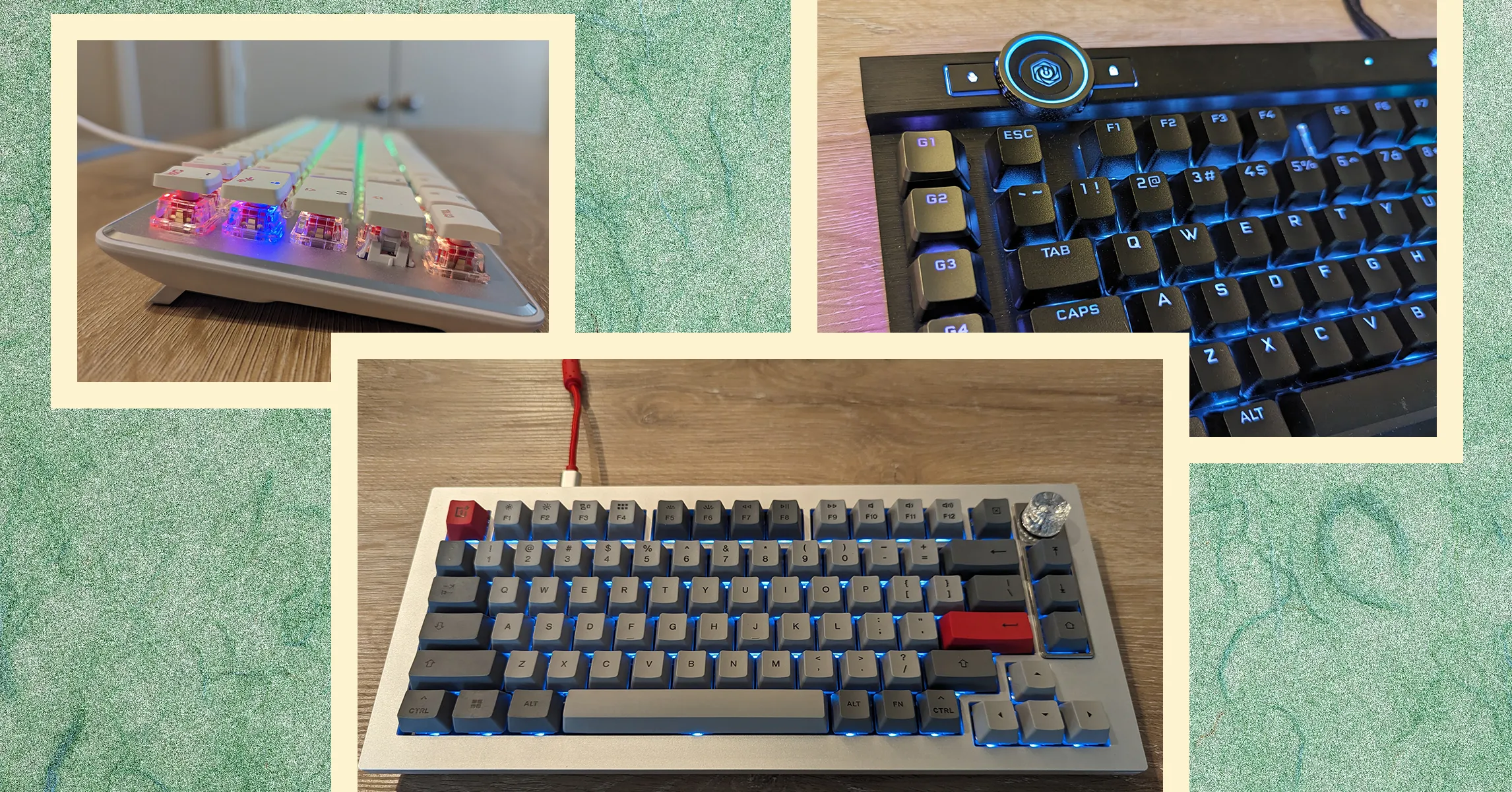
The Ultimate Guide to Choosing The Best Mechanical Keyboard Switches
Are you tired of using a mechanical keyboard that feels mushy or unresponsive? Do you want to upgrade your gaming experience with a switch that provides the perfect balance of speed, accuracy, and feel? Look no further! In this comprehensive guide, we’ll take you through the world of mechanical keyboard switches, helping you choose the best one for your needs.
Types of Mechanical Keyboard Switches
Before we dive into the details, let’s quickly cover the two main types of mechanical keyboard switches:
- Linear Switches: These switches are designed for gamers who want a smooth and silent typing experience. They have a linear feel, with no tactile bumps or clicks.
- Tactile Switches: These switches offer a more traditional typing experience, with tactile bumps that provide feedback as you press the keys.
Characteristics to Consider
When choosing a mechanical keyboard switch, there are several characteristics to consider:
- Actuation Force: This is the amount of force required to activate the switch.
- Travel Distance: This is the distance the switch travels before making contact.
- Lifespan: This refers to how many times the switch can be actuated before it wears out.
Best Mechanical Keyboard Switches For Gaming
If you’re a gamer, you’ll want to consider switches that offer the best combination of speed, accuracy, and feel. Here are some top picks:
- Cherry MX Red: These linear switches have a light actuation force (45g) and short travel distance (4mm), making them ideal for fast-paced games.
- Kailh Silver Speed: These switches have an even shorter travel distance (3.5Mm) and lighter actuation force (40g), making them perfect for gamers who want the fastest possible response time.
- Gateron Red: These tactile switches offer a smooth typing experience with a light actuation force (45g) and short travel distance (4mm).
Best Mechanical Keyboard Switches For Typing
If you’re a typist, you’ll want to consider switches that offer the best combination of feel, feedback, and accuracy. Here are some top picks:
- Cherry MX Brown: These tactile switches have a moderate actuation force (55g) and travel distance (4mm), making them ideal for typists who want a balance of feel and speed.
- Gateron Brown: These tactile switches offer a smooth typing experience with a light actuation force (45g) and short travel distance (4mm).
- Cherry MX Clear: These tactile switches have a moderate actuation force (65g) and travel distance (4mm), making them perfect for typists who want a more traditional typing feel.
Conclusion
Choosing the right mechanical keyboard switch can make all the difference in your gaming or typing experience. By considering factors like actuation force, travel distance, and lifespan, you can find the perfect switch for your needs. Whether you’re a gamer or typist, we hope this guide has helped you make an informed decision.
Frequently Asked Questions
- What is The Difference Between Linear And Tactile Switches?
Linear switches have no tactile bumps or clicks, while tactile switches offer feedback as you press the keys. - How do I Choose The Right Switch For my Needs?
Consider factors like actuation force, travel distance, and lifespan to find the perfect switch for your typing or gaming experience. - What is The Lifespan of a Mechanical Keyboard Switch?
The lifespan of a mechanical keyboard switch varies depending on the type and quality of the switch, but most switches can last for tens of millions of actuations. - Can I Replace Individual Switches on my Keyboard?
Yes, many mechanical keyboards allow you to replace individual switches with new ones. - What is The Best Switch For Gaming?
The best switch for gaming depends on your personal preferences and typing style, but Cherry MX Red, Kailh Silver Speed, and Gateron Red are popular choices among gamers. - What is The Best Switch For Typing?
The best switch for typing depends on your personal preferences and typing style, but Cherry MX Brown, Gateron Brown, and Cherry MX Clear are popular choices among typists.
Additional Resources
If you’re still unsure about which mechanical keyboard switch to choose, be sure to check out our additional resources:


