
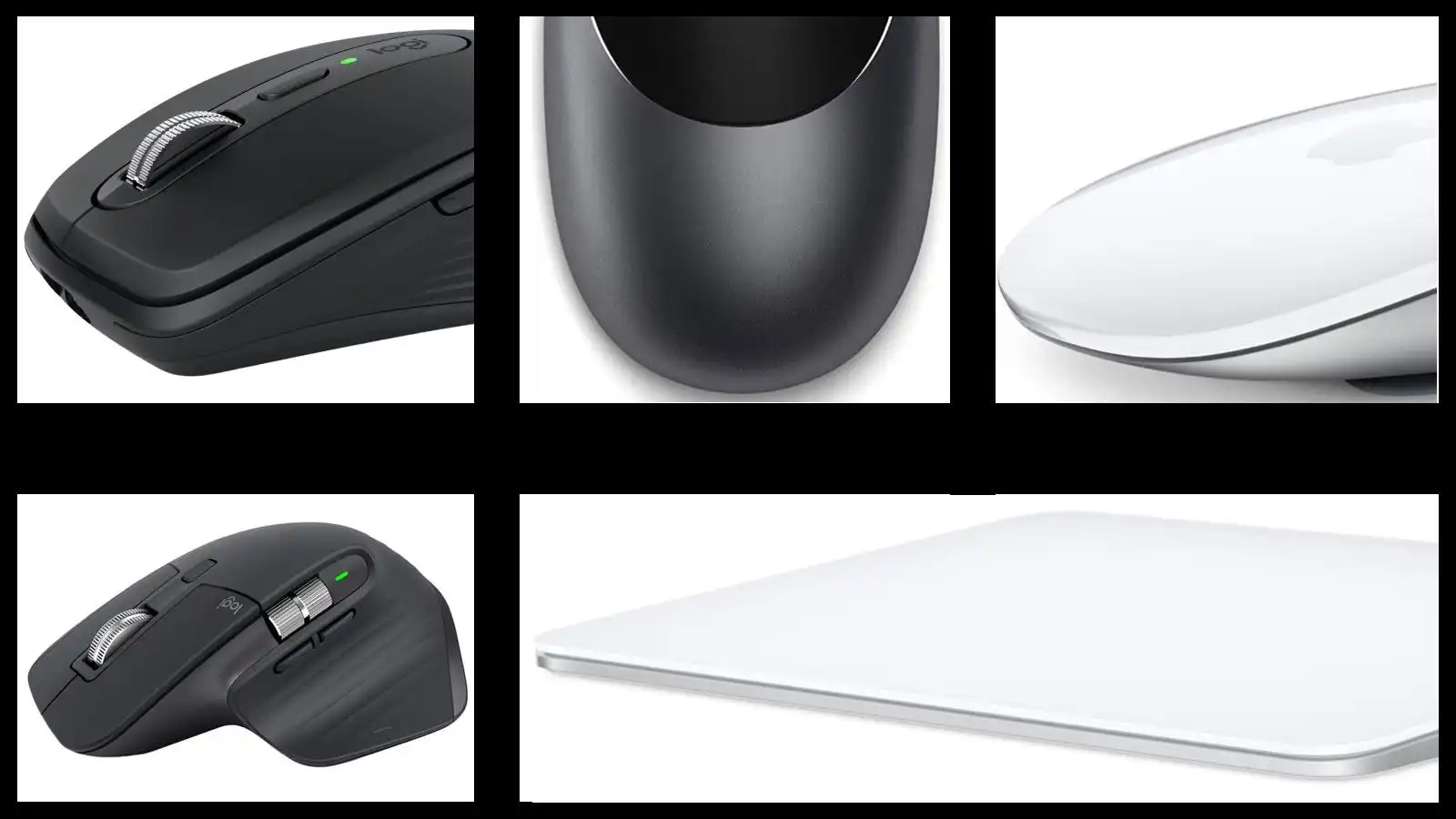
The Ultimate Guide to Choosing a Mouse For Your Mac
Are you tired of using your Mac’s trackpad? Do you want a more comfortable and precise way to navigate your computer? Look no further! In this guide, we’ll show you how to choose the perfect mouse for your Mac, taking into account various factors such as comfort, precision, and compatibility.
Understanding Your Needs
Before diving into the world of mice, it’s essential to understand your needs. Will you be using your mouse primarily for work or gaming? Do you need a mouse with advanced features like gesture recognition or customizable buttons? Knowing what you’ll be using your mouse for will help you narrow down your options.
Key Factors to Consider
- Form And Comfort: A good mouse should fit comfortably in your hand, allowing you to use it for extended periods without fatigue.
- Precision And Accuracy: Look for a mouse with high DPI (dots per inch) resolution, which ensures precise cursor movement on various surfaces.
- Compatibility: Ensure the mouse is compatible with your Mac’s operating system and version of macOS.
- Connectivity: Choose between wireless or wired connectivity, depending on your preferences.
- Battery Life: Consider a mouse with long battery life or one that can be easily recharged.
Top Mice For Mac
- Tecknet Pro
- Wireless ergonomic mouse with 2600 DPI resolution
- Long-lasting battery life and automatic power-saving feature
- Compatible with Windows, macOS, and Linux
- Tqq Mouse Wireless Ricaricabile
- Compact and lightweight design with advanced optical technology
- Long battery life (up to a month) and automatic shut-off feature
- Compatible with Windows, macOS, and Linux
- Logitech M185
- Wireless mouse with 2.4 GHz connectivity and compact design
- Lasting battery life (up to 12 months) and plug-and-play functionality
- Compatible with Windows, macOS, and Linux
- Apple Magic Mouse
- Sleek and minimalist design with advanced Bluetooth technology
- Long-lasting battery life and automatic shut-off feature
- Compatible with Macs running macOS 10.11 Or later
Conclusion
Choosing the right mouse for your Mac can be a daunting task, but by considering factors like comfort, precision, compatibility, and connectivity, you’ll find the perfect one for your needs. Whether you’re a gamer, professional, or casual user, this guide has provided you with valuable insights to make an informed decision.
Frequently Asked Questions
- Q: What is The Difference Between Wireless And Wired Mice?
A: Wireless mice offer more flexibility and convenience, while wired mice provide better compatibility and no need for battery replacement. - Q: How do I Choose a Mouse With High Dpi Resolution?
A: Look for mice with high DPI resolution (over 1000) and consider factors like accuracy and precision in your specific use case. - Q: What is The Importance of Comfort And Ergonomics in a Mouse?
A: A comfortable and ergonomic mouse design can reduce fatigue and improve productivity, making it an essential factor to consider. - Q: Can I Use Any Mouse With my Mac?
A: While most mice are compatible with Macs, ensure your chosen mouse is specifically designed for macOS and meets your requirements. - Q: How do I Care For my Mouse’s Battery Life?
A: Regularly clean the mouse’s optical sensor, avoid using it near magnetic fields, and keep track of its battery life to extend its lifespan.
Final Tips
- Always read reviews and product descriptions before making a purchase
- Consider factors like durability, build quality, and customer support when choosing your mouse
- Don’t hesitate to reach out to the manufacturer or customer support if you encounter any issues with your chosen mouse
By following this guide, you’ll be well-equipped to find the perfect mouse for your Mac, ensuring a comfortable, precise, and enjoyable computing experience.


