
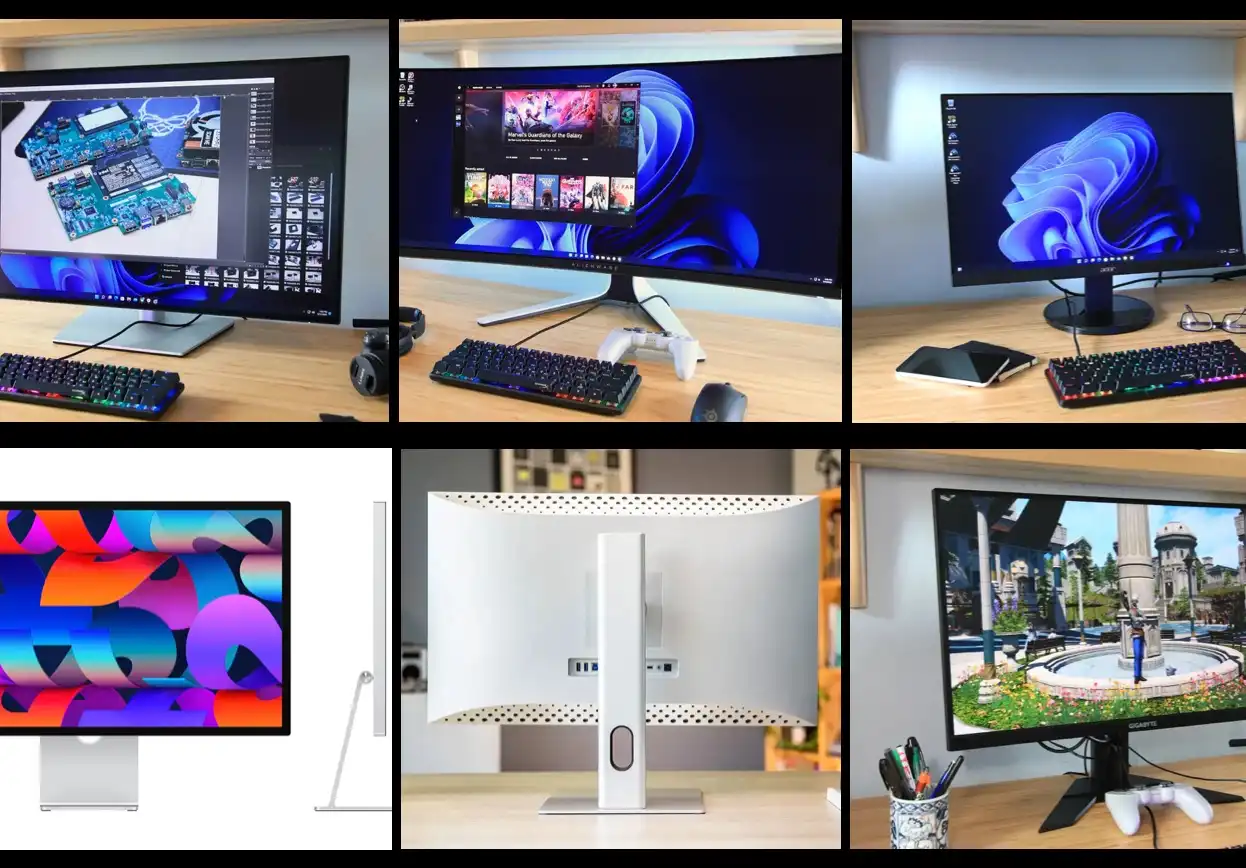
Better Monitor For Mac: A Guide to Shopping (2024)
Are you in the market for a new monitor for your Mac? Replacing an outdated one or looking for an integrative monitor to enhance your work experience? This guide is here to help you navigate the process and make an informed decision.
Choosing The Best Monitor For Your Mac
Before selecting a monitor, consider the following factors:
- Type: Identify the typology of monitor that suits your needs. For multimedia enthusiasts, IPS (In-Plane Switching) panels are ideal.
- Resolution: Understand the resolution options available, from HD to 8K. Consider the technology Retina adopted by Apple and its benefits.
- Connectivity: Ensure compatibility with your Mac’s connectivity options, such as HDMI, DisplayPort, or Thunderbolt.
Top Monitor Picks For Your Mac
Here are some top-rated monitors that meet the above criteria:
- Samsung Hrm Ur55 (U28R552): A 27″ monitor with UHD 4K resolution, HDR10 support, and a sleek design.
- LG 27UL500P: A 27″ monitor with Ultra HD 4K resolution, HDR10 support, and a wide viewing angle.
- Samsung Gaming Odyssey G4 (S25BG400): A 24.5″ Monitor with Full HD resolution, AMD FreeSync technology, and a slim design.
Understanding Monitor Features
When selecting a monitor, consider the following features:
- Refresh Rate: Ensure a smooth experience with a refresh rate of at least 60Hz.
- Response Time: Opt for a monitor with low response time to minimize ghosting.
- Hdr Support: Consider monitors with HDR (High Dynamic Range) support for enhanced color and contrast.
- Displayport: Choose a monitor with multiple DisplayPort options for easy connectivity.
Design And Ergonomics
Consider the design and ergonomics of the monitor:
- Panel Type: Flat or curved panels are available, depending on your preferences.
- Thickness: Slim monitors with subtle bezels provide an immersive experience.
- Adjustability: Look for monitors with adjustable height, tilt, and swivel options.
Conclusion
Choosing the best monitor for your Mac requires careful consideration of factors like resolution, connectivity, refresh rate, response time, HDR support, and design. By understanding these features and selecting a monitor that meets your needs, you’ll be able to enjoy an enhanced work experience and enjoy seamless integration with your Mac.
Frequently Asked Questions (FAQs)
- Q: What is the best resolution for my Mac?
A: The best resolution depends on your usage; 4K or higher is recommended for multimedia enthusiasts. - Q: Do I need a monitor with HDR support?
A: Yes, if you want to experience enhanced color and contrast in compatible content. - Q: Can I use a monitor without DisplayPort?
A: If not using multiple monitors, other connectivity options like HDMI are sufficient. - Q: How important is refresh rate for gaming?
A: A high refresh rate (at least 60Hz) ensures a smooth gaming experience with minimal ghosting. - Q: Can I adjust the height and tilt of my monitor?
A: Most modern monitors offer adjustable ergonomics to ensure comfort during extended use. - Q: How do I choose between a curved or flat monitor?
A: Curved monitors provide an immersive experience, while flat panels are ideal for multitasking. - Q: Can I use a monitor with multiple DisplayPort options?
A: Yes, this feature ensures easy connectivity and future-proofing. - Q: What is the significance of HDR10 support in monitors?
A: HDR10 enhances color accuracy, contrast, and overall image quality.
I hope you have found this article to be informative and useful for your needs.


