
How to Open Odg Files: A Step-by-step Guide
Are you struggling to open ODG files on your computer or mobile device? Look no further! In this article, we will guide you through the process of opening ODG files using various software and online tools.
What is an Odg File?
Before we dive into the instructions, let’s quickly explain what an ODG file is. An ODG file is a document file format that was created by the OpenDocument project. It is a text-based file format that can contain graphics, images, and other multimedia elements.
Opening Odg Files With Libreoffice
LibreOffice is a free and open-source office suite that supports the opening of ODG files. Here’s how to do it:
- Download and install LibreOffice from the official website.
- Launch LibreOffice and click on the “File” menu.
- Select “Open” and choose the ODG file you want to open.
- Click on the “Open” button, and your document should be displayed in LibreOffice.
Opening Odg Files With Microsoft Office
Microsoft Office also supports the opening of ODG files. Here’s how to do it:
- Launch Microsoft Word or PowerPoint (depending on the type of document you want to open).
- Click on the “File” menu and select “Open”.
- Choose the ODG file you want to open from your computer.
- Click on the “Open” button, and your document should be displayed in Microsoft Office.
Opening Odg Files Online
If you don’t have any office software installed on your device, you can still open ODG files online using various web-based tools. Here are a few options:
- Pdf24 Tools: This is a free online tool that allows you to upload and view ODG files in your browser.
- Ooreader: This is a mobile app for Android and iOS devices that allows you to read ODG files on-the-go.
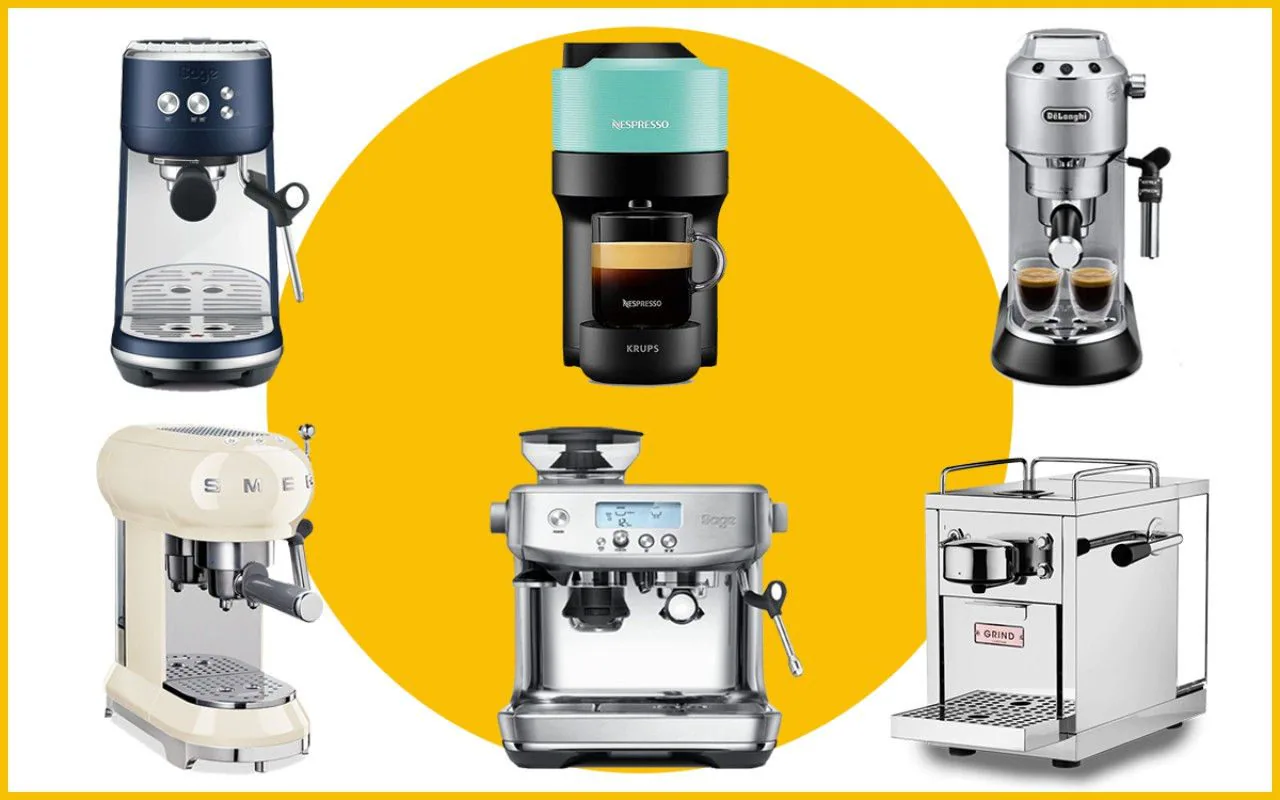
Choosing The Right Machine For Your Coffee Needs
Are you in the market for a coffee machine? Look no further! In this article, we will guide you through the process of choosing the right machine for your coffee needs.
Types of Coffee Machines
There are three main types of coffee machines: Manual, semi-automatic, and automatic. Each type has its own advantages and disadvantages.
- Manual machines offer full control over the brewing process but require more effort.
- Semi-automatic machines automate the brewing process but still require user input.
- Automatic machines are the most convenient option but may lack customization options.
Key Features to Consider
When choosing a coffee machine, consider the following key features:
- Dimensions And Materials: Choose a machine that fits your kitchen space and is made from high-quality materials.
- Functions: Select a machine with advanced functions such as automatic grinding, temperature control, and milk frothing capabilities.
- Maintenance: Opt for a machine with easy maintenance options to minimize downtime.
Conclusion
Opening ODG files and choosing the right coffee machine may seem like daunting tasks, but with this guide, you should be able to navigate these processes with ease. Remember to always choose software or tools that meet your specific needs, and don’t hesitate to seek advice from experts if needed.
Faqs
Here are some frequently asked questions related to opening ODG files and choosing coffee machines:
Q: What is an ODG file?
A: An ODG file is a document file format created by the OpenDocument project.
Q: Can I open ODG files on my mobile device?
A: Yes, you can use mobile apps such as OOReader or online tools like PDF24 Tools to view ODG files on your device.
Q: What are the benefits of using LibreOffice to open ODG files?
A: LibreOffice is a free and open-source office suite that supports opening ODG files. It also offers advanced features such as automatic formatting and editing capabilities.
Q: How do I choose the right coffee machine for my needs?
A: Consider factors such as dimensions, materials, functions, maintenance, and your personal preferences when selecting a coffee machine.
Q: Can I use Microsoft Office to open ODG files?
A: Yes, you can use Microsoft Office to open ODG files. However, you may need to download additional software or plugins for advanced formatting capabilities.
Q: What are the key differences between manual, semi-automatic, and automatic coffee machines?
A: Manual machines offer full control over brewing but require more effort. Semi-automatic machines automate brewing but still require user input. Automatic machines are the most convenient option but may lack customization options.


