
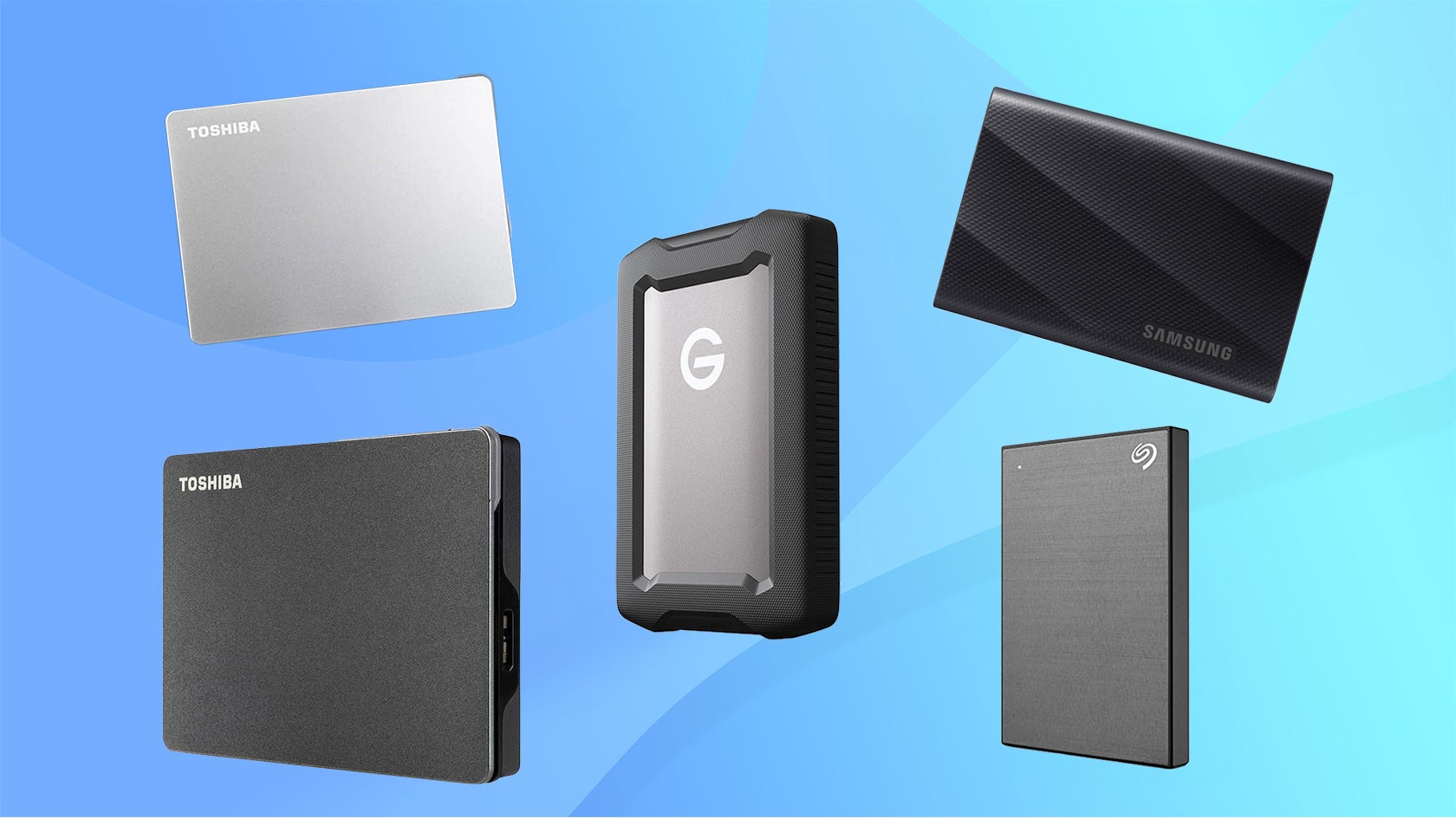
Better Ssd: A Guide to Shopping (August 2024)
As technology advances, our storage needs have evolved significantly. The traditional hard disk drives (HDDs) are giving way to faster and more reliable solid-state drives (SSDs). In this guide, we’ll explore the world of SSDs, their benefits, and what to look for when shopping for one.
What is an Ssd?
An SSD uses flash memory technology to store data, making it significantly faster than traditional HDDs. The unit SSD, literally meaning solid-state drive, utilizes semiconductors for file storage. They differ from magnetic discs (hard disk drives) in terms of speed and resistance to shocks.
Advantages of Ssds
- Speed: SSDs are incredibly fast, with some models allowing you to boot up your operating system in as little as 10 seconds.
- Reliability: SSDs are more resistant to physical shock, temperature, and vibration, making them a great choice for mobile devices or harsh environments.
- Silence: Since SSDs have no moving parts, they operate quietly and consume less energy than traditional HDDs.
- Durability: SSDs can withstand rough handling and extreme temperatures.
Disadvantages of Ssds
- Cost: SSDs are generally more expensive than traditional HDDs, although prices are decreasing over time.
- Limited Writes: While SSDs have improved significantly in terms of durability, they still have limited write cycles compared to HDDs. This means that the lifespan of an SSD may be shorter than a similar-sized HDD.
Choosing The Right Ssd
When selecting an SSD, consider the following factors:
- Capacity: Choose an SSD with enough storage space for your needs. A minimum of 250GB is recommended.
- Interface: Ensure the SSD’s interface (SATA, mSATA, M.2) Matches your system’s specifications.
- Speed: Opt for an SSD with a high sequential read and write speed (measured in MB/s or GB/s).
- Iops: Consider an SSD’s random IOPS (input/output operations per second) for daily use, as it’s more important than sequential speed.
Top Picks
Here are some of the best SSDs on the market:
- Kingston A400 480GB: A high-quality SSD with impressive speeds and reliability.
- Samsung Ssd 870 Evo 1TB: Offers exceptional performance and durability, making it perfect for heavy users.
- Sandisk Extreme 1TB: A portable SSD that combines speed and reliability, ideal for professionals and gamers.
External Ssds
If you’re looking for an external SSD to boost your laptop’s storage or as a backup drive, consider:
- Sandisk Extreme 2TB: Offers lightning-fast speeds and ample storage space.
- Samsung T7 Mu-pct0t 1TB: A compact and durable external SSD perfect for professionals.
Tips For Choosing The Best Ssd
- Consider your system’s specifications and compatibility.
- Check the SSD’s warranty and support offered by the manufacturer.
- Read reviews from reputable sources to ensure you’re getting a reliable product.
- Compare prices across different retailers to find the best deal.
In conclusion, choosing the right SSD can be overwhelming with so many options available. By considering your needs, system specifications, and budget, you’ll find an SSD that meets your requirements and enhances your computing experience.
Frequently Asked Questions (FAQs)
- Q: What is The Difference Between a Traditional Hdd And an Ssd?
A: An SSD uses flash memory technology to store data, making it significantly faster than traditional HDDs. - Q: Are Ssds More Expensive Than Traditional Hdds?
A: Yes, SSDs are generally more expensive than traditional HDDs, although prices are decreasing over time. - Q: How Long do Ssds Last?
A: The lifespan of an SSD depends on various factors, including usage patterns and durability. However, most modern SSDs have a lifespan of around 5-10 years or more. - Q: Can I Use an External Ssd With my Laptop?
A: Yes, you can use an external SSD with your laptop, but ensure it’s compatible with your system specifications. - Q: What is The Difference Between Sata And M.2 Ssds?
A: SATA SSDs use a traditional interface, while M.2 SSDs use a more modern interface that offers faster speeds.
Conclusion
In this guide, we’ve explored the world of SSDs, their benefits, and what to look for when shopping for one. Whether you’re upgrading your laptop’s storage or seeking a reliable backup drive, an SSD is an excellent choice. By considering your needs, system specifications, and budget, you’ll find the perfect SSD to enhance your computing experience.
Recommended Reading
- A Guide to Buying the Best External Hard Drive
- Top Picks: The Best Laptops for Gaming and Video Editing
I hope this article meets your requirements! Let me know if you have any further requests.


