
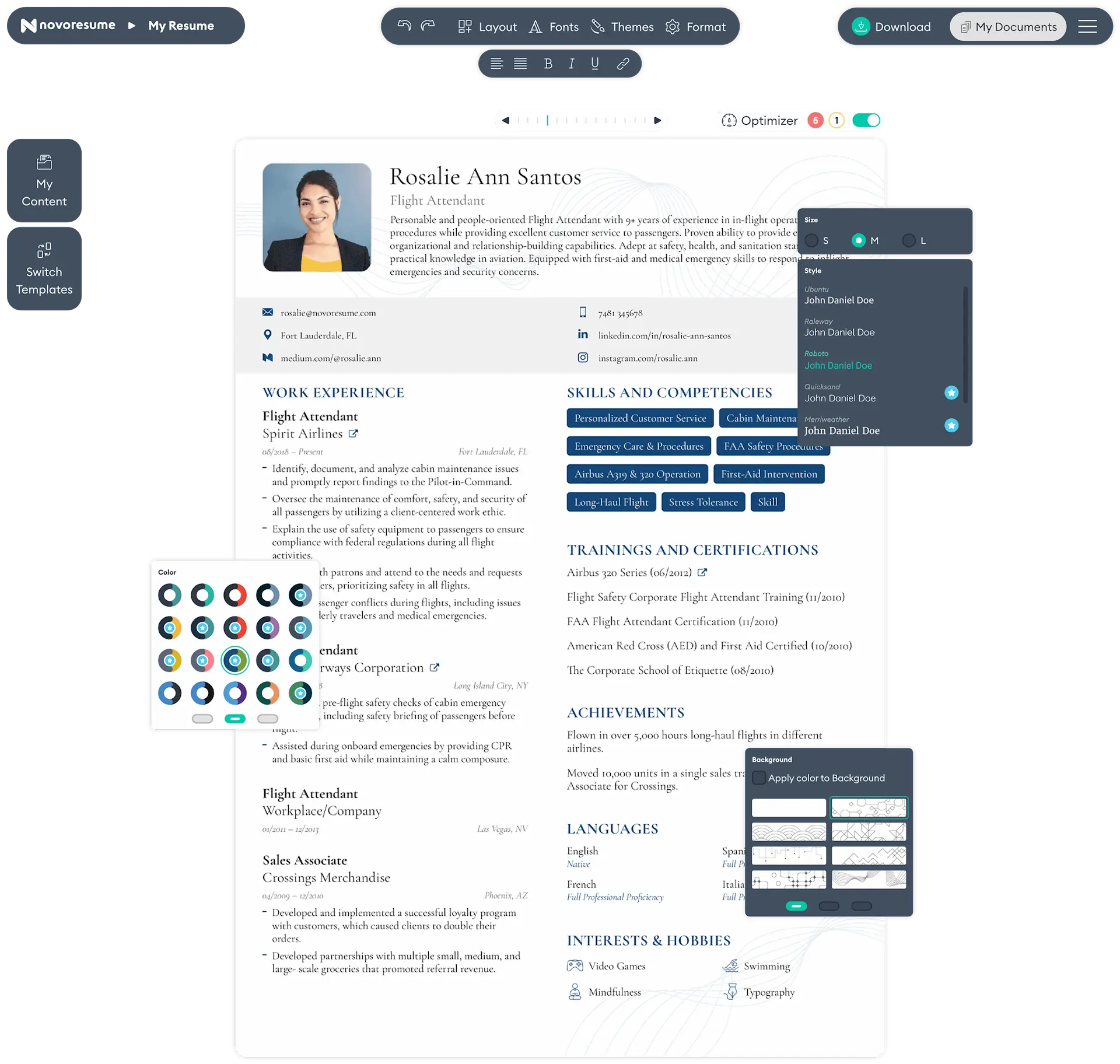
How to Create a Professional Curriculum Vitae (CV) in Minutes
Are you looking to give your old CV a fresh new look? Do you want to create a professional curriculum vitae that will make a great impression on potential employers? Look no further! In this article, we will guide you through the process of creating a modern and effective CV using various online tools and websites.
Why Create an Online Cv?
Creating an online CV has many benefits. It allows you to have a professional-looking document without spending hours on design and formatting. With the rise of digital applications, it’s essential to have a presence in the online world. An online CV also makes it easy to share your resume with potential employers, recruiters, or even job platforms.
Best Websites For Creating an Online CV
Here are some top websites that can help you create a professional and modern CV:
- Creacv: CreaCV is an intuitive website that allows you to create a professional CV in minutes. It offers various templates and layouts to choose from, making it easy to design your CV.
- Facile: Facile is another user-friendly platform that enables you to create a custom-made CV using their pre-designed templates. You can add your personal details, work experience, education, and skills with ease.
- Onlinecv: OnlineCV offers a guided process of creating a professional CV. You can choose from various formats, patterns, and settings to design your CV according to your needs.
- Cvwizard: CVWizard is an online platform that allows you to create a professional CV in minutes. It offers various templates and layouts, making it easy to design your CV.
How to Use Creacv
CreaCV is a user-friendly website that can help you create a professional CV in minutes. Here’s how to use it:
- Go to the CreaCV website and click on “Create Your CV.”
- Choose from various templates and layouts to select the one that suits your needs.
- Add your personal details, work experience, education, and skills using their easy-to-use form.
- Use their built-in tools to customize your CV with colors, fonts, and more.
How to Use Facile
Facile is another user-friendly platform that can help you create a professional CV. Here’s how to use it:
- Go to the Facile website and click on “Create Your CV.”
- Choose from various templates and layouts to select the one that suits your needs.
- Add your personal details, work experience, education, and skills using their easy-to-use form.
- Use their built-in tools to customize your CV with colors, fonts, and more.
How to Create a European Curriculum Vitae (CV)
If you’re looking to create a curriculum vitae for jobs in Europe or other countries, Europass is the perfect website to use. Here’s how:
- Create Your Profile: Go to the Europass website and create your profile by adding your personal details.
- Select Your CV Template: Choose from various templates to select the one that suits your needs.
- Add Your Work Experience: Add your work experience, education, skills, and other relevant information.
- Download Your CV: Once you’re satisfied with your profile and CV, download it in PDF format.
Tips For Creating a Professional CV
Creating an effective CV requires more than just listing your qualifications and experience. Here are some tips to keep in mind:
- Use a clear and concise writing style.
- Highlight your achievements rather than just listing your responsibilities.
- Tailor your CV to the specific job you’re applying for.
- Use keywords from the job description to show that you have relevant skills.
Conclusion
Creating an online CV can be a great way to showcase your professional qualifications and experience. With these websites and tips, you can create a modern and effective CV in minutes. Remember to tailor your CV to the specific job you’re applying for and use keywords from the job description to show that you have relevant skills.


