
The Ultimate Guide to Dubbing Videos: Top Apps to Try
Are you tired of watching videos without sound or struggling to find a good dubbing app? Look no further! In this article, we’ll explore the top apps for dubbing videos, making it easy for you to create and share your own dubbed content.
Why Dubbing Videos?
Dubbing videos can be a fun way to enhance your viewing experience. Whether you’re watching a video in a language you don’t understand or simply want to add some extra flair, dubbing can make all the difference.
Top Apps For Dubbing Videos
In this section, we’ll dive into the top apps for dubbing videos on both Android and iOS devices.
1. Inshot (Android/iOS/iPadOS)
InShot is a powerful video editing app that also allows you to dub your videos with ease. With its intuitive interface and user-friendly features, InShot makes it simple to create professional-looking dubbed content.
How to Use Inshot:
- Download and install the app from the Play Store or App Store.
- Open the app and select the video you want to dub.
- Choose the audio source (music or recording) and start the recording process.
- Edit the audio as needed using the built-in tools.
- Save your dubbed video and share it on social media or with friends.
2. Tiktok (Android/iOS/iPadOS)
TikTok is a popular app for creating short videos, but did you know it also allows you to dub your videos? With its lip-sync feature, you can create fun and engaging content that’s sure to go viral.
How to Use Tiktok:
- Download and install the app from the Play Store or App Store.
- Open the app and select a video you want to dub (or record one using the camera).
- Choose the lip-sync option and start recording your dubbed audio.
- Edit the video as needed using the built-in tools.
- Share your dubbed video on TikTok or with friends.
3. Madlipz (Android/iOS)
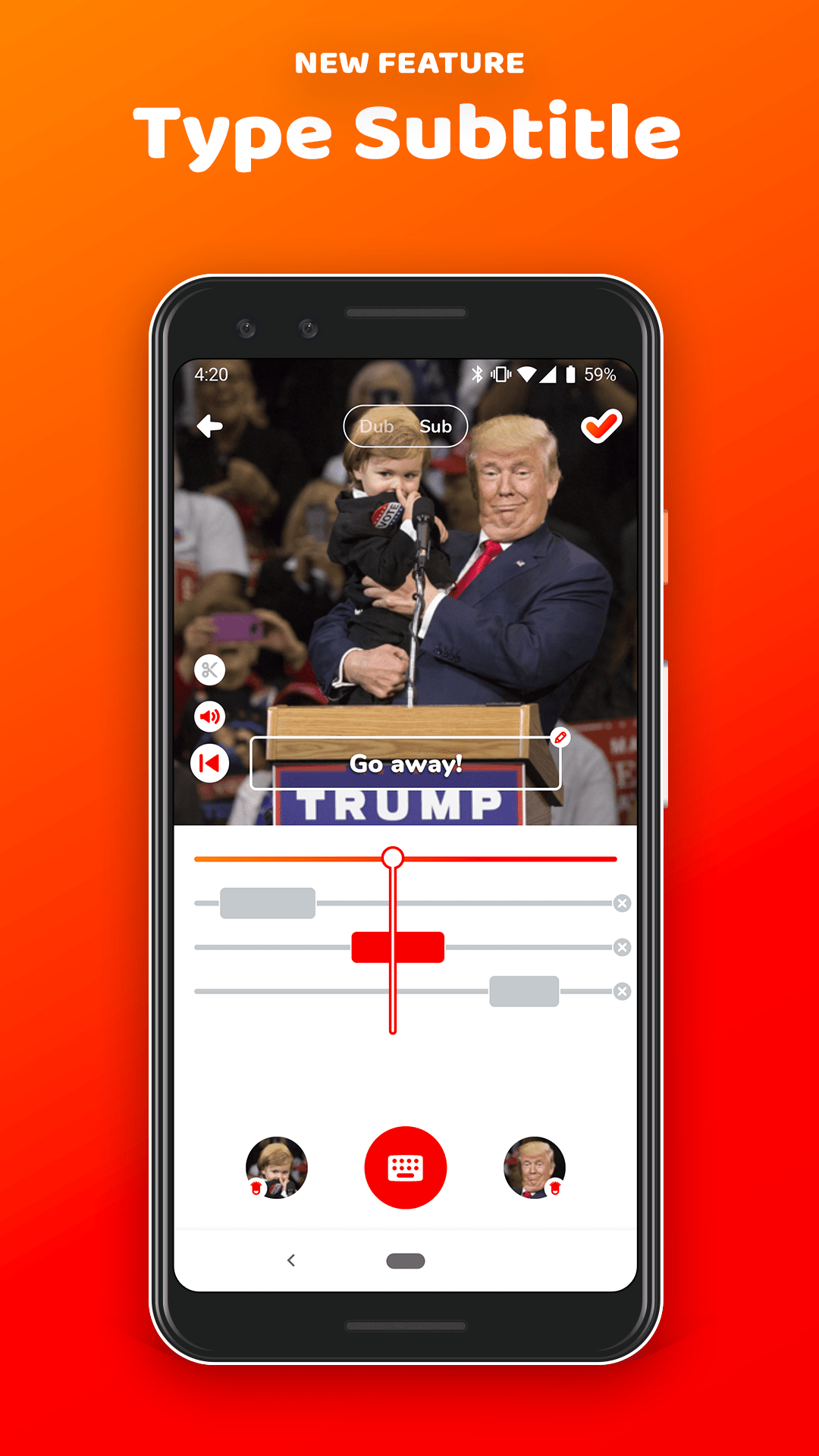
MadLipz is a dedicated app for dubbing videos, making it easy to create professional-looking content without any technical expertise.
How to Use Madlipz:
- Download and install the app from the Play Store or App Store.
- Open the app and select a video you want to dub (or record one using the camera).
- Choose your preferred audio source (music or recording) and start the recording process.
- Edit the audio as needed using the built-in tools.
- Save your dubbed video and share it on social media or with friends.
Other Apps For Dubbing Videos
If you’re not satisfied with the above apps, don’t worry! There are plenty of other options available. Here are some honorable mentions:
- CapCut (Android/iOS/iPadOS)
- IMovie (iOS/iPadOS)
- Smule (Android/iOS/iPadOS)
Why Choose Our Top Apps?
Our top apps offer a range of features and benefits that make them stand out from the rest. Here’s why you should choose one of our recommended apps:
- Ease of Use: Our apps are designed to be user-friendly, making it easy for anyone to create professional-looking dubbed content.
- Professional Results: With advanced editing tools and high-quality audio options, our apps ensure that your dubbed videos look and sound great.
- Sharing Options: Share your dubbed video on social media, with friends, or via email using our recommended apps.
Conclusion
Dubbing videos can be a fun and creative way to enhance your viewing experience. With the top apps listed above, you can easily create professional-looking content that’s sure to impress. Whether you’re looking for ease of use, professional results, or sharing options, we’ve got you covered.
Frequently Asked Questions (FAQs)
- What is Dubbing a Video?
Dubbing a video involves replacing the original audio with new recorded audio, often using music or voiceovers.
- Why Would I Want to Dub a Video?
You might want to dub a video for various reasons, such as:
- To enhance your viewing experience by adding sound effects or music.
- To create content in multiple languages.
-
To make videos more engaging and shareable on social media.
-
Which App is Best For Dubbing Videos?
Our top apps, InShot, TikTok, and MadLipz, offer a range of features that make them ideal for dubbing videos. Choose the one that suits your needs!
- How do I Get Started With Dubbing Videos?
Download and install an app from our list, follow the instructions provided, and start creating your own dubbed content!
- Can I Use These Apps on my Pc?
While some of our recommended apps have PC versions, not all of them are available for desktop use.
- How do I Share my Dubbed Video?
Share your dubbed video on social media platforms like TikTok, Instagram, or Facebook, or via email using the sharing options provided in our top apps.
- Can I Use These Apps to Create Professional-looking Content?
Yes! Our recommended apps offer advanced editing tools and high-quality audio options that ensure professional-looking results.
- Are There Any Other Apps For Dubbing Videos?
Of course! There are many other apps available, but our list provides the top recommendations based on ease of use, features, and user reviews.


