
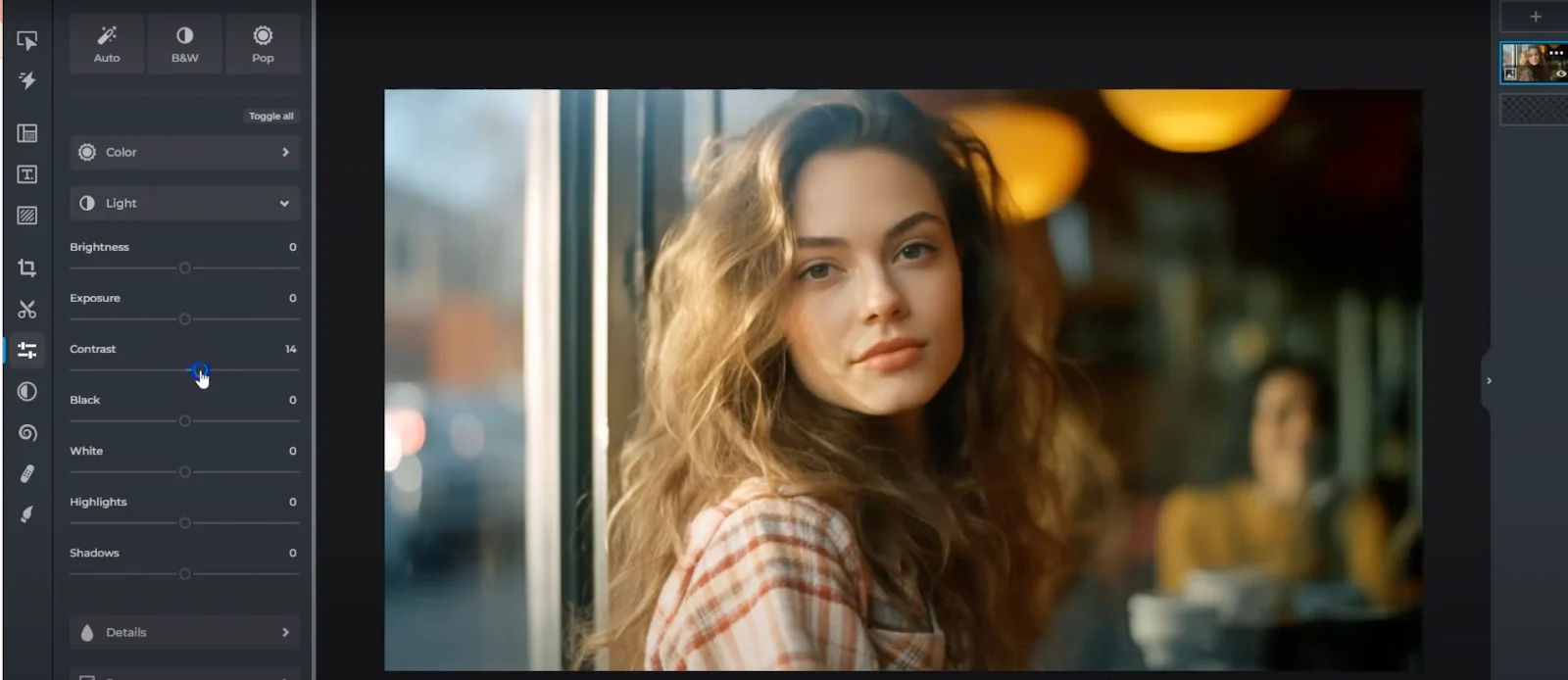
The Ultimate Guide to Modifying Photos Online: A Step-by-step Tutorial
Are you tired of mediocre photos that lack the perfect touch? Do you want to enhance your images without breaking a sweat or requiring extensive editing skills? Look no further! In this comprehensive guide, we’ll explore the best online services for modifying photos, making it easy and fun to transform your scattis into stunning works of art.
Why Modify Photos Online?
Before diving into the world of photo editing, let’s briefly discuss why modifying photos online is a great idea. With the rise of digital photography, everyone can take amazing pictures, but sometimes, even with the best camera equipment, photos may need some tweaking to reach their full potential. Modifying photos online offers numerous benefits:
- Convenience: You don’t need to download and install software on your computer.
- Ease of use: Most online photo editing services have user-friendly interfaces that make it easy to navigate and edit your images.
- Time-saving: You can quickly apply filters, adjust colors, and add text to your photos without spending hours in front of a computer screen.
Top Online Services For Modifying Photos
Now that we’ve covered the benefits of modifying photos online, let’s explore some of the best services available:
1. Photopea
Photopea is an advanced online photo editor that offers a wide range of features, including filters, adjustments, and effects. It’s free to use and supports PSD files, making it a great alternative to Photoshop.
- Features: Filters, adjustments, effects, and support for PSD files.
- Pricing: Free with optional premium subscription (3.33 USD/month).
- User interface: Easy to navigate and user-friendly.
2. Polarr
Polarr is another excellent online photo editor that offers a variety of filters and adjustments. It’s free to use, but some advanced features require a paid subscription.
- Features: Filters, adjustments, and support for PSD files.
- Pricing: Free with optional premium subscription (7.99 USD/month).
- User interface: Easy to navigate and user-friendly.
3. Pixlr X
Pixlr X is an online photo editor that’s designed to be fast and easy to use. It offers a range of features, including filters and adjustments, and is free to use with optional premium subscription.
- Features: Filters, adjustments, and support for PSD files.
- Pricing: Free with optional premium subscription (4.90 USD/month).
- User interface: Easy to navigate and user-friendly.
4. Pixlr
Pixlr is an online photo editor that’s designed specifically for professionals. It offers a range of advanced features, including filters and adjustments, and requires a paid subscription.
- Features: Filters, adjustments, and support for PSD files.
- Pricing: Paid subscription (7.99 USD/month).
- User interface: Easy to navigate and user-friendly.
5. Photoroom
PhotoRoom is an online platform that offers various helpful instruments to modify images, including a tool to delete unwanted objects from your photos.
- Features: Object removal, filters, adjustments, and support for PSD files.
- Pricing: Free with optional premium subscription (9 USD/month).
- User interface: Easy to navigate and user-friendly.
6. Remove.bg
Remove.Bg is an online service that allows you to remove the background from your photos quickly and easily. It’s free to use, but some advanced features require a paid subscription.
- Features: Background removal, filters, adjustments.
- Pricing: Free with optional premium subscription (9 USD/month).
- User interface: Easy to navigate and user-friendly.
7. Canva
Canva is an online service that allows you to add text and other design elements to your photos easily. It’s free to use with optional premium subscription.
- Features: Text, filters, adjustments.
- Pricing: Free with optional premium subscription (107 USD/year).
- User interface: Easy to navigate and user-friendly.
How to Modify Photos Online
Now that we’ve covered some of the best online services for modifying photos, let’s dive into a step-by-step guide on how to use them:
Step 1: Choose Your Service
Select one of the online services mentioned above (Photopea, Polarr, Pixlr X, Pixlr, PhotoRoom, Remove.Bg, or Canva).
Step 2: Upload Your Photo
Upload your photo from your computer or choose it directly from the service’s cloud storage.
Step 3: Apply Filters And Adjustments
Apply filters, adjustments, and effects to enhance your photo. You can also add text, remove unwanted objects, or change the background.
Step 4: Save Your Edited Photo
Save your edited photo in the desired format (e.G., JPEG, PNG, PSD).
Step 5: Download Your Edited Photo
Download your edited photo to your computer.
Tips And Tricks
Here are some additional tips and tricks to help you modify photos online like a pro:
- Experiment with different filters and adjustments to find the perfect look for your photo.
- Use the undo feature frequently to avoid losing changes or over-editing your image.
- Save your edited photo in multiple formats to ensure compatibility across different platforms.
Conclusion
Modifying photos online has never been easier! With these services, you can quickly enhance your images without requiring extensive editing skills. Whether you’re a beginner or an experienced editor, there’s something for everyone. So go ahead, give it a try, and take your photo game to the next level!
Frequently Asked Questions
Q: What is the best online service for modifying photos?
A: The best online service for modifying photos depends on your specific needs and preferences. Some popular options include Photopea, Polarr, Pixlr X, and Canva.
Q: How do I remove unwanted objects from my photo?
A: You can use services like PhotoRoom or Remove.Bg to remove unwanted objects from your photo quickly and easily.
Q: Can I add text to my photo online?
A: Yes, you can use services like Canva to add text to your photo online.


