
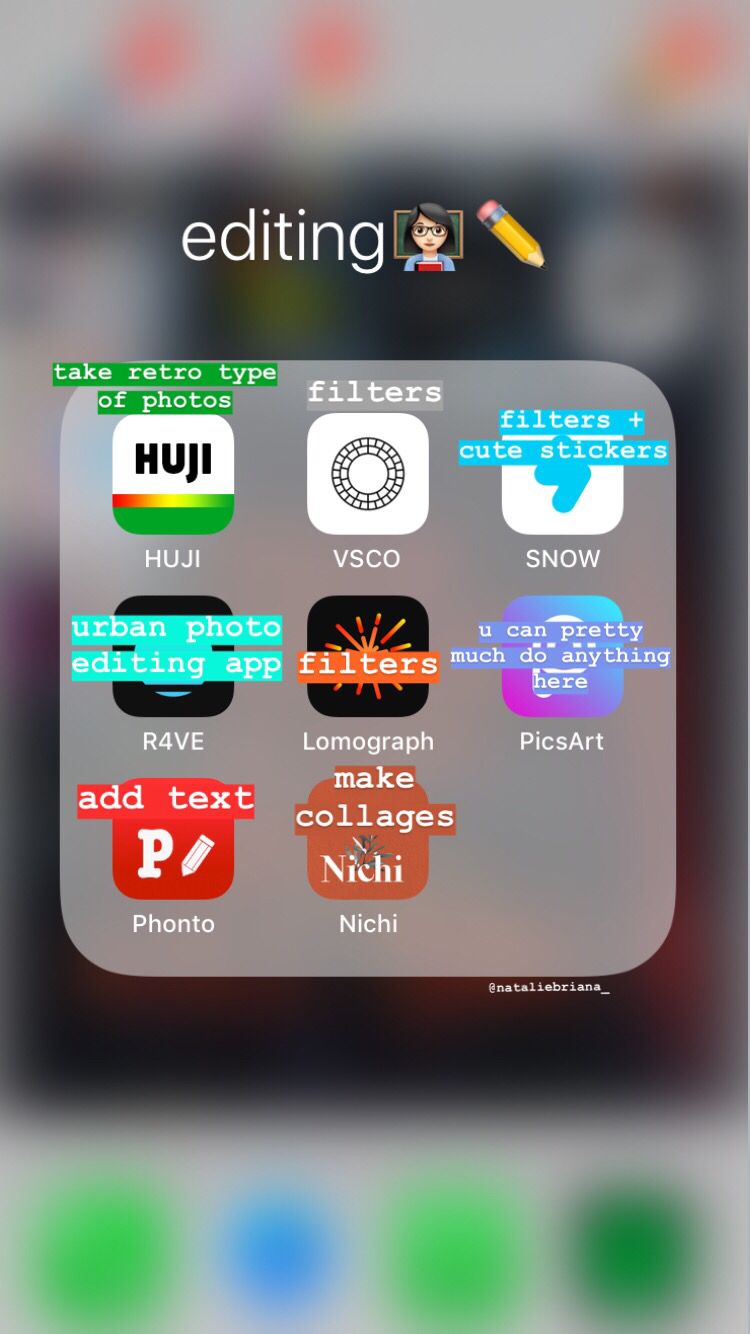
The Ultimate Guide to Mobile Editing Apps
In today’s world, smartphones have become an indispensable tool for accomplishing various tasks, from simple messaging to complex video editing. The technological advancements of recent years have made it possible for mobile devices to perform tasks that were previously thought to be exclusive to computers.
Why Use a Smartphone For Editing?
Using a smartphone to edit videos, photos, and audio may seem like a redundant task, especially when you consider the capabilities of desktop computers. However, with the rise of mobile editing apps, it’s now possible to achieve professional-grade results on-the-go.
Best Mobile Editing Apps For Video, Photos, And Audio
In this article, we’ll explore some of the best mobile editing apps available for video, photos, and audio editing.
Video Editing Apps
Kinemaster (Android/iOS/iPadOS)
KineMaster is one of the most popular video editing apps on the market. It’s available for free and offers a wide range of features, including chroma keying, color adjustment, and effects. The app also allows users to add music and sound effects to their videos.
How to Use Kinemaster
To use KineMaster, simply download and install the app from the Play Store or App Store. Create a new project by tapping on the “+” icon, select the video you want to edit, and then start editing. You can trim clips, add transitions, and adjust audio levels using the intuitive interface.
Other Video Editing Apps
- Inshot (Android/iOS/iPadOS): A free app that offers a wide range of features, including chroma keying, color adjustment, and effects.
- Adobe Premiere Rush (Android/iOS/iPadOS): The mobile version of Adobe Premiere Pro, offering advanced video editing features.
- Imovie (iOS/iPadOS): A free app developed by Apple, allowing users to edit videos on their iPhone or iPad.
Photo Editing Apps
Snapseed (Android/iOS/iPadOS)
Snapseed is a powerful photo editing app that offers a wide range of features, including filters, adjustments, and effects. The app also allows users to retouch images, remove red-eye, and crop photos.
How to Use Snapseed
To use Snapseed, simply download and install the app from the Play Store or App Store. Select the photo you want to edit, and then start editing using the intuitive interface. You can adjust exposure, contrast, and colors using the various tools available.
Other Photo Editing Apps
- Vsco (Android/iOS/iPadOS): A popular app that offers a wide range of filters and effects for photos.
- Pixlr (Android/iOS/iPadOS): A free app that allows users to edit photos, including adjusting colors, contrast, and brightness.
- Adobe Photoshop Express (Android/iOS/iPadOS): A free version of Adobe Photoshop, offering a wide range of features for photo editing.
Audio Editing Apps
Editor of Music And Sounds (Android)
Editor of Music and Sounds is a powerful audio editing app that allows users to cut, mix, and edit audio files. The app also offers effects, such as reverb and echo, to enhance the sound quality.
How to Use Editor of Music And Sounds
To use Editor of Music and Sounds, simply download and install the app from the Play Store. Select the audio file you want to edit, and then start editing using the intuitive interface. You can cut, mix, and adjust audio levels using the various tools available.
Hokusai Audio Editor (iOS/iPadOS)
Hokusai Audio Editor is a powerful audio editing app that offers a wide range of features, including cutting, mixing, and effects. The app also allows users to record and edit audio files directly within the app.
How to Use Hokusai Audio Editor
To use Hokusai Audio Editor, simply download and install the app from the App Store. Select the audio file you want to edit, and then start editing using the intuitive interface. You can cut, mix, and adjust audio levels using the various tools available.
Conclusion
Mobile editing apps have come a long way in recent years, offering users a wide range of features for video, photo, and audio editing. Whether you’re a professional editor or an amateur user, these apps provide an intuitive interface and powerful tools to help you achieve professional-grade results on-the-go.
Frequently Asked Questions
- What Are The Best Mobile Editing Apps Available?
- Some of the best mobile editing apps available include KineMaster, InShot, Adobe Premiere Rush, iMovie, Snapseed, VSCO, Pixlr, and Adobe Photoshop Express for video and photo editing, and Editor of Music and Sounds and Hokusai Audio Editor for audio editing.
- How do I Use These Mobile Editing Apps?
- To use these mobile editing apps, simply download and install the app from the Play Store or App Store, select the file you want to edit, and then start editing using the intuitive interface.
- What Features do These Mobile Editing Apps Offer?
- These mobile editing apps offer a wide range of features, including chroma keying, color adjustment, effects, filters, adjustments, and audio levels for video and photo editing, and cutting, mixing, and effects for audio editing.


