
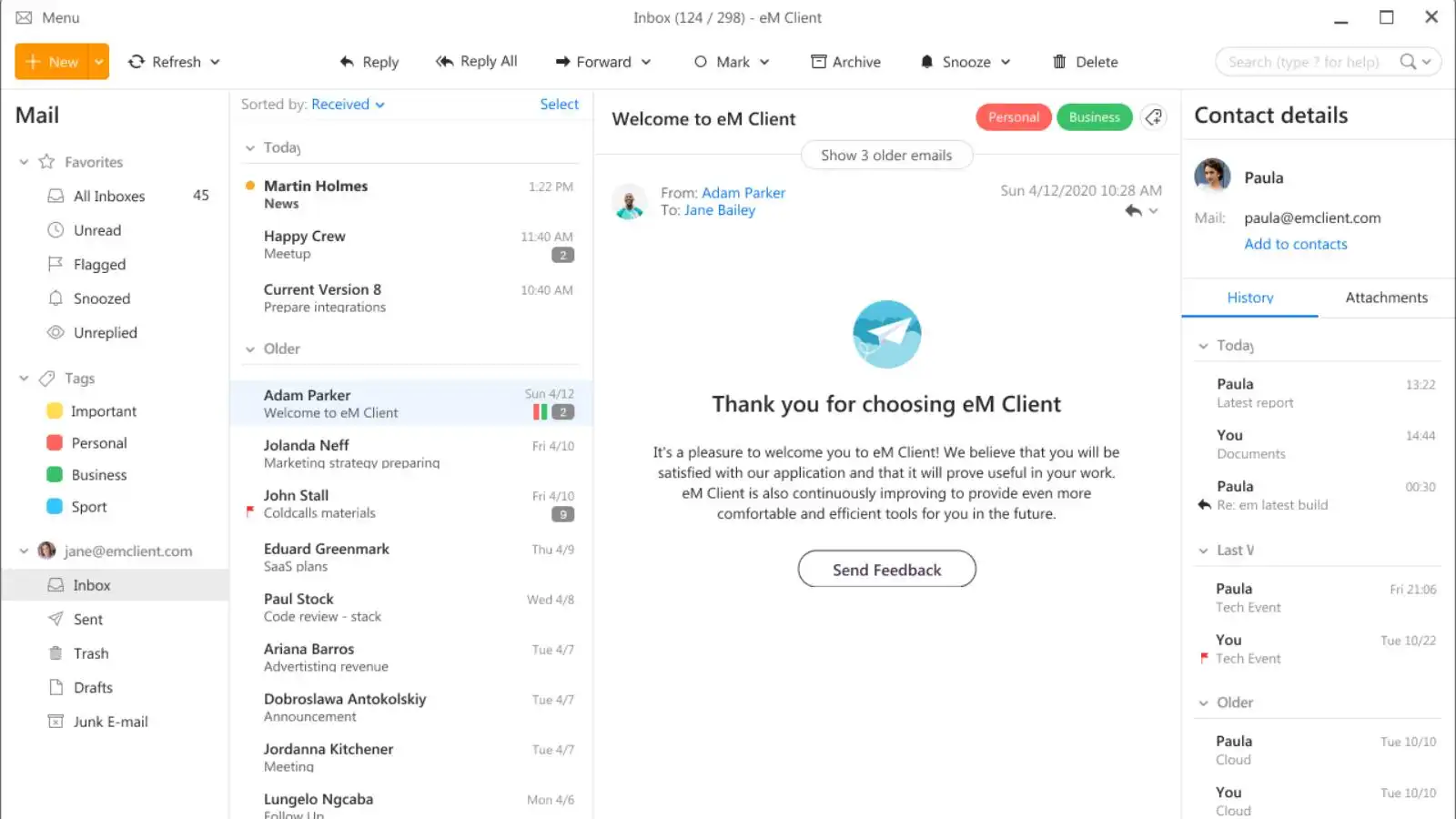
The Ultimate Guide to Email Apps: A Comprehensive Review
Are you tired of using a cluttered email inbox? Do you want to streamline your communication process and boost productivity? Look no further! In this article, we will review the best email apps for mobile devices and computers, highlighting their features, pros, and cons.
Why Use an Email App?
In today’s digital age, email is an essential tool for both personal and professional purposes. With the rise of mobile devices, email apps have become a convenient way to manage your inbox on-the-go. By using a dedicated email app, you can:
- Reduce clutter and increase productivity
- Access features like filters, labels, and reminders
- Enhance security and privacy with robust encryption
- Integrate with other services like calendar, contacts, and cloud storage
Top Email Apps For Mobile Devices
Here are the top email apps for mobile devices, available on both Android and iOS:
1. Gmail (Android/iOS)
Gmail is one of the most popular email apps worldwide. It’s free, easy to use, and integrates seamlessly with other Google services like Google Drive and Calendar.
- Features: Filters, labels, reminders, and integration with Google services
- Pros: Free, intuitive interface, robust security features
- Cons: Limited customization options
2. Apple Mail (iOS)
Apple Mail is the default email app on iOS devices. It’s simple to use and integrates well with other Apple services like iCloud and Contacts.
- Features: Filters, reminders, and integration with other Apple services
- Pros: Easy to use, robust security features
- Cons: Limited customization options
3. Microsoft Outlook (Android/iOS)
Microsoft Outlook is a powerful email app that integrates well with other Microsoft services like Office 365 and Skype.
- Features: Filters, reminders, calendar integration, and contact management
- Pros: Robust feature set, seamless integration with Microsoft services
- Cons: Can be overwhelming for beginners
4. Spark Mail (Android/iOS)
Spark Mail is a clean and minimalistic email app that offers advanced features like filters, labels, and reminders.
- Features: Filters, labels, reminders, and integration with other cloud services
- Pros: Clean interface, robust feature set
- Cons: Limited customization options
Other Email Apps For Mobile Devices
If these top picks don’t satisfy your needs, here are some other email apps worth considering:
1. K-9 (Android)
K-9 is an open-source email app with a simple and intuitive interface.
- Features: Filters, labels, reminders
- Pros: Free, easy to use
- Cons: Limited customization options
2. Yahoo Mail (Android/iOS)
Yahoo Mail is the official client for Yahoo! mail services.
- Features: Filters, reminders, integration with other Yahoo! services
- Pros: Easy to use, robust security features
- Cons: Limited customization options
Top Email Apps For Computers
Here are the top email apps for computers, available on Windows and macOS:
1. Microsoft Outlook (Windows/macOS)
Microsoft Outlook is a powerful email client that integrates well with other Microsoft services like Office 365.
- Features: Filters, reminders, calendar integration, and contact management
- Pros: Robust feature set, seamless integration with Microsoft services
- Cons: Can be overwhelming for beginners
2. Thunderbird (Windows/macOS/Linux)
Thunderbird is a free and open-source email client that offers advanced features like filters, labels, and reminders.
- Features: Filters, labels, reminders, and integration with other cloud services
- Pros: Robust feature set, seamless integration with other services
- Cons: Can be overwhelming for beginners
3. Apple Mail (macOS)
Apple Mail is the default email client on macOS devices.
- Features: Filters, reminders, integration with other Apple services
- Pros: Easy to use, robust security features
- Cons: Limited customization options
Conclusion
In conclusion, the best email app for you will depend on your specific needs and preferences. Consider factors like ease of use, feature set, and integration with other services when choosing an email client.
Faqs
- What is The Best Email App Overall?
Gmail (Android/iOS) offers a robust feature set, seamless integration with Google services, and a clean interface. - Is Microsoft Outlook Worth Considering?
Yes, Microsoft Outlook offers advanced features like filters, reminders, calendar integration, and contact management, making it ideal for professionals and individuals who require a high level of organization. - What Are Some Alternative Email Apps For Mobile Devices?
K-9 (Android), Yahoo Mail (Android/iOS), and Spark Mail (Android/iOS) offer alternative features and interfaces to the top-picked email apps. - Are There Any Free Email Clients Available?
Yes, Thunderbird (Windows/macOS/Linux), K-9 (Android), and Spark Mail (Android/iOS) are all free email clients with advanced features. - What is The Best Email App For Professionals?
Microsoft Outlook (Windows/macOS) offers a robust feature set, seamless integration with Microsoft services, and advanced security features, making it ideal for professionals who require a high level of organization.
Bonus Tip
When choosing an email client, consider factors like ease of use, feature set, and integration with other services. Take advantage of features like filters, labels, and reminders to streamline your communication process and boost productivity!


