
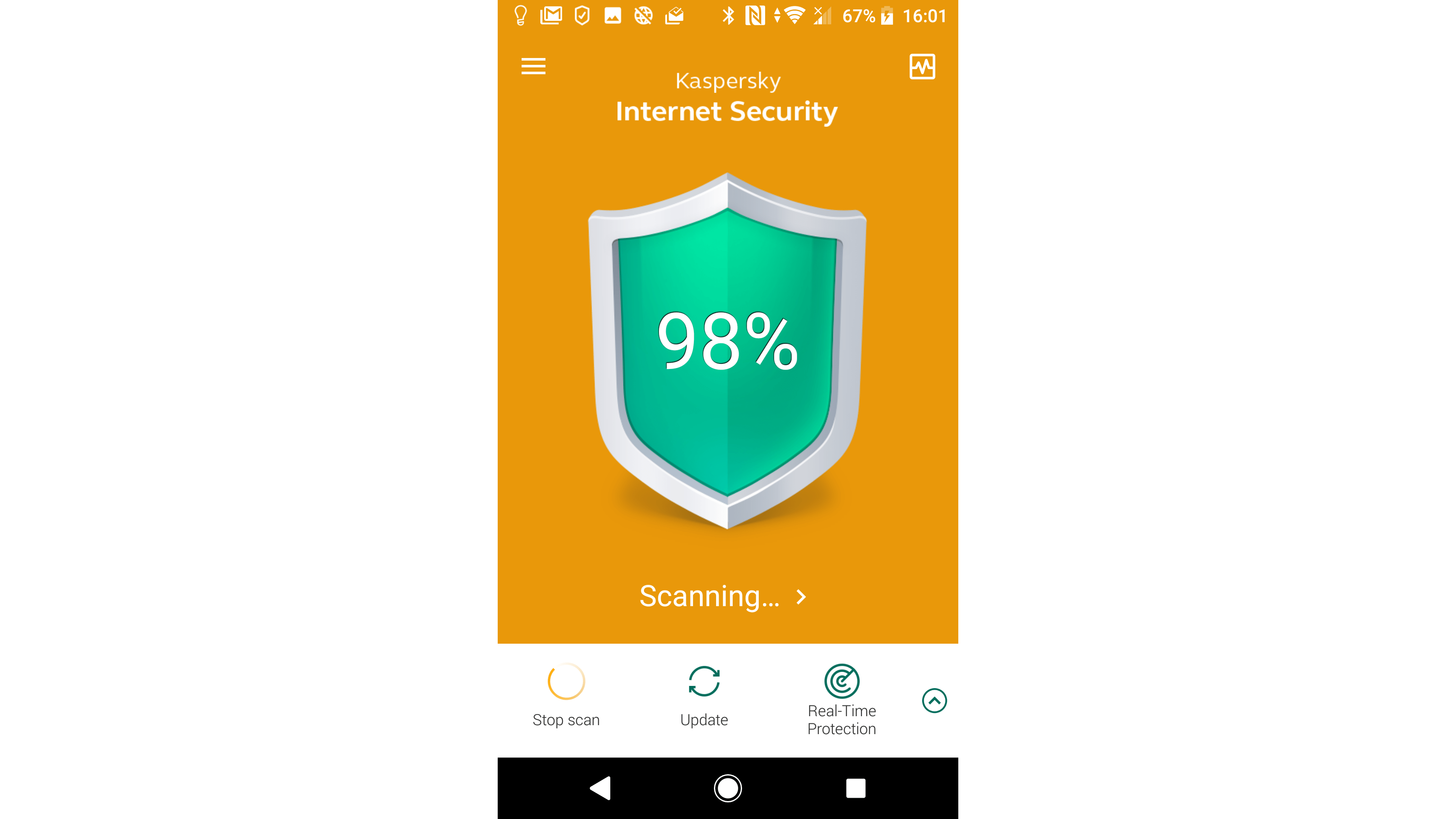
Free Antivirus For Android: Protect Your Device Without Spending a Dime
In today’s digital age, our smartphones and tablets have become an essential part of our daily lives. We use them to access the internet, check emails, browse social media, and even make transactions. However, with great power comes great responsibility. Our devices are vulnerable to various threats, including malware, viruses, and other types of cyber-attacks.
That’s where antivirus software comes in. Antivirus programs help protect your device from these threats by scanning for and removing malicious code. But what if you don’t want to spend money on an antivirus program? Don’t worry; we’ve got you covered!
Free Antivirus Options For Android
There are several free antivirus options available for Android devices that can provide excellent protection without costing a dime. Here are some of the best ones:
Bitdefender Antivirus Free
Bitdefender is a well-known and reputable cybersecurity company that offers a range of security products, including a free antivirus program for Android. The Bitdefender Antivirus Free app scans your device for malware, viruses, and other types of threats in real-time.
Key Features:
- Real-time scanning
- Malware detection and removal
- Automatic updates
- No ads or pop-ups
How to Install:
- Download the Bitdefender Antivirus Free app from the Play Store.
- Tap on the “Install” button.
- Wait for the installation process to complete.
- Launch the app and follow the instructions to initiate a scan.
Avira Antivirus Security
Avira is another well-established cybersecurity company that offers a range of security products, including a free antivirus program for Android. The Avira Antivirus Security app scans your device for malware, viruses, and other types of threats in real-time.
Key Features:
- Real-time scanning
- Malware detection and removal
- Automatic updates
- No ads or pop-ups
How to Install:
- Download the Avira Antivirus Security app from the Play Store.
- Tap on the “Install” button.
- Wait for the installation process to complete.
- Launch the app and follow the instructions to initiate a scan.
Avast Mobile Security
Avast is another popular cybersecurity company that offers a range of security products, including a free antivirus program for Android. The Avast Mobile Security app scans your device for malware, viruses, and other types of threats in real-time.
Key Features:
- Real-time scanning
- Malware detection and removal
- Automatic updates
- No ads or pop-ups
How to Install:
- Download the Avast Mobile Security app from the Play Store.
- Tap on the “Install” button.
- Wait for the installation process to complete.
- Launch the app and follow the instructions to initiate a scan.
Avg Antivirus
AVG is another well-known cybersecurity company that offers a range of security products, including a free antivirus program for Android. The AVG Antivirus app scans your device for malware, viruses, and other types of threats in real-time.
Key Features:
- Real-time scanning
- Malware detection and removal
- Automatic updates
- No ads or pop-ups
How to Install:
- Download the AVG Antivirus app from the Play Store.
- Tap on the “Install” button.
- Wait for the installation process to complete.
- Launch the app and follow the instructions to initiate a scan.
Eset Mobile Security & Antivirus
Eset is another popular cybersecurity company that offers a range of security products, including a free antivirus program for Android. The Eset Mobile Security & Antivirus app scans your device for malware, viruses, and other types of threats in real-time.
Key Features:
- Real-time scanning
- Malware detection and removal
- Automatic updates
- No ads or pop-ups
How to Install:
- Download the Eset Mobile Security & Antivirus app from the Play Store.
- Tap on the “Install” button.
- Wait for the installation process to complete.
- Launch the app and follow the instructions to initiate a scan.
Why Choose a Free Antivirus?
Choosing a free antivirus program may seem like an obvious choice, but there are several reasons why you should consider it:
- Cost-effective: Free antivirus programs can save you money on subscription fees.
- Effective Protection: Many free antivirus programs offer excellent protection against malware and viruses.
- No Hidden Costs: Free antivirus programs often don’t have any hidden costs or upgrade charges.
Conclusion:
Protecting your device from malware, viruses, and other types of threats is essential in today’s digital age. While paid antivirus programs may offer additional features and support, there are several excellent free options available for Android devices.
In this article, we’ve reviewed some of the best free antivirus programs for Android, including Bitdefender Antivirus Free, Avira Antivirus Security, Avast Mobile Security, AVG Antivirus, and Eset Mobile Security & Antivirus. These apps offer real-time scanning, malware detection and removal, automatic updates, and no ads or pop-ups.
By choosing a free antivirus program, you can save money on subscription fees while still enjoying effective protection against malware and viruses. So why wait? Download one of these excellent free antivirus programs today and keep your device safe!
Additional Resources:
If you’re interested in learning more about cybersecurity and protecting your device from threats, here are some additional resources:
- Cybersecurity Tips: A comprehensive guide to cybersecurity best practices.
- Device Protection: Learn how to protect your device from malware, viruses, and other types of threats.
- Security Software Reviews: Compare the features and effectiveness of various security software programs.


