
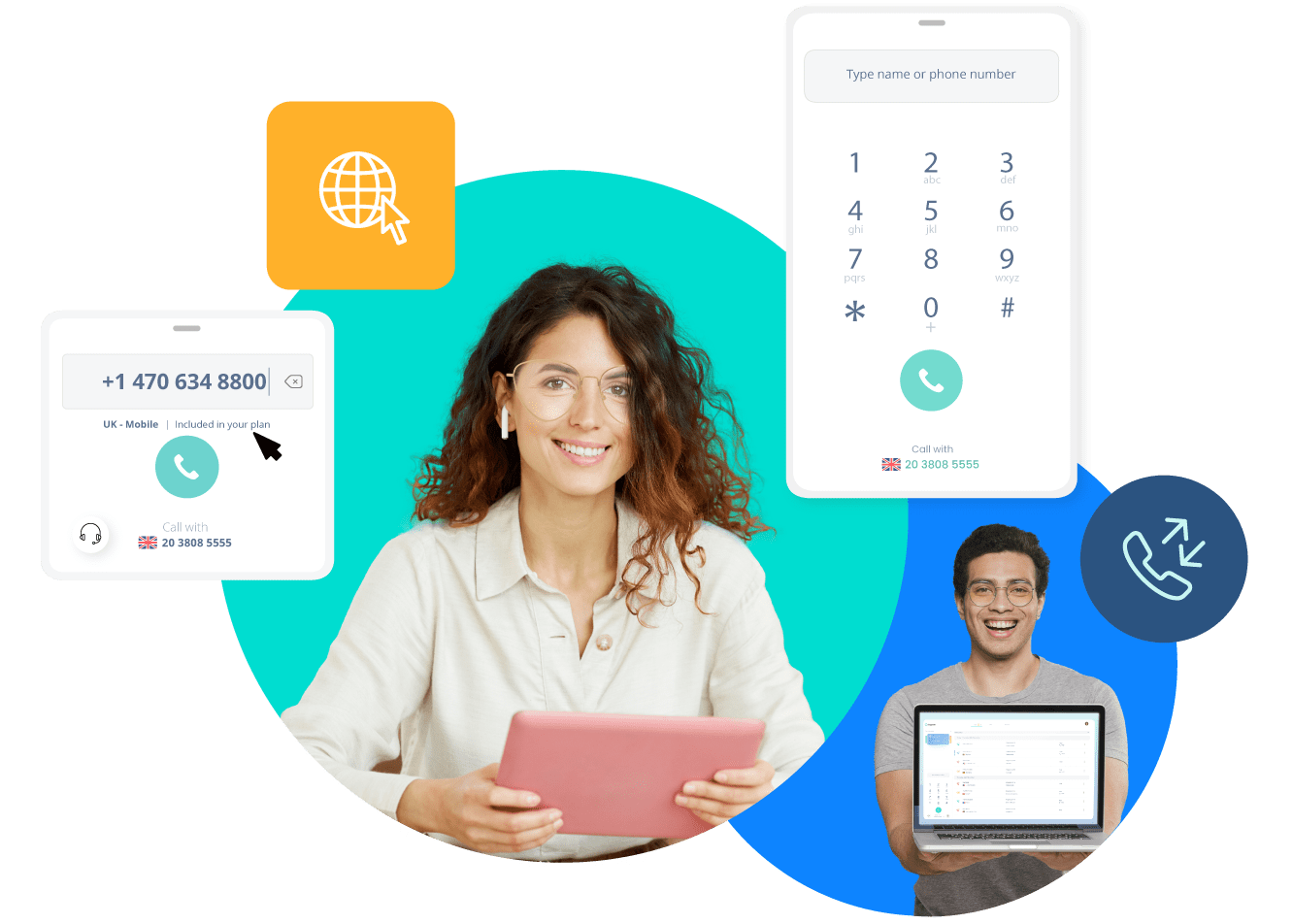
Free Phone Programs: A Guide to Calling on Your PC
Are you tired of using your smartphone to make calls? Do you want to take advantage of the convenience of making phone calls directly from your computer? You’re in luck! There are several free phone programs available that allow you to do just that. In this article, we’ll explore some of the best options for calling on your PC.
What Are Free Phone Programs?
Free phone programs, also known as Voice over Internet Protocol (VoIP) software, allow you to make voice calls over the internet using your computer. These programs use your computer’s microphone and speakers to connect with other users, just like a traditional phone call. The best part? Many of these programs are free to download and use!
Programs to Call on Pc: A Comparison
Here are some of the top free phone programs available for Windows:
- Whatsapp: This popular messaging app also allows you to make voice calls directly from your computer. Simply install the WhatsApp Desktop app, scan a QR code with your smartphone, and you’re ready to go!
- Skype: Another well-known VoIP software, Skype offers free voice and video calls to anyone in the world.
- Telegram: This messaging app also allows you to make voice calls directly from your computer.
Facetime: A Great Option For Mac Users
If you’re a Mac user, FaceTime is an excellent option for making video calls. You can easily connect with friends and family using your iPhone or Mac computer.
Other Options
There are many other free phone programs available, including:
- Zoom: This popular meeting software also allows you to make voice calls directly from your computer.
- Google Meet: This official Google platform offers video conferencing and voice calls to anyone in the world.
- Discord: This gaming community platform also allows you to make voice calls directly from your computer.
How Do I Get Started?
Getting started with a free phone program is easy! Simply download and install the software on your computer, then follow the instructions to connect with friends and family using your smartphone or Mac computer.
Conclusion
Free phone programs are an excellent way to stay connected with loved ones without breaking the bank. With so many options available, you’re sure to find one that suits your needs. Happy calling!
Faqs: Frequently Asked Questions
- Q: What is a Free Phone Program?
A: A free phone program is software that allows you to make voice calls over the internet using your computer. - Q: Which Programs Are Available For Windows?
A: WhatsApp, Skype, and Telegram are some of the top free phone programs available for Windows. - Q: Is Facetime Only Available on Mac Computers?
A: No! While FaceTime is pre-installed on Mac computers, you can also use it with your iPhone or iPad to make video calls. - Q: What Other Options Are There Besides Whatsapp And Skype?
A: Other popular options include Zoom, Google Meet, and Discord.


