
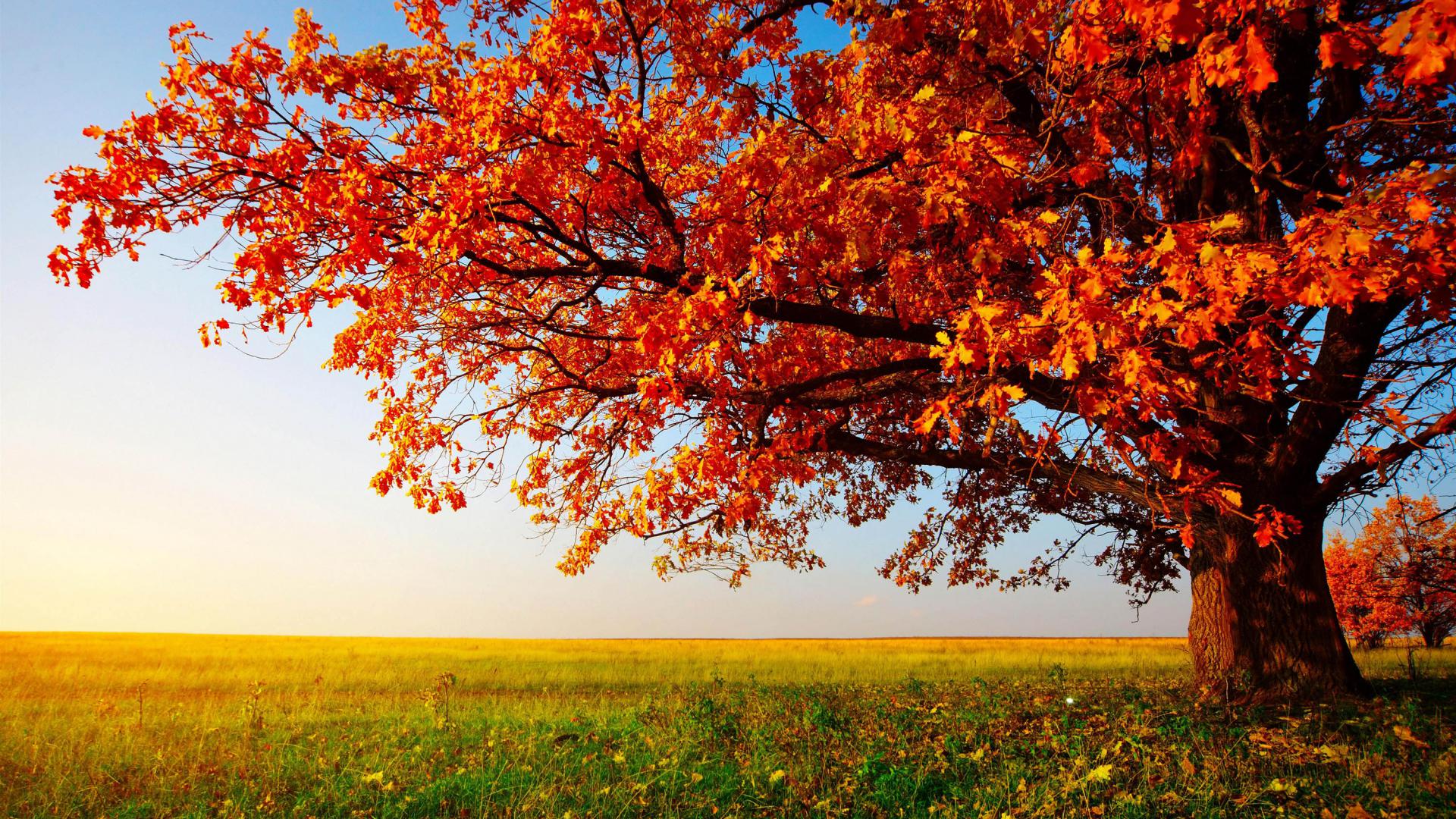
Finding The Perfect Desktop Background: A Comprehensive Guide
Are you tired of using the same old default desktop background? Do you want to give your computer a fresh new look without spending a fortune on expensive software or design tools? Look no further! In this article, we will explore the best websites for finding high-quality and royalty-free desktop backgrounds that are perfect for personalizing your computer.
The Problem With Default Desktop Backgrounds
Let’s face it – default desktop backgrounds can be boring and uninteresting. They don’t add any personality to our computers, and they can even be distracting when we’re trying to focus on work or study. That’s why it’s essential to find a background that reflects your style and interests.
The Benefits of Using High-quality Desktop Backgrounds
Using high-quality desktop backgrounds has several benefits, including:
- Improved Productivity: A visually appealing background can help you stay focused and motivated.
- Enhanced Creativity: A unique and interesting background can inspire your creativity and imagination.
- Personalization: A customized background can reflect your personality and style.
The Best Websites For Finding Desktop Backgrounds
Now that we’ve established the importance of using high-quality desktop backgrounds, let’s take a look at some of the best websites for finding them:
Unsplash
Unsplash is one of the most popular websites for finding high-quality desktop backgrounds. With a vast collection of over 1 million images, you’re sure to find something that suits your taste.
- Features: Unsplash offers a wide range of features, including:
- A user-friendly interface
- A search bar for easy navigation
- Categories for organizing images by theme or style
- A “Discover” section for finding new and interesting images
Wallpaperbetter
WallpaperBetter is another excellent website for finding desktop backgrounds. With a vast collection of over 100,000 images, you’re sure to find something that suits your taste.
- Features: WallpaperBetter offers a range of features, including:
- A user-friendly interface
- A search bar for easy navigation
- Categories for organizing images by theme or style
- A “Trending” section for finding popular and in-demand images
Deviantart
DeviantArt is a community-driven website that offers a vast collection of desktop backgrounds created by artists from around the world.
- Features: DeviantArt offers a range of features, including:
- A user-friendly interface
- A search bar for easy navigation
- Categories for organizing images by theme or style
- A “Community” section for interacting with other users and sharing your work
Social Wallpapering
Social Wallpapering is a website that offers a vast collection of desktop backgrounds, all of which are free to download and use.
- Features: Social Wallpapering offers a range of features, including:
- A user-friendly interface
- A search bar for easy navigation
- Categories for organizing images by theme or style
- A “Community” section for interacting with other users and sharing your work
Wallpaperswide
WallpapersWide is a website that offers a vast collection of desktop backgrounds, all of which are free to download and use.
- Features: WallpapersWide offers a range of features, including:
- A user-friendly interface
- A search bar for easy navigation
- Categories for organizing images by theme or style
- A “Trending” section for finding popular and in-demand images
How to Modify Your Desktop Background
Now that we’ve explored some of the best websites for finding desktop backgrounds, let’s take a look at how to modify your background on different operating systems:
Windows 10/11
To change your desktop background on Windows 10 or 11, follow these steps:
- Right-click on an empty area of the desktop and select “Personalize.”
- Select “Background” from the left-hand menu.
- Click on “Browse” to choose a new background image.
Macos
To change your desktop background on macOS, follow these steps:
- Click on the Apple logo in the top-left corner of the screen and select “System Preferences.”
- Select “Desktops” from the left-hand menu.
- Click on the “+” button to add a new background image.
Conclusion
Finding the perfect desktop background is easier than you think! With these websites and steps, you can give your computer a fresh new look without spending a fortune on expensive software or design tools. Whether you’re looking for something simple and straightforward or complex and intricate, there’s something out there for everyone.
Frequently Asked Questions
Here are some frequently asked questions about finding desktop backgrounds:
- Q: What is The Best Website For Finding Desktop Backgrounds?
A: Unsplash and WallpaperBetter are two of the most popular websites for finding high-quality desktop backgrounds. - Q: Can I Use Any Image as a Desktop Background?
A: No, not all images can be used as desktop backgrounds. You need to ensure that the image is royalty-free and has the necessary permissions for commercial use. - Q: How do I Modify my Desktop Background on Windows 10/11 or Macos?


