
The Ultimate Guide to Free Office Software Alternatives
Are you looking for a cost-effective solution to manage your office work without breaking the bank? Look no further! In this article, we will explore the best free office software alternatives that can help you achieve your goals.
Introduction
Microsoft Office has been the industry standard for office productivity suites for decades. However, with its high price tag and limited features, many users are now looking for alternative solutions. Fortunately, there are several free office software options available that offer similar functionality to Microsoft Office.
Top 5 Free Office Software Alternatives
- Libreoffice: LibreOffice is one of the most popular free office software alternatives to Microsoft Office. It offers a complete suite of productivity tools, including word processing, spreadsheet, presentation, and drawing applications.
- Openoffice: OpenOffice is another well-known free office software alternative that offers a comprehensive range of features. Its user interface is similar to Microsoft Office, making it easy for users to transition from one to the other.
- Wps Office: WPS Office is a powerful free office software suite that offers a range of productivity tools, including word processing, spreadsheet, and presentation applications. It also supports file compatibility with Microsoft Office.
Other Noteworthy Free Office Software Alternatives
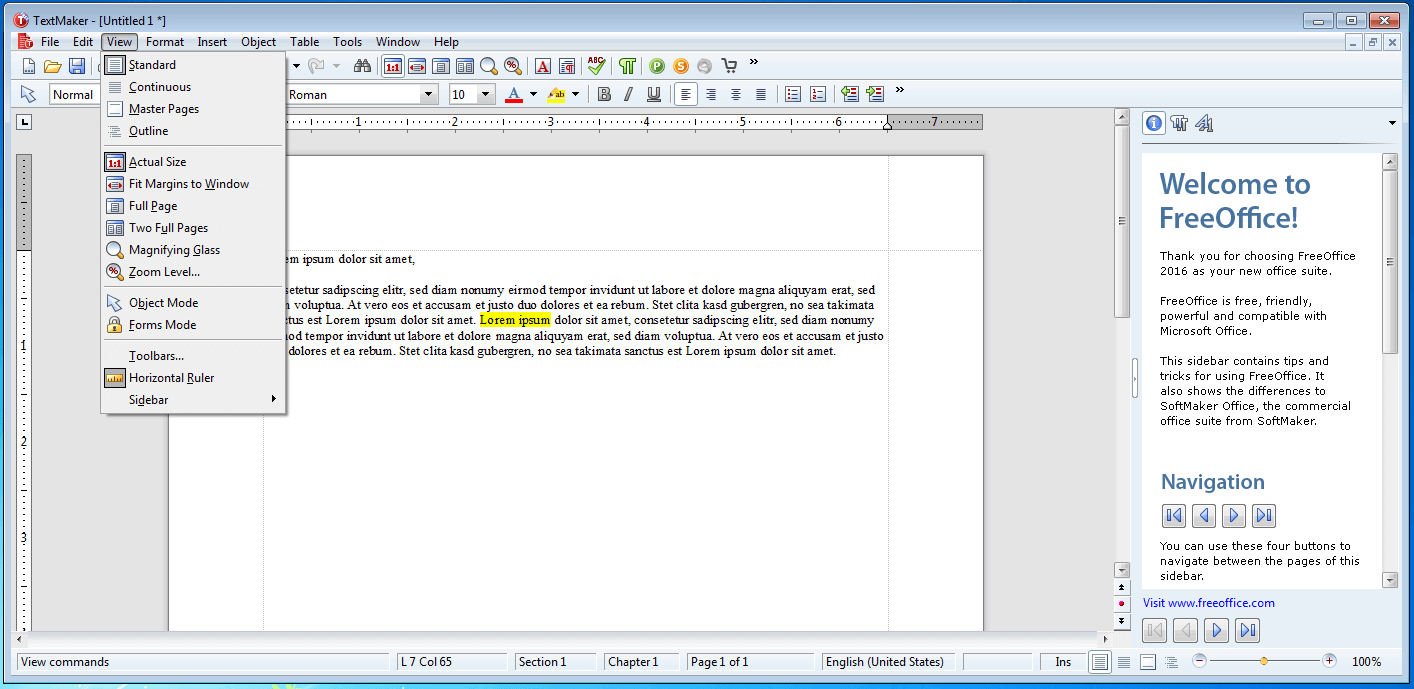
- SoftMaker FreeOffice: A feature-rich free office software alternative that includes word processing, spreadsheet, and presentation applications.
- Calligra Suite: A comprehensive free office software suite that offers a range of productivity tools, including word processing, spreadsheet, and presentation applications.
- OnlyOffice Desktop Editor: A powerful free office software editor that allows users to create documents, spreadsheets, and presentations.
Designing Your Office
Are you looking to redesign your office? With the help of some free design software, you can achieve this goal without breaking the bank. Some popular options include:
- Home design software: Explore our guide on the best programs for home design.
- Office layout software: Find out how to use these tools to create a professional-looking office layout.
Managing Your Office With Ease
As an office administrator, managing your office’s workflow can be a daunting task. Fortunately, there are several software options available that can help you achieve this goal. Some popular options include:
- Shopping management software: Learn how to use these tools to streamline your shopping process.
- Inventory management software: Discover the best ways to manage your office inventory with ease.
Technical Office Software
As a technical office, having the right software is essential for managing your workflow efficiently. Some popular options include:
- Technical office software: Explore our guide on the best technical office software available.
- Computer-aided design (CAD) software: Discover how to use these tools to create professional-looking designs.
Mobile Office Apps
With the rise of mobile devices, it’s now easier than ever to stay productive on-the-go. Some popular mobile office apps include:
- Office for Android: Explore our guide on the best office apps available for Android devices.
- Office for iPad and iPhone: Discover how to use these apps to manage your office workflow with ease.
Conclusion
In conclusion, there are many free office software alternatives available that can help you achieve your productivity goals without breaking the bank. Whether you’re looking for a comprehensive suite of productivity tools or specialized design software, we hope this article has provided valuable insights into the best options available.
Frequently Asked Questions (FAQs)
- Q: What is the best free office software alternative to Microsoft Office?
A: The best free office software alternative to Microsoft Office is LibreOffice. - Q: Can I use these free office software alternatives on my mobile device?
A: Yes, many of these free office software alternatives are available as mobile apps for Android and iOS devices. - Q: Are there any free design software options available for office redesign?
A: Yes, some popular free design software options include home design software and office layout software. - Q: Can I use technical office software to manage my office workflow?
A: Yes, technical office software can be used to streamline your office workflow and improve productivity. - Q: Are there any shopping management software options available for office administrators?
A: Yes, some popular shopping management software options include software specifically designed for office administration.
Table 1: Free Office Software Alternatives
| Software | Platforms | Features |
|---|---|---|
| LibreOffice | Windows, macOS, Linux | Word processing, spreadsheet, presentation, drawing applications |
| OpenOffice | Windows, macOS, Linux | Comprehensive suite of productivity tools, including word processing, spreadsheet, and presentation applications |
| WPS Office | Windows, macOS, Linux | Powerful free office software suite that offers a range of productivity tools |
Table 2: Design Software For Office Redesign
| Software | Platforms | Features |
|---|---|---|
| Home design software | Windows, macOS | Comprehensive home design and decoration software |
| Office layout software | Windows, macOS | Powerful office layout and design software |
Table 3: Technical Office Software
| Software | Platforms | Features |
|---|---|---|
| Technical office software | Windows, macOS | Comprehensive technical office software for managing workflows and improving productivity |
| CAD software | Windows, macOS | Computer-aided design (CAD) software for creating professional-looking designs |
Table 4: Mobile Office Apps
| Software | Platforms | Features |
|---|---|---|
| Office for Android | Android | Comprehensive office suite that includes word processing, spreadsheet, and presentation applications |
| Office for iPad and iPhone | iOS | Powerful mobile office app that offers a range of productivity tools |
Note: The tables above are summaries of the software options discussed in this article.


