
How To Function a Server: A Comprehensive Guide
As we navigate the digital age, it’s essential to understand how servers work and their various applications in our daily lives. In this article, we’ll delve into the world of servers, exploring their functions, types, and uses.
What is a Server?
A server is essentially a computer that provides services, shares resources, and manages data for multiple users or devices on a network. It’s like a central hub that enables communication, collaboration, and access to shared resources.
Types of Servers
- Web Server: A web server is responsible for hosting websites, serving web pages, and managing HTTP requests.
- Email Server: An email server manages email accounts, forwards messages, and stores emails in a database.
- File Transfer Protocol (FTP) Server: An FTP server enables file transfers between computers over the internet or local network.
- Database Server: A database server stores and manages data for applications, providing access to it as needed.
- Domain Name System (DNS) Server: A DNS server translates domain names into IP addresses, allowing devices to communicate with each other.
How a Server Works
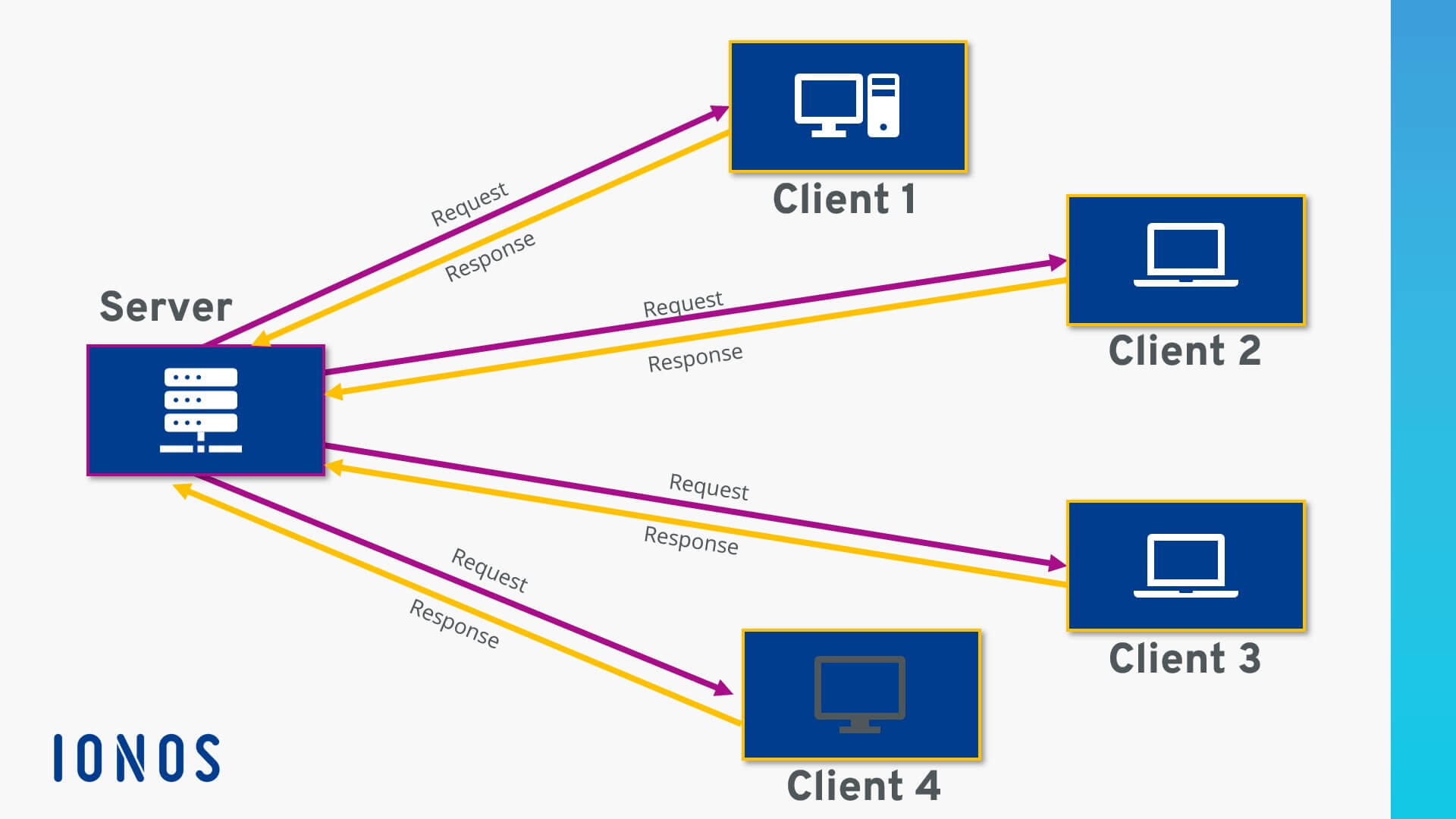
A server operates by receiving requests from clients (users or devices), processing them, and sending back responses. The process involves:
- Request: A client sends a request to the server for a specific service or resource.
- Processing: The server receives the request, processes it, and retrieves the required data.
- Response: The server sends the response back to the client.
Server Components
A server consists of several components:
- Hardware: A server’s hardware includes processors, memory (RAM), storage devices (hard drives or solid-state drives), and networking equipment.
- Operating System: A server runs on an operating system specifically designed for servers, such as Windows Server, Linux, or Unix.
- Software: Servers use software applications to provide specific services, like web hosting, email management, or database management.
Advantages of Using a Server
Using a server offers several advantages:
- Centralized Management: A server simplifies resource management and access control.
- Improved Collaboration: Servers enable multiple users to collaborate on projects and share resources.
- Enhanced Security: Servers can be configured with robust security measures to protect data and prevent unauthorized access.
Conclusion
In conclusion, a server is an essential component of modern computing, providing services, sharing resources, and managing data for multiple users or devices. Understanding how servers work, their types, and applications will help you make informed decisions about your digital needs.
Frequently Asked Questions (FAQs)
- What is The Primary Function of a Server?
A server’s primary function is to provide services, share resources, and manage data for multiple users or devices on a network.
- How Does a Server Work?
A server operates by receiving requests from clients, processing them, and sending back responses.
- What Are The Different Types of Servers?
There are various types of servers, including web servers, email servers, FTP servers, database servers, and DNS servers.
- What is The Advantage of Using a Server?
Using a server offers centralized management, improved collaboration, and enhanced security features.
- Can I Install a Server at Home?
Yes, you can install a server at home for personal use or to host small-scale projects.
- How do I Choose The Right Operating System For my Server?
The choice of operating system depends on your specific needs and requirements. Popular options include Windows Server, Linux, and Unix.
- Can I Customize my Server’s Configuration?
Yes, you can customize your server’s configuration to meet your specific needs, including hardware upgrades, software installations, and security settings.
- How do I Ensure The Security of my Server?
To ensure the security of your server, implement robust security measures, such as password protection, firewalls, and regular software updates.


