
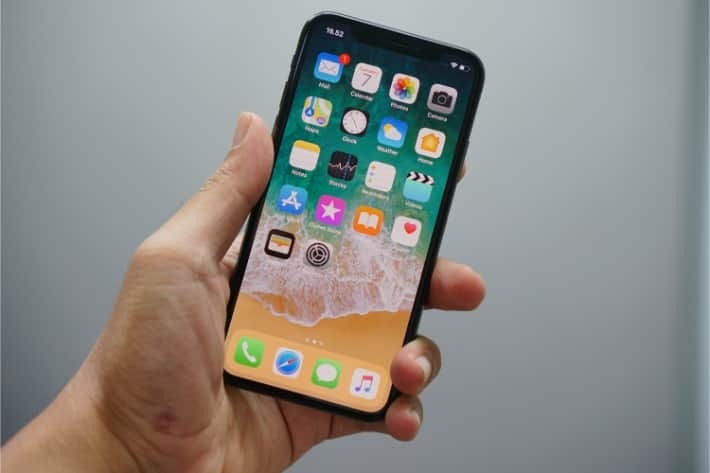
The Threat of Malware on Smartphones: What You Need to Know
As a smartphone user, you’re likely no stranger to the various threats that lurk in the digital world. One of the most insidious dangers is malware, which can compromise your device’s security and put your personal data at risk. In this article, we’ll delve into the world of mobile malware, exploring its types, risks, and prevention methods.
What is Mobile Malware?
Mobile malware refers to malicious software designed to harm or exploit smartphones. This can include viruses, Trojans, ransomware, adware, spyware, worms, scareware, and expanders. Each type of malware has unique characteristics and potential consequences for your device and data.
Types of Mobile Malware
- Virus: A virus is a malicious program that replicates itself and spreads to other devices.
- Trojan: A Trojan horse is a program that appears harmless but contains malicious code, allowing hackers to access your device and data.
- Ransomware: Ransomware is a type of malware that locks your device or encrypts your files, demanding payment in exchange for the decryption key.
- Adware: Adware displays unwanted ads on your device, often collecting sensitive information about your browsing habits.
- Spyware: Spyware secretly monitors and collects data from your device without your knowledge or consent.
- Worm: A worm is a self-replicating malware that can spread to other devices without the need for human intervention.
- Scareware: Scareware tricks users into installing software by claiming it’s necessary to fix non-existent problems with their device.
- Expander: An expander steals your mobile carrier’s services, charging you for unauthorized usage.
How Malware Spreads on Smartphones
Malware can spread through various means:
- Infected Apps: Downloading apps from untrusted sources or clicking on malicious links within apps.
- Websites And Links: Visiting websites or clicking on suspicious links that lead to malware-infested content.
- Sms And Instant Messaging: Receiving malicious messages or attachments via SMS, WhatsApp, or other messaging apps.
- Social Media: Engaging with fake social media profiles or sharing sensitive information online.
- Email Attachments: Opening email attachments from unknown senders that contain malware.
Prevention is Key
To protect your smartphone and personal data from malware threats:
- Use Official App Stores: Only download apps from trusted app stores like Google Play Store or Apple’s App Store.
- Be Cautious With Links And Attachments: Avoid clicking on suspicious links or opening attachments from unknown senders.
- Keep Your Device And Apps Up-to-date: Regularly update your device’s operating system, apps, and security software to ensure you have the latest protection.
- Use Strong Passwords And Biometrics: Secure your device with strong passwords, fingerprint recognition, or facial recognition.
- Monitor Your Accounts And Transactions: Keep an eye on your online accounts and transactions for any suspicious activity.
What to Do If You Suspect Malware
If you suspect your smartphone has been compromised by malware:
- Disconnect From The Internet: Immediately disconnect your device from the internet to prevent further damage.
- Use a Mobile Antivirus App: Run a mobile antivirus app to scan your device for malware and remove any detected threats.
- Contact Your Carrier or Manufacturer: Reach out to your carrier or manufacturer for assistance in removing the malware.
Conclusion
Mobile malware is a serious threat that can compromise your smartphone’s security and put your personal data at risk. By understanding the types of malware, their risks, and prevention methods, you can protect yourself from these digital dangers. Remember to stay vigilant, use official app stores, keep your device and apps up-to-date, and monitor your accounts and transactions for any suspicious activity.
Frequently Asked Questions (FAQs)
- What is The Most Common Type of Mobile Malware?
- The most common type of mobile malware is adware.
- How Can I Protect my Smartphone From Malware?
- Use official app stores, be cautious with links and attachments, keep your device and apps up-to-date, use strong passwords and biometrics, and monitor your accounts and transactions.
- What Should I do if I Suspect my Smartphone Has Been Compromised by Malware?
- Disconnect from the internet, use a mobile antivirus app to scan and remove malware, and contact your carrier or manufacturer for assistance.
- Can Malware Spread Through Social Media?
- Yes, malware can spread through social media by engaging with fake profiles or sharing sensitive information online.
- How Often Should I Update my Smartphone’s Operating System And Apps?
- Regularly update your device’s operating system, apps, and security software to ensure you have the latest protection.
- Can Malware Affect my Mobile Carrier’s Services?
- Yes, some types of malware can steal your mobile carrier’s services, charging you for unauthorized usage.
- What is a Mobile Antivirus App?
- A mobile antivirus app scans your device for malware and removes any detected threats.
- How Can I Stay Safe Online And Prevent Malware Attacks?
- Use strong passwords and biometrics, keep your device and apps up-to-date, monitor your accounts and transactions, and be cautious with links and attachments.


