
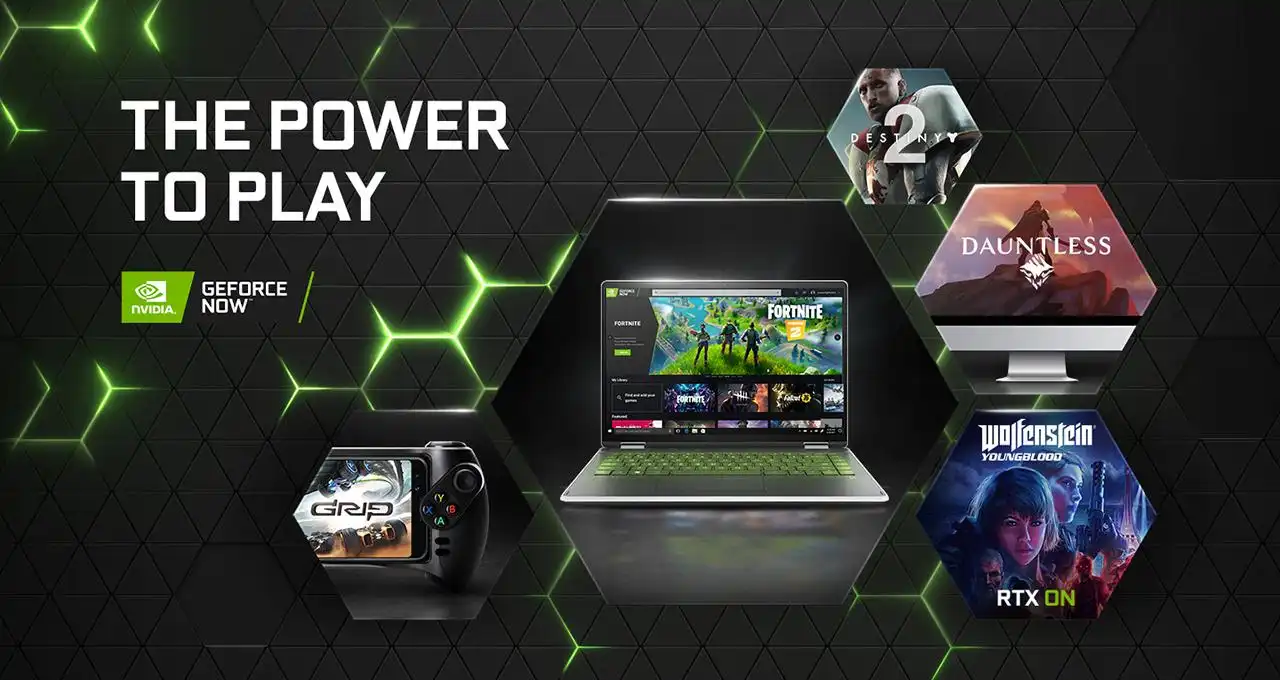
The Future of Gaming: Nvidia Geforce Now
In today’s digital age, the world of gaming is evolving at a rapid pace. Gone are the days when gamers had to rely on expensive hardware and consoles to enjoy their favorite titles. With the rise of cloud gaming services like NVIDIA GeForce NOW, the future of gaming has never been more exciting.
What is Nvidia Geforce Now?
NVIDIA GeForce NOW is a revolutionary cloud gaming service that allows users to play high-quality PC games on various devices without the need for expensive hardware or consoles. The service utilizes NVIDIA’s powerful servers to render games in real-time, eliminating the need for local processing power.
How Does it Work?
To access NVIDIA GeForce NOW, users simply need to create an account and download the official client software. Once installed, users can browse a vast library of compatible games, including popular titles like Fortnite and Assassin’s Creed. The service uses a robust rendering engine to deliver seamless gameplay experiences across various devices.
Compatible Devices
NVIDIA GeForce NOW is available on a wide range of devices, including Windows PCs, macOS computers, Android smartphones, iOS tablets, and even Xbox consoles. This means that users can enjoy their favorite games on the go or at home, without the need for dedicated gaming hardware.
System Requirements
To ensure smooth gameplay experiences, NVIDIA GeForce NOW has specific system requirements. These include:
- A stable internet connection with a minimum speed of 15 Mbps for 720p resolution and 25 Mbps for 1080p resolution
- A Windows PC or macOS computer with at least 4 GB RAM and a dedicated graphics card (GeForce GTX 600 or higher)
- An Android smartphone or iOS tablet with at least 2 GB RAM and support for OpenGL ES 3.2 Or higher
Pricing And Subscription Options
NVIDIA GeForce NOW offers two subscription options: Free and Priority. The free plan allows users to play games for up to an hour without any cost, while the Priority plan provides access to more games, including AAA titles, as well as advanced features like ray tracing.
Getting Started With Nvidia Geforce Now
To get started with NVIDIA GeForce NOW, users simply need to create an account and download the official client software. Once installed, they can browse the vast library of compatible games and start playing in minutes. The service also offers a free trial period, allowing users to experience the benefits of cloud gaming before committing to a subscription.
Using Nvidia Geforce Now on Various Devices
NVIDIA GeForce NOW is designed to be user-friendly and accessible across various devices. Here’s how to use it:
- On Windows PCs and macOS computers: Simply download and install the client software, then log in with your account credentials.
- On Android smartphones and iOS tablets: Download and install the official app from the Google Play Store or Apple App Store, then log in with your account credentials.
- On Xbox consoles: Access NVIDIA GeForce NOW through Microsoft Edge browser, then log in with your account credentials.
Tips And Tricks For Optimizing Performance
To ensure optimal performance while using NVIDIA GeForce NOW:
- Ensure a stable internet connection with a minimum speed of 15 Mbps for 720p resolution and 25 Mbps for 1080p resolution.
- Use a dedicated graphics card (GeForce GTX 600 or higher) on your Windows PC or macOS computer.
- Update your device’s operating system and NVIDIA GeForce NOW client software regularly.
- Close unnecessary applications to free up system resources.
Conclusion
NVIDIA GeForce NOW is revolutionizing the gaming industry with its cloud-based rendering engine, allowing users to play high-quality games without the need for expensive hardware or consoles. With its user-friendly interface and wide range of compatible devices, this service is a must-try for gamers of all levels.
Faqs
- What is Nvidia Geforce Now?
NVIDIA GeForce NOW is a cloud gaming service that allows users to play high-quality PC games on various devices without the need for expensive hardware or consoles.
- How Does Nvidia Geforce Now Work?
The service utilizes NVIDIA’s powerful servers to render games in real-time, eliminating the need for local processing power.
- What Devices Are Compatible With Nvidia Geforce Now?
NVIDIA GeForce NOW is available on Windows PCs, macOS computers, Android smartphones, iOS tablets, and even Xbox consoles.
- What Are The System Requirements For Nvidia Geforce Now?
A stable internet connection with a minimum speed of 15 Mbps for 720p resolution and 25 Mbps for 1080p resolution, as well as a dedicated graphics card (GeForce GTX 600 or higher) on your Windows PC or macOS computer.
- How Much Does Nvidia Geforce Now Cost?
NVIDIA GeForce NOW offers two subscription options: Free and Priority. The free plan allows users to play games for up to an hour without any cost, while the Priority plan provides access to more games, including AAA titles, as well as advanced features like ray tracing.
- Can I Use Nvidia Geforce Now on my Xbox Console?
Yes, you can access NVIDIA GeForce NOW through Microsoft Edge browser on your Xbox Series S and X consoles.
- How do I Optimize Performance While Using Nvidia Geforce Now?
Ensure a stable internet connection, update your device’s operating system and NVIDIA GeForce NOW client software regularly, close unnecessary applications to free up system resources, and use a dedicated graphics card (GeForce GTX 600 or higher) on your Windows PC or macOS computer.
- Can I Try Nvidia Geforce Now For Free?
Yes, NVIDIA GeForce NOW offers a free trial period, allowing users to experience the benefits of cloud gaming before committing to a subscription.


