
The Mysterious World of Facebook Friend Suggestions
Are you curious about how Facebook suggests friends based on your online behavior? Do you want to know the secrets behind these algorithm-driven connections? Look no further! In this article, we’ll delve into the mysterious world of Facebook friend suggestions and explore the intricacies of this social media feature.
What Are Facebook Friend Suggestions?
Facebook friend suggestions are a feature that suggests potential friends based on your online behavior. These suggestions are generated by an algorithm that analyzes hundreds of different parameters to find people who share similar interests, locations, and other factors.
How Does The Algorithm Work?
The algorithm works by analyzing various data points about you, including:
- Your location (city, state, country)
- Your education history (school attended)
- Your work history (company name)
- Your social media activity (posts, comments, likes)
- Your friendships on Facebook (mutual friends)
How Do I See The Suggestions?
To see the friend suggestions, follow these steps:
- Log in to your Facebook account
- Click on the “Friends” tab
- Select “Suggestions”
- Browse through the list of suggested friends
Can I Remove Suggestions?
Yes, you can remove suggestions by following these steps:
- Go to the “Friends” tab
- Select “Suggestions”
- Find the person you want to remove and click on the three dots next to their name
- Click “Unfriend” or “Remove from Suggestions”
Can I Mandate Friend Suggestions?
Unfortunately, Facebook has disabled the functionality that allows users to mandate friend suggestions. However, you can still propose friends by copying the URL of a person’s profile and sending it privately.
Conclusion
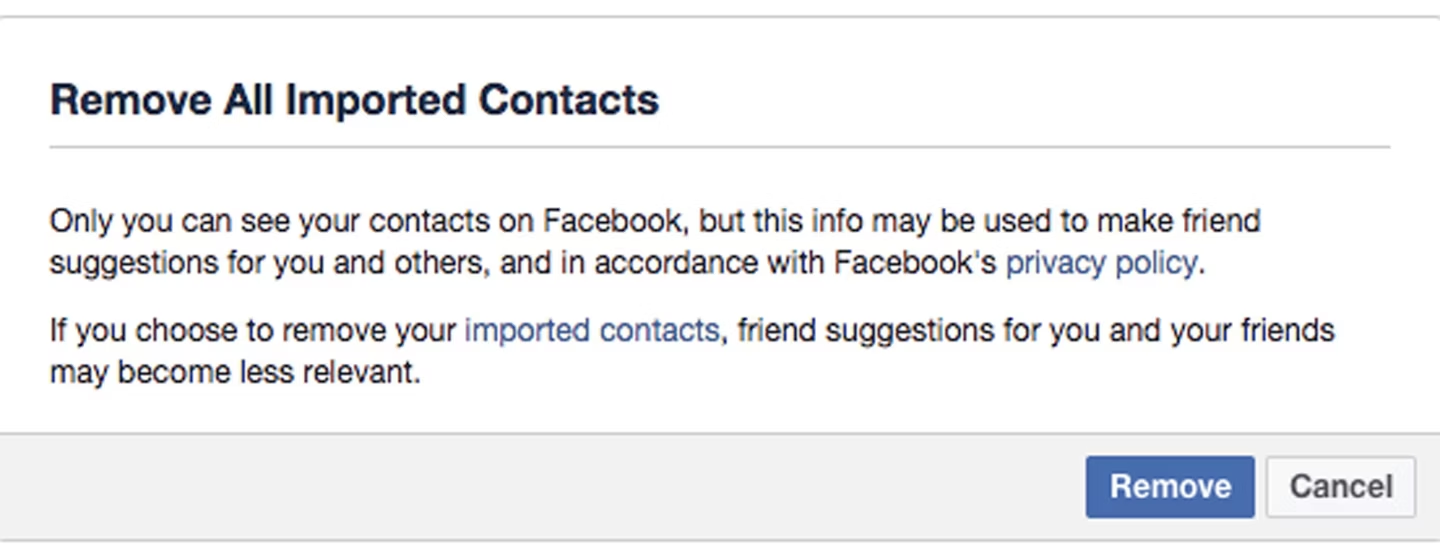
Facebook friend suggestions are a fascinating feature that uses algorithms to connect people with similar interests and backgrounds. While you may not be able to remove all suggestions, you can certainly remove specific individuals from your list. If you’re curious about how to mandate friend suggestions or need more information on this topic, consult our dedicated tutorial for further guidance.
Frequently Asked Questions
- What Are Facebook Friend Suggestions?
Facebook friend suggestions are a feature that suggests potential friends based on your online behavior. - How Does The Algorithm Work?
The algorithm analyzes various data points about you to find people who share similar interests, locations, and other factors. - Can I Remove Suggestions?
Yes, you can remove suggestions by clicking on the three dots next to a person’s name and selecting “Unfriend” or “Remove from Suggestions.” - Can I Mandate Friend Suggestions?
Unfortunately, Facebook has disabled this functionality. - How do I See The Suggestions?
To see the friend suggestions, log in to your Facebook account, click on the “Friends” tab, select “Suggestions,” and browse through the list of suggested friends. - Can I Remove a Specific Individual From my List?
Yes, you can remove a specific individual by following the steps outlined above. - Why Was The Functionality to Mandate Friend Suggestions Disabled?
Unfortunately, Facebook did not provide an official statement on why this functionality was disabled. - What Are Some Alternative Ways to Propose Friends?
You can still propose friends by copying the URL of a person’s profile and sending it privately.
Hope you found this article helpful!


