
How to Not Ruin The Battery of Your Mobile
As we continue to rely on our mobile devices for an increasingly significant portion of our daily lives, it’s not uncommon for us to take their batteries for granted. We use them until they’re almost dead, then plug them in and hope for the best. However, this approach can have serious consequences for the health of your battery, and ultimately, your device.
In this article, we’ll explore some essential tips on how to prevent ruining the battery of your mobile phone. We’ll also delve into some specific applications and features that can help you monitor and maintain your battery’s health.
The Importance of Proper Battery Care
Like any other component in our devices, batteries have a limited lifespan. The modern lithium-ion (Li-ion) batteries used in most smartphones are designed to last for several years, but their performance can degrade over time if not treated properly.
When you consistently drain your phone’s battery to 0% and then charge it back up to 100%, you’re causing unnecessary stress on the cells inside. This can lead to a reduction in overall capacity, as well as an increase in heat generation – both of which can significantly shorten the lifespan of your battery.
Tip #1: Avoid Deep Discharging
Try to avoid letting your phone’s battery drop below 10% whenever possible. Instead, aim to keep it between 30-80% charged. This will help minimize wear and tear on the cells.
Tip #2: Don’t Overcharge Your Phone
While it might be tempting to let your phone charge overnight or for extended periods of time, this can actually cause more harm than good. Li-ion batteries don’t like being overcharged, as it can lead to overheating and a reduction in overall capacity.
Tip #3: Use The Right Charger
Using an original charger that’s designed specifically for your device is essential. Cheap, generic chargers can cause unnecessary stress on your phone’s charging circuitry and potentially damage the battery.
The Role of Apps in Battery Care
Fortunately, there are several apps available that can help you monitor and maintain your battery’s health. Some of these apps will even provide personalized recommendations based on your usage patterns.
Accubattery: A Comprehensive Battery Monitoring App
One such app is AccuBattery (available for both Android and iOS). This app provides a wealth of information about your phone’s battery, including:
- Estimated capacity: A graph showing the estimated remaining capacity of your battery
- Health: An indicator of the overall health of your battery
- History: A record of your previous charging sessions
AccuBattery also allows you to set custom charge reminders based on your specific usage patterns. This can help prevent those dreaded 0% charges and minimize wear and tear on your phone’s cells.
Other Battery-centric Features
Some newer smartphones come with built-in features that can help prolong the life of their batteries. For example:
- Samsung phones: You can set a maximum charge level in the Settings app to prevent overcharging.
- IPhone users: IOS 13 and later versions have an optimized charging feature that helps prevent battery degradation.
Replacing Your Phone’s Battery
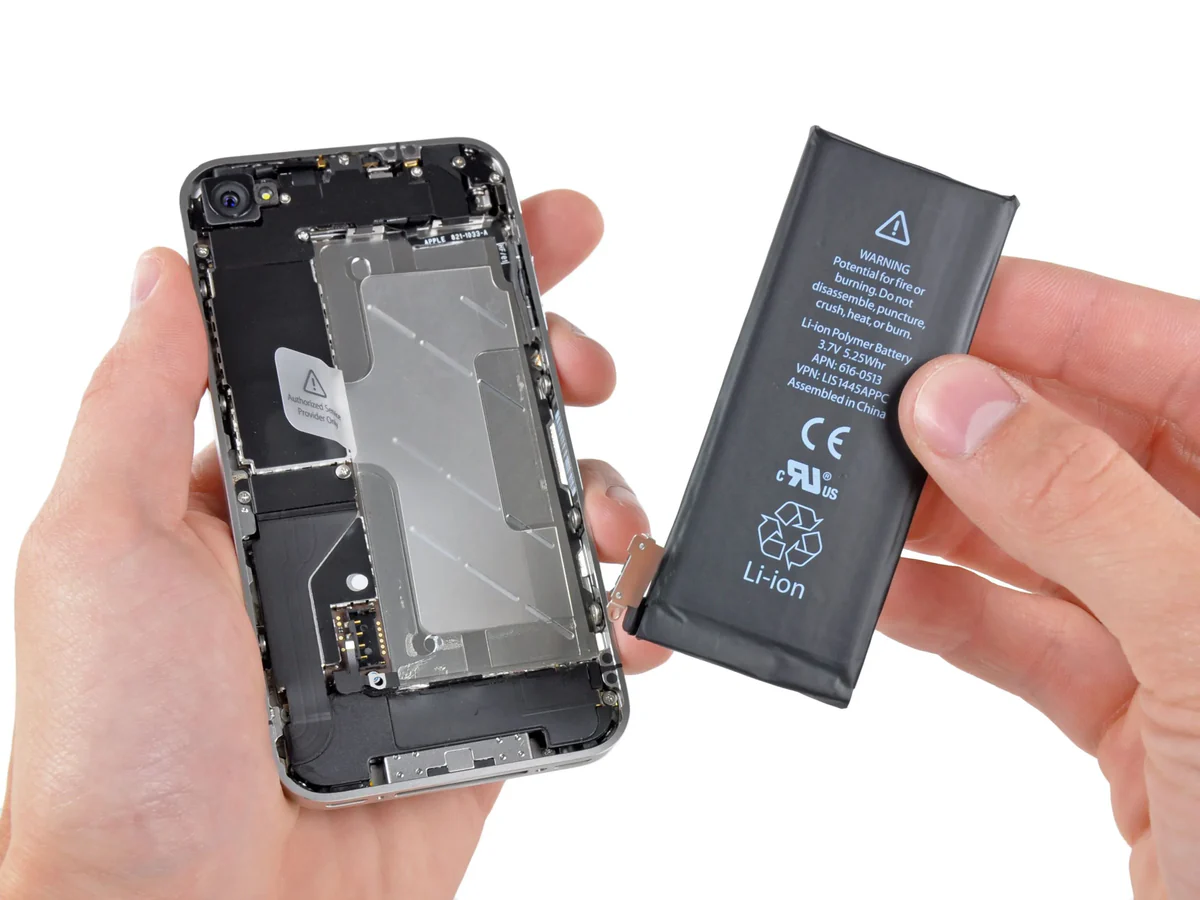
If, despite your best efforts, you find that your phone’s battery is no longer holding a charge or behaving erratically, it may be time to consider replacing it. This can be done by contacting the manufacturer or visiting a professional repair shop.
Conclusion
Properly caring for your mobile device’s battery is essential if you want to ensure its long-term health and performance. By following these simple tips and using some of the great apps available, you can extend the life of your phone’s cells and prevent those dreaded 0% charges.
Remember: It’s always better to err on the side of caution when it comes to battery care. Take steps today to protect your device’s health, and enjoy a longer-lasting, more reliable mobile experience.
Frequently Asked Questions (FAQs)
- Q: How often should I charge my phone?
A: Try to keep your phone charged between 30-80% whenever possible. - Q: What happens if I overcharge my phone’s battery?
A: Overcharging can cause unnecessary stress on the cells, leading to degradation and a reduction in overall capacity. - Q: Can I use any charger with my smartphone?
A: No, it’s essential to use an original charger that’s designed specifically for your device. - Q: What apps are available to help me monitor and maintain my phone’s battery health?
A: Some popular options include AccuBattery (Android and iOS) and Coconut Battery (iOS). - Q: How can I prolong the life of my smartphone’s battery?
A: Follow the tips outlined above, such as avoiding deep discharging and using a high-quality charger. - Q: What should I do if my phone’s battery is no longer holding a charge or behaving erratically?
A: Consider replacing it with a new one from the manufacturer or visiting a professional repair shop. - Q: Are there any built-in features in newer smartphones that can help prolong the life of their batteries?
A: Yes, many modern devices come with features like optimized charging and battery health monitoring.
Bonus Tips
- Avoid exposing your phone to extreme temperatures.
- Don’t mix incompatible chargers or cables.
- Update your device’s software regularly to ensure you have access to the latest security patches and features.


