
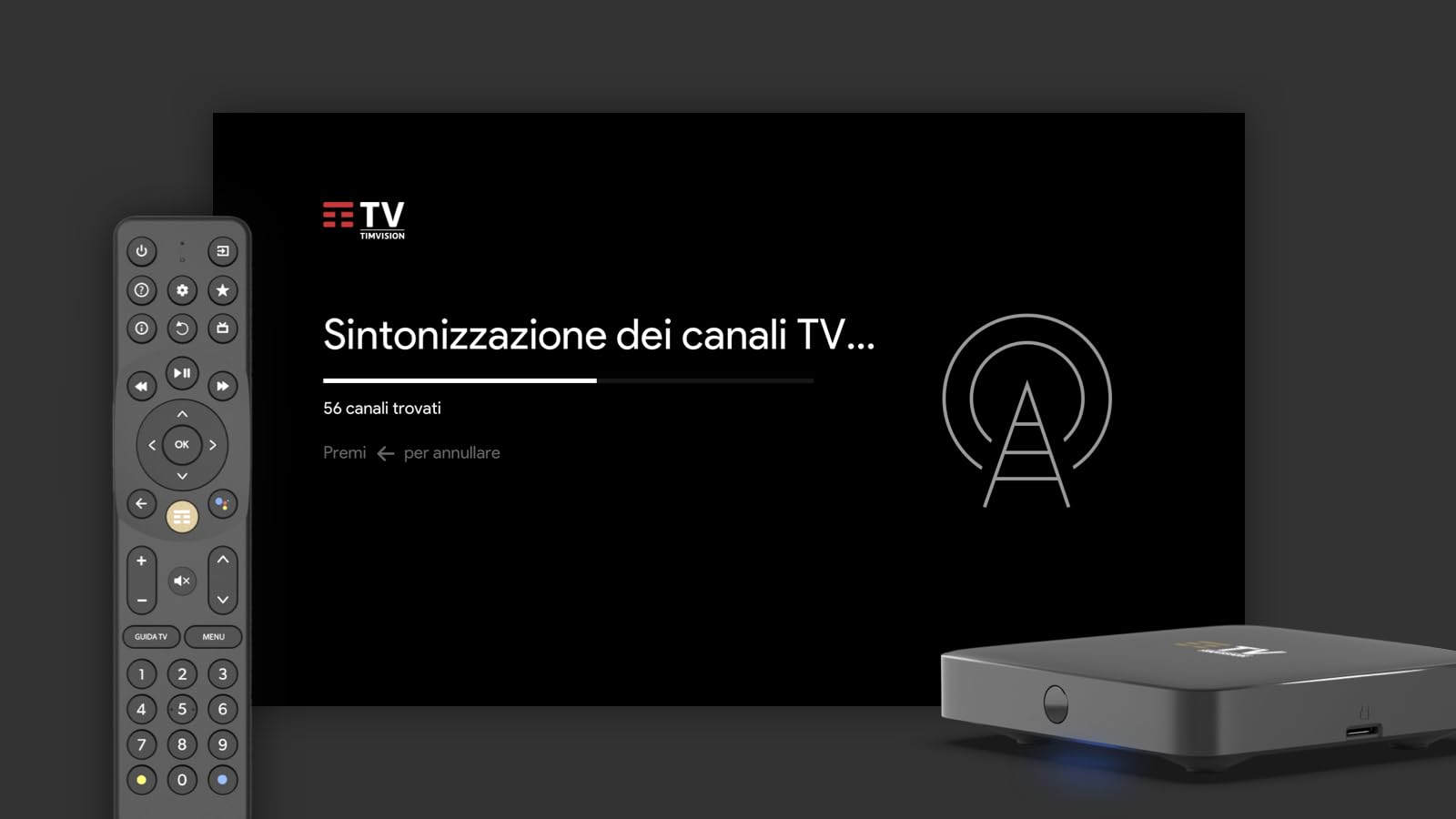
How to Use Timvision on Smart Tv: A Step-by-step Guide
Are you a fan of streaming video services? Do you want to access your favorite shows and movies directly from your Smart TV? Look no further than TIMVISION! In this article, we’ll show you how to download and install TIMVISION on your Smart TV, as well as how to access its features and content.
What is Timvision?
TIMVISION is a streaming video service offered by TIM, one of Italy’s largest telecommunications providers. With TIMVISION, you can access a wide range of TV shows, movies, and original content directly from your Smart TV or other compatible devices.
Compatible Devices
Before we dive into the installation process, let’s take a look at which devices are compatible with TIMVISION:
- Android TV
- Samsung Smart TVs (2014 and later models)
- LG Smart TVs with webOS operating system
- Hisense Smart TVs
Step 1: Downloading Timvision on Your Smart TV
To download and install TIMVISION on your Smart TV, follow these steps:
- Access the App Store or Google Play Store on your Smart TV.
- Search for “TIMVISION” in the search bar.
- Select the app from the search results.
- Click the “Install” button to begin the download process.
- Wait for the installation to complete, then click the “Open” button to launch the app.
Step 2: Accessing Your Account
If you already have a TIMVISION account, you can access it directly on your Smart TV by following these steps:
- Open the TIMVISION app on your Smart TV.
- Select the option to log in with your TIMVISION account details.
- Enter your email address and password associated with your TIMVISION account.
- Click the “Log In” button to access your account.
Step 3: Browsing Content
Once you’ve logged into your TIMVISION account, you can browse through its content library by following these steps:
- Select a category from the menu, such as “Cinema” or “Series”.
- Browse through the available titles and select one that interests you.
- Click the title to access more information about it, including its plot, duration, release year, and cast.
- If available for the selected title, click the “Trailer” button to watch a preview clip.
- Click the “Watch” button to start streaming the content.
Alternative Options
If your Smart TV is not compatible with TIMVISION or if you prefer to use an alternative device, there are other options available:
- Chromecast: A Google-made dongle that can stream content from your smartphone or tablet directly to your TV.
- Fire TV Stick: An Amazon-made device that allows you to access a range of streaming services, including TIMVISION.
Conclusion
Using TIMVISION on your Smart TV is easier than ever! By following these simple steps, you can access its vast library of content and enjoy your favorite shows and movies directly from the comfort of your own home. Happy watching!
Frequently Asked Questions (FAQs)
- Q: What Devices Are Compatible With Timvision?
A: Android TV, Samsung Smart TVs (2014 and later models), LG Smart TVs with webOS operating system, and Hisense Smart TVs. - Q: How do I Download Timvision on my Smart Tv?
A: Access the App Store or Google Play Store on your Smart TV, search for “TIMVISION”, select the app, click the “Install” button, wait for installation to complete, then click the “Open” button to launch the app. - Q: Can I Access Timvision Content Directly From my Smart Tv?
A: Yes, if you have a compatible Smart TV and an active TIMVISION account, you can browse through its content library and watch your favorite shows and movies directly on your TV. - Q: What Alternative Options Are Available For Accessing Timvision Content?
A: Chromecast, Fire TV Stick, and other compatible devices can stream TIMVISION content to your TV. - Q: Can I Access Timvision Content Without an Internet Connection?
A: No, TIMVISION requires a stable internet connection to function properly. - Q: What is The Purpose of The Timvision Box?
A: The TIMVISION Box is a device that allows you to transform your TV into a Smart TV and access TIMVISION content directly from it. - Q: Can I Use Timvision on Apple TV or Xbox One?
A: Yes, TIMVISION is compatible with Apple TV and Xbox One consoles.
Additional Tips And Information
- Always check the compatibility of your device before attempting to download and install TIMVISION.
- Make sure you have a stable internet connection to access and stream content from TIMVISION.
- If you encounter any issues or problems while using TIMVISION, visit their official website for troubleshooting guides and support resources.


