
Accessing Sky Go: A Step-by-step Guide
Are you ready to unlock the full potential of your Sky subscription? Look no further! In this comprehensive guide, we’ll walk you through the process of accessing Sky Go on various devices, including computers, smartphones, and tablets.
Why Access Sky Go?
Before we dive into the nitty-gritty, let’s quickly touch on why accessing Sky Go is essential for any Sky subscriber. With Sky Go, you can enjoy all your favorite channels and contents on-demand, directly from your smartphone, tablet, or computer. No more worrying about missing out on your favorite shows or movies – just tune in whenever you want!
Accessing Sky Go on PC
To access Sky Go on your PC, follow these simple steps:
- Download The Sky Go Software: Head to the official Sky website and download the Sky Go installer for Windows.
- Run The Installer: Double-click on the downloaded file and follow the installation prompts.
- Launch Sky Go: Once installed, launch the Sky Go app from your Start menu or desktop shortcut.
- Sign in With Your Sky ID: Enter your Sky ID credentials to access the service.
- Start Watching!: Browse through the available channels and contents on-demand, and enjoy!
Accessing Sky Go on Smartphone And Tablet
To access Sky Go on your smartphone or tablet, follow these steps:
- Download The Sky Go App: Visit the App Store (for iOS devices) or Google Play Store (for Android devices) and download the Sky Go app.
- Launch The App: Open the Sky Go app and sign in with your Sky ID credentials.
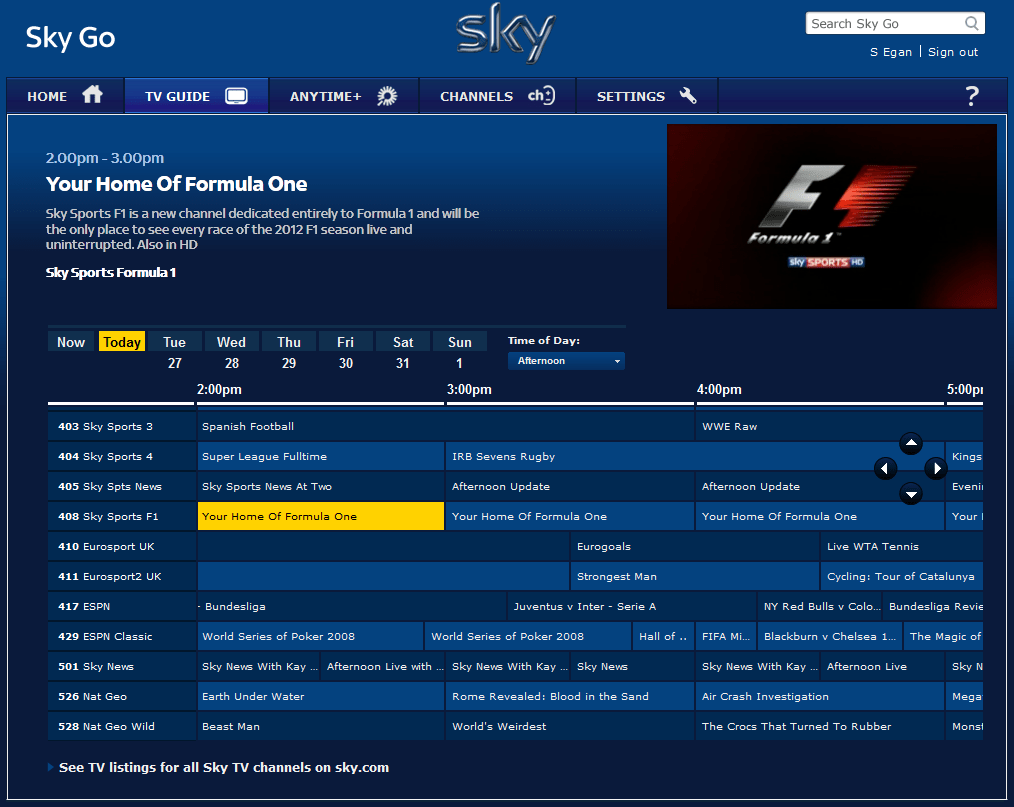
- Browse Through Channels And Contents: Explore the available channels and on-demand content, and start watching!
- Add Devices: If you want to access Sky Go on multiple devices, follow our guide on adding devices to Sky Go.
Accessing Sky Go Without an App
Unfortunately, it’s no longer possible to access Sky Go directly from your browser. However, don’t worry – just download the app for your smartphone, tablet, or computer, and you’ll be good to go!
Troubleshooting: Problems With Accessing Sky Go
If you’re experiencing issues accessing Sky Go, follow these troubleshooting steps:
- Check Your Credentials: Ensure your Sky ID credentials are correct.
- Update Your Software: Make sure your device’s operating system is up-to-date.
- Restart Your Device: Sometimes, a simple reboot can resolve the issue.
- Contact Sky Support: If none of the above steps work, don’t hesitate to reach out to Sky’s customer support team.
Accessing Sky Go Plus
If you’re interested in accessing Sky Go Plus, note that this feature is no longer available as a separate subscription. However, all Sky subscribers can enjoy the same benefits and features as Sky Go Plus, including downloading and playing content on-demand, and more!
Conclusion
In conclusion, accessing Sky Go is a straightforward process that’s essential for any Sky subscriber. By following these step-by-step guides, you’ll be able to unlock the full potential of your subscription and enjoy all your favorite channels and contents on-demand.
Frequently Asked Questions (FAQs)
- Q: What Devices Can I Access Sky Go On?
A: You can access Sky Go on your PC, smartphone, tablet, or any other device with a compatible operating system. - Q: Do I Need to Download an App to Access Sky Go?
A: Yes, you’ll need to download the Sky Go app for your device to access the service. - Q: Can I Watch Sky Go on my Smart Tv?
A: Unfortunately, it’s not possible to watch Sky Go directly on a Smart TV. - Q: What if I’m Experiencing Problems With Accessing Sky Go?
A: Try checking your credentials, updating your software, restarting your device, or contacting Sky support for assistance. - Q: Can I Add Multiple Devices to my Sky Go Account?
A: Yes, you can add up to four devices to your Sky Go account, but keep in mind that only one device can be active at a time. - Q: Is Sky Go Plus Still Available as a Separate Subscription?
A: No, the features and benefits of Sky Go Plus are now included with all Sky subscriptions. - Q: Can I Watch Content On-demand With Sky Go?
A: Yes, you can browse through the available channels and contents on-demand and start watching whenever you want! - Q: Do I Need a Sky ID to Access Sky Go?
A: Yes, you’ll need to sign in with your Sky ID credentials to access the service.
We hope this comprehensive guide has helped you unlock the full potential of your Sky subscription!


