
Actuating Find My Iphone: A Step-by-step Guide
Are you tired of worrying about your iPhone getting lost or stolen? Do you want to have the peace of mind knowing that you can locate it if it’s misplaced? Look no further than Actuating Find My iPhone, a feature offered by Apple that allows you to track and monitor your device in real-time.
What is Find My Iphone?
Find My iPhone is a service provided by Apple that enables you to locate your iPhone on a map, lock it remotely, or even erase all of its data if it falls into the wrong hands. This feature is particularly useful for individuals who frequently misplace their phones or live in areas with high crime rates.
How to Actuate Find My Iphone
Actuating Find My iPhone is relatively simple and can be done through several methods:
Using Your Iphone
- Go to your iPhone’s Settings app.
- Tap on “Privacy & Security”.
- Make sure that the option “Location Services” is enabled.
- Scroll down and tap on “Find My iPhone”.
- Toggle the switch next to “Find My iPhone” to turn it ON.
Using Another Device
If you have another Apple device, such as an iPad or Mac, you can also use it to locate your iPhone:
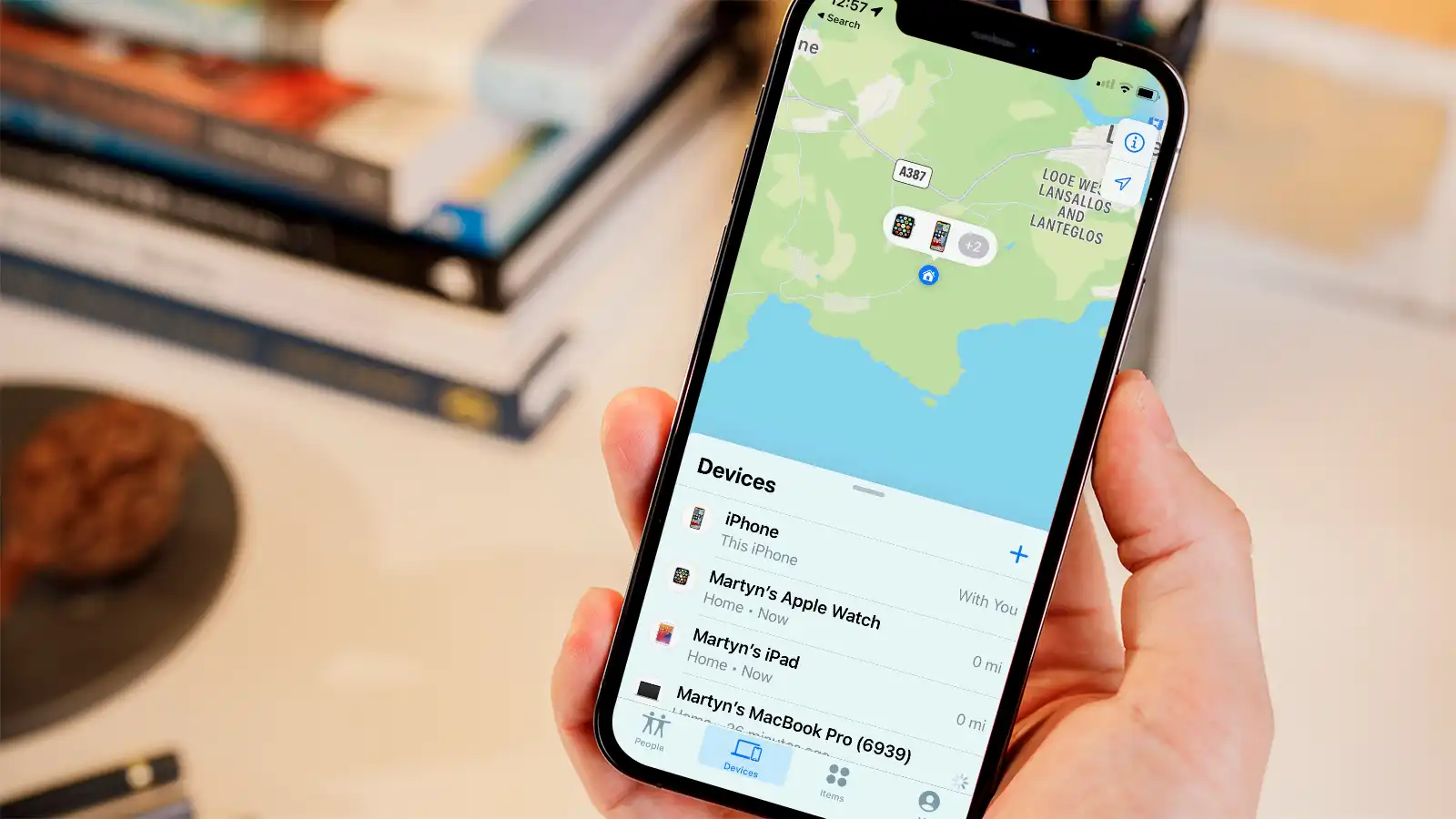
- Open the Find My app.
- Tap on “Devices”.
- Select your iPhone from the list of available devices.
Other Devices Associated With Your ID Apple
If you have other devices associated with your ID Apple (such as a smartwatch or AirPods), you can also use them to locate your iPhone:
- Open the Find My app.
- Tap on “Devices”.
- Select your iPhone from the list of available devices.
Locating Your Iphone Using Icloud
You can also locate your iPhone using the iCloud website:
- Go to icloud.Com/find.
- Sign in with your Apple ID and password.
- Click on “All Devices” at the top of the page.
- Select your iPhone from the list of available devices.
Additional Features of Find My Iphone
Actuating Find My iPhone offers several additional features that can be useful in various situations:
Marking Your Iphone as Lost
If you have actuated Find My iPhone and then mark your iPhone as lost, it will become easier to identify if someone tries to use it. You can also insert a message with your contact information.
Conclusion
Actuating Find My iPhone is a simple yet effective way to ensure that you can locate your device in case it gets lost or stolen. With this feature enabled, you’ll have peace of mind knowing that you can track and monitor your iPhone remotely. Don’t wait any longer; actuate Find My iPhone today!
Frequently Asked Questions
-
What is The Difference Between Find My Iphone And Lost Mode?
Lost mode allows you to mark your iPhone as lost and insert a message with your contact information, while Find My iPhone enables you to track and monitor its location in real-time. -
Can I Use Find My Iphone on my Ipad or Mac?
Yes, you can use Find My iPhone on any Apple device associated with your ID Apple. -
How do I Reset my Iphone Using Find My Iphone?
You can erase all of the data on your iPhone by remotely resetting it through the Find My app. -
Can I Track Someone Else’s Iphone Using Find My Iphone?
No, you can only use Find My iPhone to locate devices associated with your ID Apple. -
Is Find My Iphone Available For Non-apple Devices?
No, Find My iPhone is exclusive to Apple devices and requires an Apple ID to function properly.


