
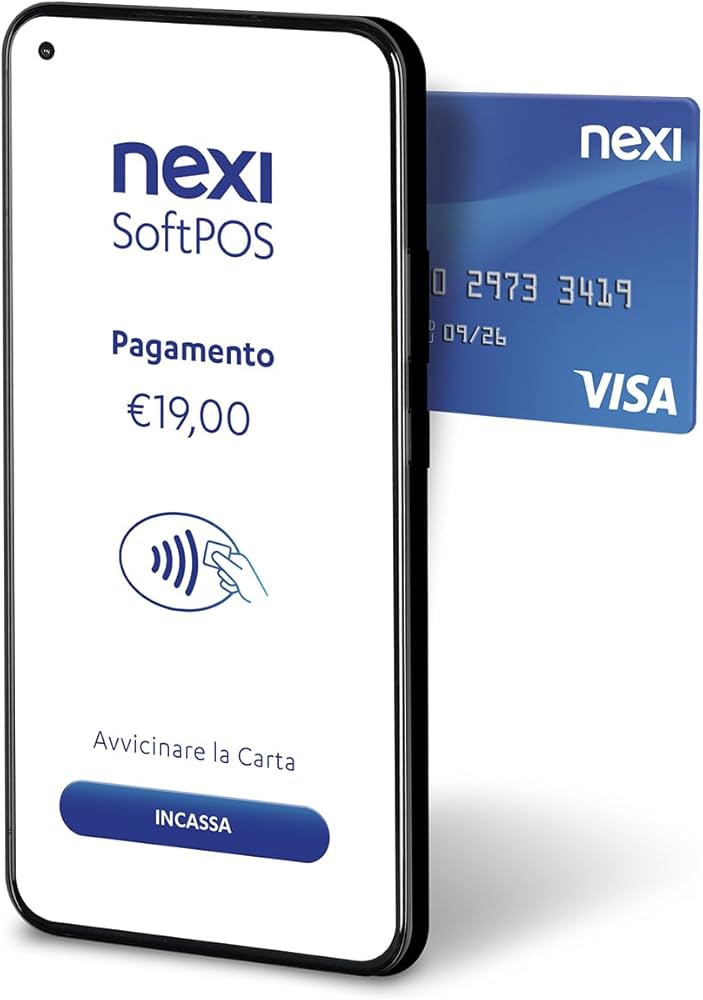
How to Activate a Nexi Card: A Step-by-step Guide
Are you excited to receive your new Nexi card? Congratulations! You’ve taken the first step towards convenient and secure payments. However, before you can start using it, you need to activate the card. Don’t worry; we’ve got you covered. In this article, we’ll guide you through the process of activating a Nexi card, including the different types of cards available.
What is Nexi?
Nexi is a leading player in the digital payments industry, offering various solutions for individuals and businesses alike. Their cards are designed to provide ease of use, security, and flexibility when making transactions online or offline.
Types of Nexi Cards
Before we dive into the activation process, let’s quickly explore the different types of Nexi cards available:
- Nexi Prepaid Card: A prepaid card that can be loaded with funds for specific purposes.
- Nexi Debit Card: A debit card linked to your bank account, allowing you to make transactions online or offline.
- Nexi Business Card: A dedicated card for businesses, designed to manage company expenses and payments.
- Nexi Corporate Card: An advanced business card solution for large corporations.
- Nexi Professional Card: A business card solution for professionals with a high value-added service.
How to Activate Your Nexi Card
Now that you know the different types of Nexi cards, let’s focus on the activation process.
Step 1: Register on The Nexi Portal
To activate your Nexi card, you need to register on the Nexi portal. Follow these steps:
- Go to the Nexi website and click on “Register” in the top right corner.
- Fill out the registration form with your details (name, email address, password, etc.).
- Verify your email address by clicking on the confirmation link sent by Nexi.
Step 2: Activate Your Card
Once you’ve registered, follow these steps to activate your card:
- Log in to your Nexi account.
- Click on “Card Management” and select the type of card you want to activate (e.G., Prepaid, debit, business).
- Follow the instructions provided by Nexi to enter the required details (card number, CVV code, etc.).
- Enter the recording code sent to your mobile phone via SMS.
- Confirm that you’ve completed all the necessary steps.
Step 3: Verify Your Card
To ensure that your card has been activated correctly:
- Log in to your Nexi account and go to “Card Management.”
- Click on “My Cards” to view the list of active cards.
- Select the card you just activated to verify its details (card number, balance, expiration date, etc.).
Activating a Nexi Prepaid Card
If you’ve received a prepaid Nexi card:
- Register on the Nexi portal and activate your card as described above.
- The new card will be automatically added to your profile.
Activating a Nexi Debit Card
To activate a debit Nexi card:
- Follow the steps outlined above for general activation.
- Your new card will be automatically linked to your existing bank account.
Activating a Nexi Business Card
If you’re a business owner or professional with an IVA (VAT ID) or PMI (Professional Association Membership):
- Register on the Nexi Business Portal and follow the instructions for activation.
- The new card will be automatically added to your profile.
Tips And Reminders
- To ensure that your card is activated correctly, verify its details in your Nexi account.
- If you encounter any issues during activation, contact Nexi’s customer support team.
- Familiarize yourself with the specific features and limitations of your card type.
That’s it! You’ve successfully activated your Nexi card. Now, go ahead and enjoy the convenience and flexibility that comes with using a Nexi card for online or offline transactions.
Frequently Asked Questions (FAQs)
- Q: What is The Purpose of Activating my Nexi Card?
A: Activating your Nexi card allows you to use it for online or offline transactions. - Q: How do I Activate a Prepaid Nexi Card?
A: Follow the same steps as general activation, and the new card will be automatically added to your profile. - Q: Can I Activate Multiple Cards on my Nexi Account?
A: Yes, you can manage multiple cards on your Nexi account, including activating new ones. - Q: What Happens if I Encounter Issues During Activation?
A: Contact Nexi’s customer support team for assistance with resolving any activation-related problems. - Q: How do I Verify That my Card is Activated Correctly?
A: Log in to your Nexi account, go to “Card Management,” and check the details of each card to ensure they are up-to-date and accurate. - Q: Can I Use my Nexi Business Card For Personal Transactions?
A: No, Nexi business cards are designed specifically for company expenses and payments. Use a personal card for individual transactions. - Q: How do I Obtain Assistance With Activating my Nexi Card?
A: Contact Nexi’s customer support team via phone or email for help with the activation process.
Conclusion
Activating your Nexi card is an essential step in enjoying its benefits and features. By following these steps, you’ll be able to manage multiple cards on your account, including activating new ones, and take advantage of the convenience and flexibility that comes with using a Nexi card for online or offline transactions.


