
How to Add a New Account on Instagram: A Step-by-step Guide
Are you looking to add a new account on Instagram? Whether it’s to promote your personal life, business, or hobbies, having multiple accounts can be beneficial. In this article, we will guide you through the process of adding a new account on Instagram using both smartphones and computers.
Why Create a New Account on Instagram?
Before we dive into the steps, let’s explore why creating a new account on Instagram might be necessary for you:
- You want to separate your personal and professional life
- You have multiple businesses or projects that require a dedicated social media presence
- You want to experiment with different content styles or audiences without affecting your main account
Creating an Account From Your Smartphone
To create a new account on Instagram using your smartphone, follow these steps:
- Open the Instagram app and go to the home screen
- Tap the “+” icon at the top right corner of the screen
- Select “Create New Account”
- Choose whether you want to sign up with your phone number or email address
- Fill out the required information, including your name, username, and password
- Tap “Next” and follow the prompts to complete the registration process
Creating an Account From Your Computer
If you prefer to create a new account on Instagram using your computer, follow these steps:
- Go to the Instagram website and click on the “Sign up” button
- Choose whether you want to sign up with your phone number or email address
- Fill out the required information, including your name, username, and password
- Click “Next” and follow the prompts to complete the registration process
Adding a New Account on Instagram
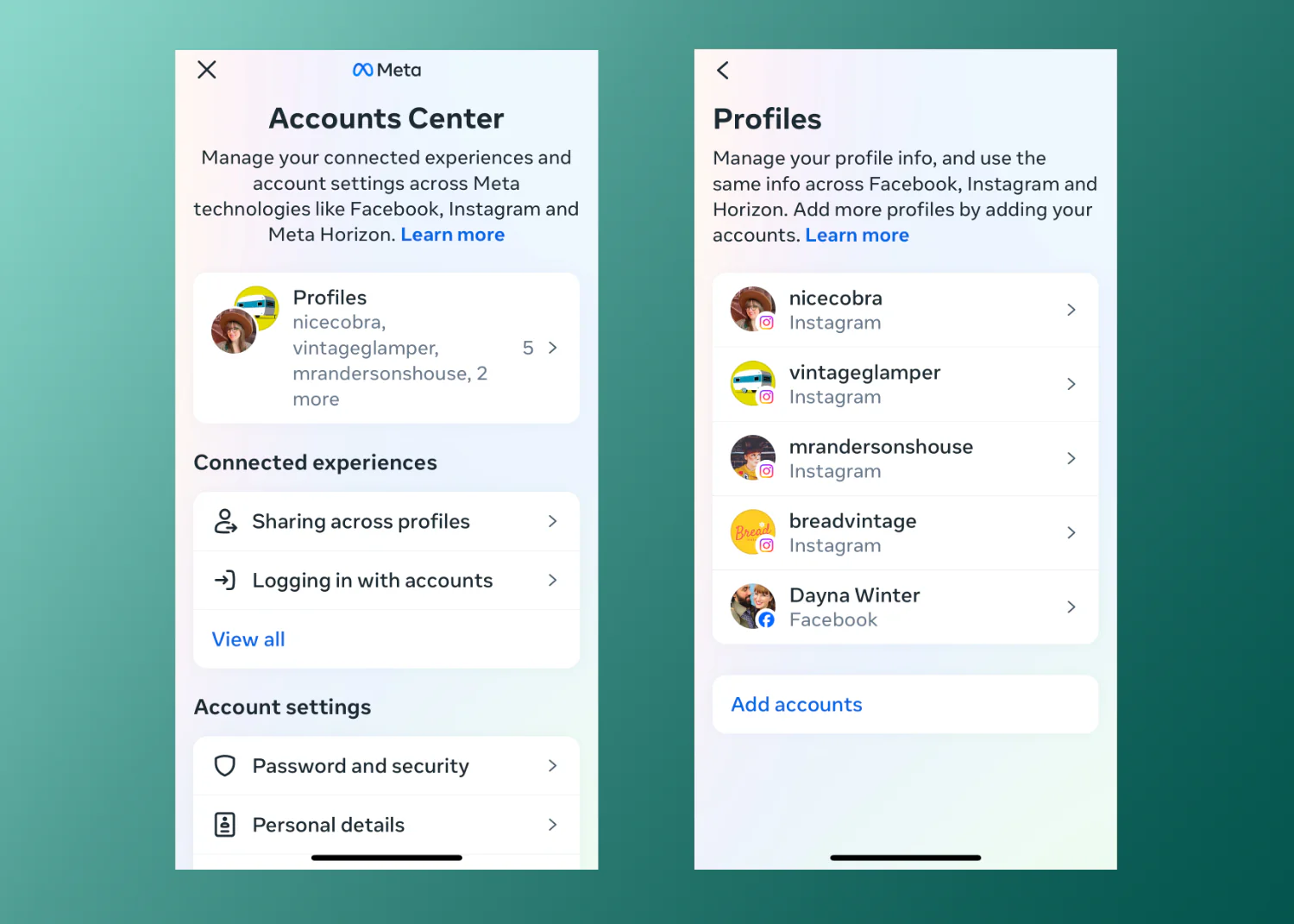
Once you have created a new account, you can add it to your main profile by following these steps:
- Open the Instagram app and go to your main profile
- Tap the three horizontal lines at the top right corner of the screen
- Select “Settings”
- Tap “Add Account” and select the new account you created
- Follow the prompts to complete the process
Troubleshooting
If you encounter any issues or have questions about creating a new account on Instagram, don’t hesitate to reach out to their official support team. They can provide you with personalized assistance and help resolve any problems you may be experiencing.
Conclusion
Creating a new account on Instagram is a straightforward process that can be completed using both smartphones and computers. By following these steps, you can create a dedicated social media presence for your personal or professional life. Don’t hesitate to reach out if you have any questions or need further assistance.
Frequently Asked Questions
- Q: How do I add a new account on Instagram?
A: You can add a new account on Instagram by following the steps outlined above. - Q: Can I create multiple accounts on Instagram?
A: Yes, you can create multiple accounts on Instagram for personal or professional use. - Q: How do I switch between my main and secondary account?
A: To switch between your main and secondary account, go to your profile and select the desired account.


