
How to Become Administrator of a Whatsapp Group Without Permission
As a member of a WhatsApp group, you might want to take on the role of administrator, contributing to its management and growth. However, gaining this role is not as simple as just wishing it so. In this guide, we’ll provide practical tips on how to become an administrator of a WhatsApp group without permission.
Understanding The Role of Administrator
Before diving into the tips, let’s first understand what it means to be an administrator of a WhatsApp group. The administrators play a crucial role in managing the group, ensuring that its surroundings respect WhatsApp’s Terms of Service and the group’s internal rules. They are responsible for moderating content shared in the group, adding or removing members, and modifying settings such as the group name, image, and description.
Tips on Becoming Administrator of a Whatsapp Group
Here are some helpful tips to consider:
- Get to Know The Current Administrators: Building a good relationship with the existing administrators can increase your chances of being appointed.
- Participate Actively in The Group Conversations: Engage positively and constructively in group discussions, showing that you’re committed to the community’s growth.
- Respect Group Rules: Adhere to the rules and regulations established by the group, especially those related to good civic sense.
- Be Patient And Persistent: Don’t get discouraged if your proposal is initially refused. Continue collaborating with the group, and maybe a new idea will arise.
How to Assign Administrator Role
If an administrator has accepted your proposal, follow these steps:
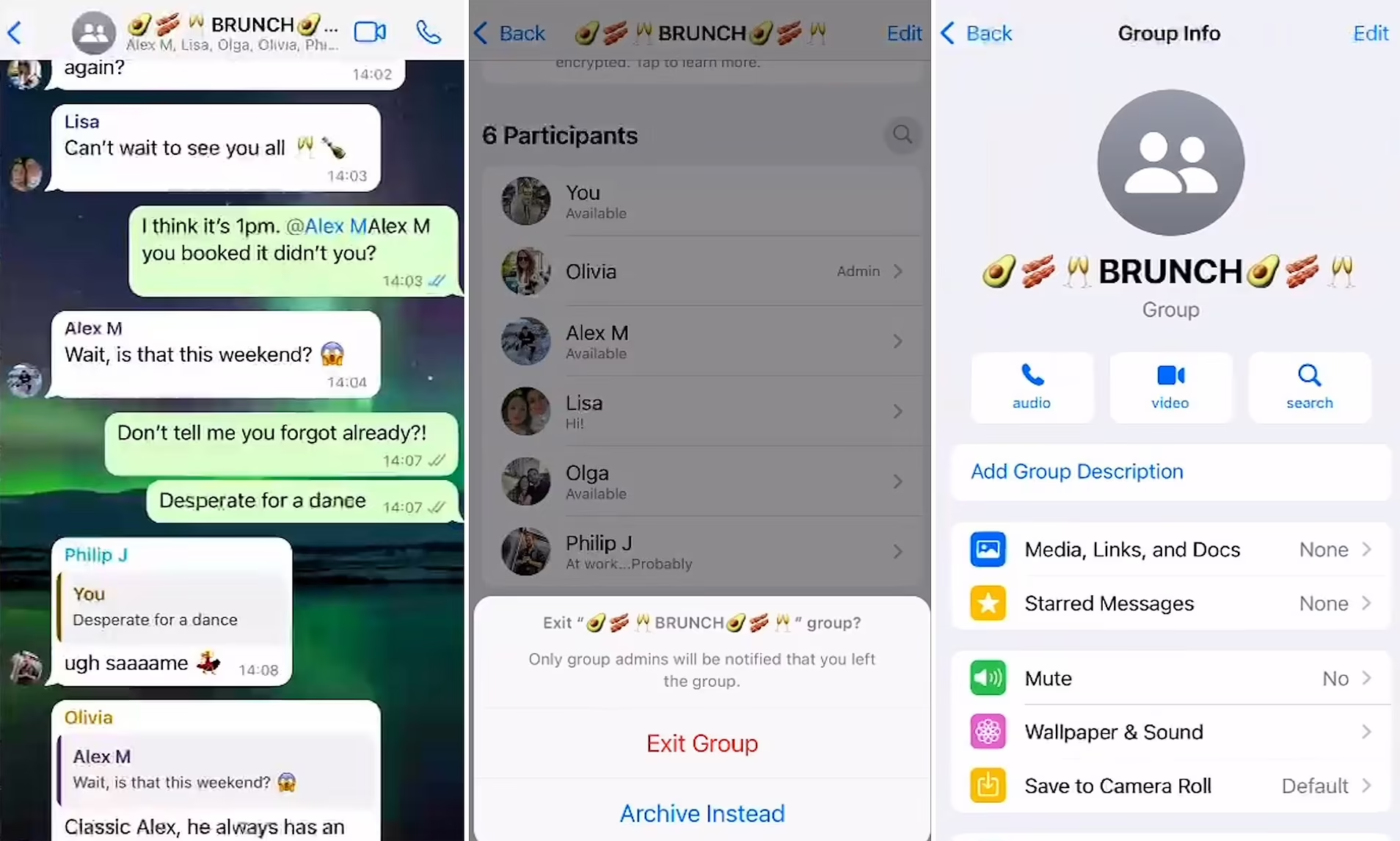
- Open WhatsApp on your smartphone or tablet and access the chat of the group you want to administer.
- Tap on the administrator’s name in the top bar and scroll down to find the participants section.
- If the user is already listed, tap on their name and select the @Rendere administrator option.
- If the user is not listed, use the search engine to find them by typing their name.
How to Assign Administrator Role on Whatsapp Web or Desktop Client
The procedure is identical to that described above for smartphones. The difference lies in how you locate the user to assign the role to:
- On WhatsApp Web or desktop client, click right on the administrator’s name and select the @Rendere administrator option.
Conclusion
Becoming an administrator of a WhatsApp group without permission requires effort, patience, and persistence. By following these tips, you can increase your chances of being appointed. Remember to respect group rules, participate actively in conversations, and build good relationships with existing administrators.
Frequently Asked Questions (FAQs)
- What Are The Responsibilities of an Administrator in a Whatsapp Group?
The administrator is responsible for moderating content shared in the group, adding or removing members, and modifying settings such as the group name, image, and description. - How Can I Become an Administrator of a Whatsapp Group Without Permission?
You can follow the tips outlined above to increase your chances of being appointed by existing administrators. - What if my Proposal is Initially Refused?
Continue collaborating with the group, and maybe a new idea will arise. - Can I Assign The Role of Administrator to Anyone?
No, it’s best to assign this role to users you have confidence in, as a cluster with many administrators can lead to management confusion and instability. - How do I Assign The Role of Administrator on Whatsapp Web or Desktop Client?
The procedure is identical to that described above for smartphones; locate the user by typing their name if they’re not listed. - What Are Some Good Practices For a Group Administrator?
Respect group rules, participate actively in conversations, and build good relationships with existing administrators. - Can I Modify Settings Such as The Group Name, Image, And Description?
Yes, administrators can modify these settings to personalize the group’s identity. - How Many Administrators Can be Assigned to a Whatsapp Group?
There is no limit to the number of administrators that can be assigned to a group; however, having too many may lead to management confusion.


