
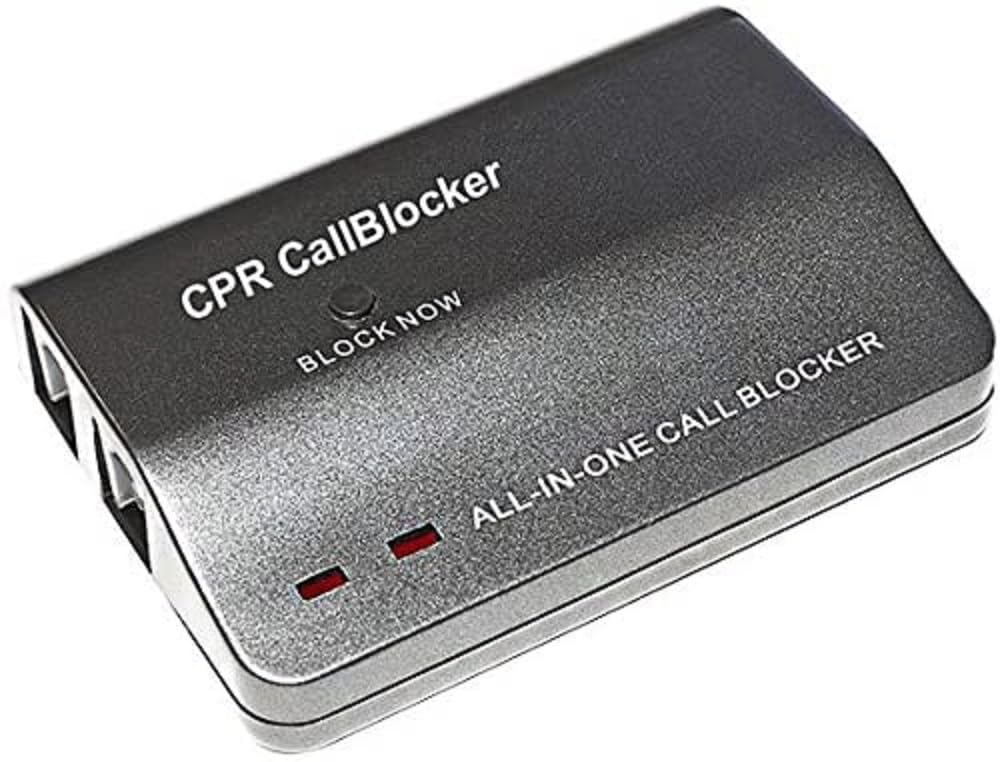
The Ultimate Guide to Blocking Unwanted Calls From Call Centers
Are you tired of receiving unwanted calls from call centers? Do you wish there was a way to stop these annoying calls from disrupting your daily life? Look no further! In this comprehensive guide, we will explore the various ways to block unwanted calls from call centers and other pesky telemarketers.
What Are Call Centers And Why Are They So Annoying?
Call centers are businesses that employ large numbers of people to make sales pitches or solicit donations over the phone. These calls can be intrusive, repetitive, and sometimes even harassing. Many people find them annoying because they interrupt daily activities, such as eating, watching TV, or working.
Why is Blocking Unwanted Calls Important?
Blocking unwanted calls from call centers is essential for maintaining a peaceful and productive life. Receiving repeated calls from telemarketers can be frustrating and stressful, especially if you’re trying to focus on work or family responsibilities. By blocking these calls, you can reclaim your time and energy.
Methods to Block Unwanted Calls
There are several methods to block unwanted calls from call centers:
Registering With The Public Register of Oppositions (RPO)
The RPO is a national register that allows individuals to record their phone numbers and opt-out of receiving unsolicited calls. By registering, you can prevent call centers from calling your number.
- Step 1: Go to the RPO website (www.Registrodelleopposizioni.It) and click on “Registration” (Iscrizione).
- Step 2: Fill out the registration form with your personal details, including your phone number.
- Step 3: Review and confirm that you want to register.
Using a Mobile App to Block Unwanted Calls
There are several mobile apps available that can help block unwanted calls from call centers. These apps use advanced algorithms to identify and block suspicious numbers.
Should I Answer?, for example, is a popular app that allows users to block unwanted calls on both Android and iOS devices. To install the app:
- Step 1: Download and install Should I Answer? from the App Store (iOS) or Google Play Store (Android).
- Step 2: Grant the app permission to access your phone’s contact list.
- Step 3: Block unwanted numbers by tapping on the “Block” button.
Blocking Unwanted Calls on Your Phone
You can also block unwanted calls directly from your phone. Here are some steps to follow:
For Android Devices:
1. Open the Settings app and navigate to “Phone > Call Block List”.
2. Tap on the “+” icon to add a new number to block.
3. Enter the number you want to block and tap “Save”.
For Ios Devices:
1. Go to Settings > Phone.
2. Scroll down and tap on “Blocked Contacts”.
3. Tap on the “Add New” button.
4. Enter the number you want to block.
Other Helpful Methods to Block Unwanted Calls
Besides registering with the RPO or using a mobile app, there are other methods to block unwanted calls:
- Using a Landline: If you have a separate phone line for your business or home office, consider using it exclusively for official calls. This can help prevent call centers from reaching you.
- Installing Call-blocking Software: Some software programs can detect and block suspicious numbers. Research these options to find the best fit for your needs.
Conclusion
Blocking unwanted calls from call centers is a crucial step in maintaining a peaceful and productive life. By registering with the RPO, using mobile apps, or blocking numbers directly from your phone, you can effectively prevent these annoying calls from disrupting your daily routine.
Frequently Asked Questions
1. What are call centers?
2. How do I register with the Public Register of Oppositions (RPO)?
3. Can I block unwanted calls on my phone?
4. Are there any other methods to block unwanted calls?
Answers:
- Call centers are businesses that employ large numbers of people to make sales pitches or solicit donations over the phone.
- To register with the RPO, go to their website and fill out the registration form with your personal details, including your phone number.
- Yes, you can block unwanted calls directly from your phone. For Android devices, go to Settings > Phone > Call Block List, and for iOS devices, go to Settings > Phone > Blocked Contacts.
- Other methods include using a landline exclusively for official calls or installing call-blocking software.
By following the steps outlined in this guide, you can effectively block unwanted calls from call centers and enjoy a more peaceful life.


