
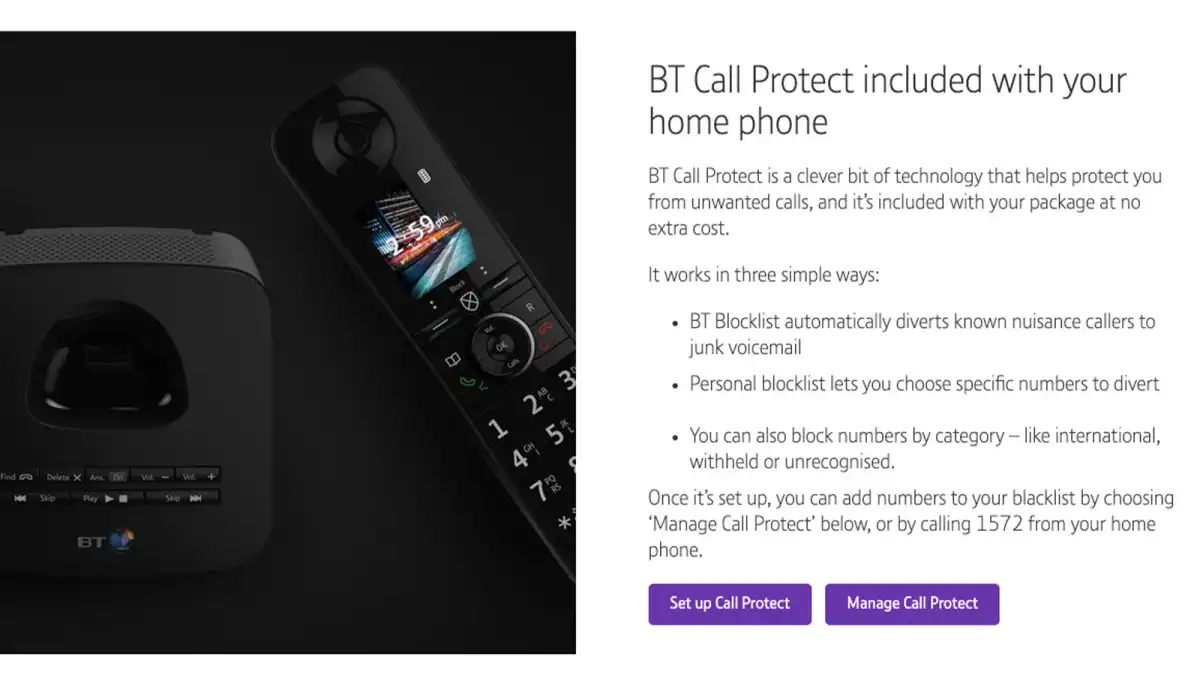
How to Block Unwanted Calls on Your Fixed Phone
Are you fed up with receiving unwanted calls on your fixed phone? Do you feel frustrated when your phone rings non-stop with numbers you don’t recognize or don’t want to answer? You’re not alone! In this article, we’ll show you how to block unwanted calls on your fixed phone using various methods and tools.
The Problem of Unwanted Calls
Unwanted calls can be a nuisance, disrupting your daily life and causing stress. Whether it’s a telemarketing call, a spam call, or an unsolicited sales pitch, these calls can be annoying and even scary. In recent years, there has been a rise in unwanted calls, making it essential to find ways to block them.
Method 1: Registering With The Public Registry of Oppositions
One way to block unwanted calls is by registering with the Public Registry of Oppositions (Registro delle Opposizioni). This service allows you to register up to five numbers that you don’t want to receive calls from. You can do this online, over the phone, or via email.
Step-by-step Guide: Registering Online
- Go to the website of the Public Registry of Oppositions.
- Click on “Register” and fill in the required information.
- Choose the numbers you want to block and save your changes.
Method 2: Signaling to Your Telephone Operator
If registering with the Public Registry of Oppositions doesn’t solve the problem, you can try signaling to your telephone operator. Each operator has its own procedures for blocking unwanted calls, so be sure to contact them directly.
Tim’s Form For Blocking Unwanted Calls
TIM, one of Italy’s largest telecommunications providers, offers a form for blocking unwanted calls on their website. To access it:
- Log in to MyTIM.
- Go to the “State Requests” section.
- Click on “Have you received unwanted calls from Telecom Italia or other operators?”
- Fill out the form with the necessary information and submit your request.
Other Telephone Operators’ Procedures
Vodafone, WINDTRE, Fastweb, and Iliad also have procedures for blocking unwanted calls. You can find more information on their websites or by contacting them directly.
Method 3: Using a Call Blocker Device
If the above methods don’t work, you may want to consider using a call blocker device. These devices connect directly to your phone and can block up to 1,000 numbers.
Types of Call Blocker Devices
There are various types of call blocker devices available in the market, including:
- CPR Block Called Shield Bianco – Pre-programmed with 2000 Numbers
- CPR Block Called V5000 Premium – #Block #called indesiderate for t
These devices usually come with a manual and instructions on how to use them. Make sure you follow the manufacturer’s guidelines to ensure effective blocking.
Conclusion
Blocking unwanted calls on your fixed phone is not an impossible task. By following these methods and using the right tools, you can minimize disruptions and enjoy peace of mind. Remember to always check the status of your service and consult with your telephone operator if needed.


