
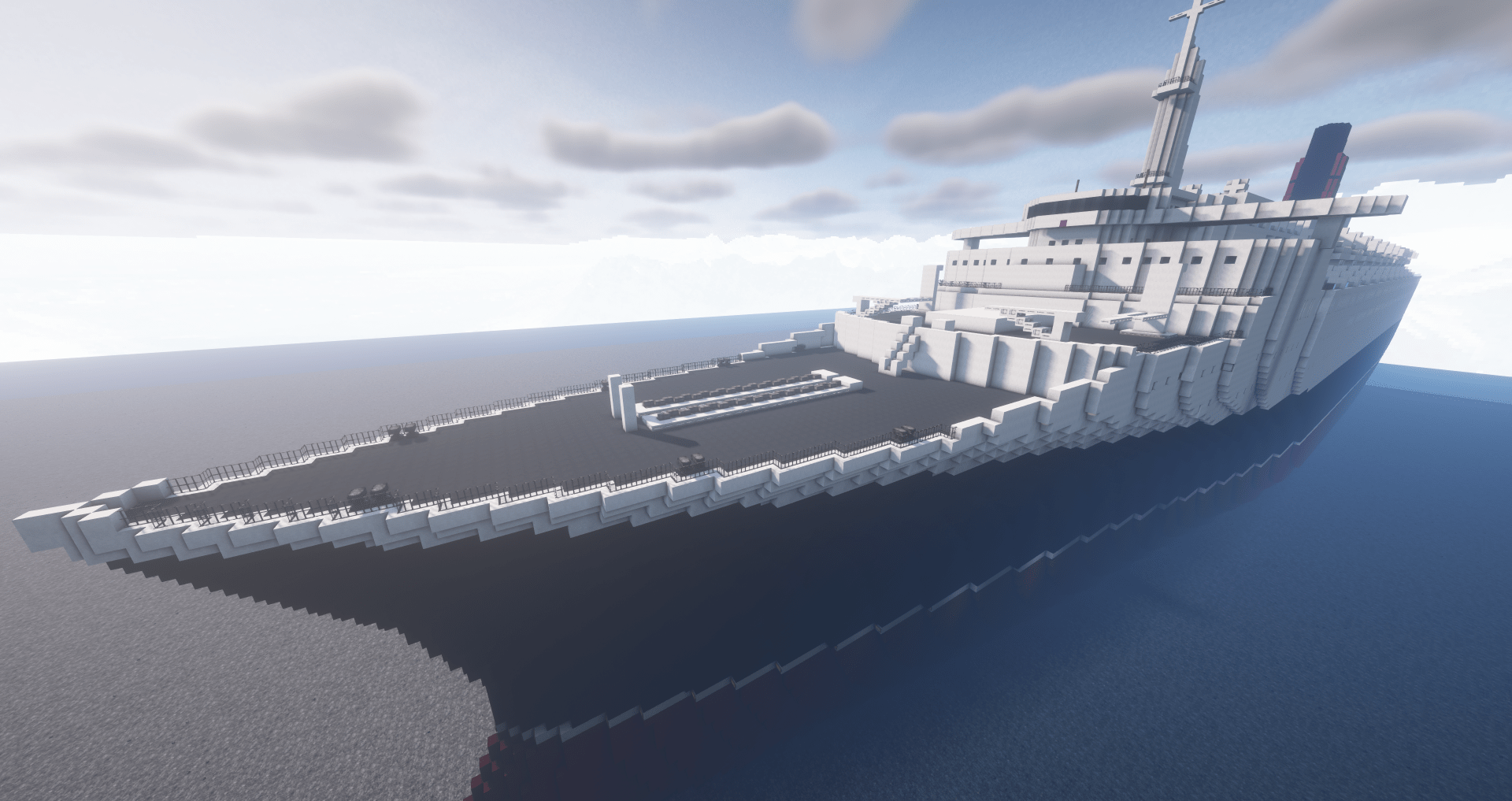
Constructing a Boat on Minecraft: A Step-by-step Guide
Are you ready to set sail on the vast oceans of Minecraft? In this tutorial, we will guide you through the process of constructing a boat on Minecraft, covering both the Java Edition and Bedrock Edition.
Why Build a Boat on Minecraft?
Building a boat on Minecraft is an exciting adventure that allows you to explore the game’s world in a new way. With a sturdy vessel, you can navigate through rivers, lakes, and oceans, discovering hidden treasures and encountering fascinating creatures.
Gathering Materials For The Java Edition
To build a boat on Minecraft’s Java Edition, follow these steps:
- Gather Firewood: Find a tree and break it to obtain firewood. You can also use an axe to speed up the process.
- Process The Firewood: Open your crafting menu or use a workbench to process the firewood into wooden planks.
- Craft Trunks: Place 4 wooden planks in a square shape to create a trunk.
- Create Aces of Wood: Process each trunk to obtain 4 units of aces of wood.
Assembling The Boat on Java Edition
To assemble the boat, follow these steps:
- Open The Crafting Menu: Access your crafting menu or use a workbench to start building the boat.
- Add Trunks And Aces: Place 5 trunks in an “U” shape, followed by 4 units of aces of wood on top.
- Place The Boat in Water: Position the boat in a body of water to test its buoyancy.
Gathering Materials For The Bedrock Edition
To build a boat on Minecraft’s Bedrock Edition, follow these steps:
- Gather Wooden Planks: Process firewood into wooden planks using a crafting menu or workbench.
- Create Aces of Wood: Process 5 trunks to obtain 20 units of aces of wood.
Assembling The Boat on Bedrock Edition
To assemble the boat, follow these steps:
- Open The Crafting Menu: Access your crafting menu or use a workbench to start building the boat.
- Add Trunks And Aces: Place 5 trunks in an “U” shape, followed by 20 units of aces of wood on top.
- Place The Boat in Water: Position the boat in a body of water to test its buoyancy.
Adding Mods For Enhanced Gameplay
If you want to take your Minecraft experience to the next level, consider adding mods like Small Ships. This mod allows you to create and customize various boats, adding a new layer of excitement to your gameplay.
Tips And Tricks
- Use the right-click button to control your boat’s movement.
- Press the ‘Shift’ key to drop your yacht into the water.
- Explore different mods to enhance your gameplay experience.
Conclusion
Building a boat on Minecraft is an exciting adventure that allows you to explore the game’s world in a new way. Whether you’re playing on Java Edition or Bedrock Edition, this guide has provided you with the necessary steps to construct a sturdy vessel and set sail for new adventures.
Frequently Asked Questions (FAQs)
- What Materials do I Need to Build a Boat on Minecraft?
You’ll need firewood, trunks, and wooden planks to build a basic boat.
- How do I Process Firewood Into Wooden Planks?
Use a crafting menu or workbench to process firewood into wooden planks.
- What’s The Difference Between Java Edition And Bedrock Edition?
The main difference is that Java Edition has more customization options, while Bedrock Edition focuses on cross-platform compatibility.
- Can I Add Mods to Enhance my Gameplay Experience?
Yes! Mods like Small Ships can add new features and excitement to your Minecraft experience.
- How do I Control my Boat’s Movement?
Use the right-click button to control your boat’s movement.
- What’s The Best Way to Drop my Yacht Into The Water?
Press the ‘Shift’ key to drop your yacht into the water.
- Can I Customize my Boat With Mods?
Yes! Mods like Small Ships allow you to create and customize various boats.
- Where Can I Find More Guides And Tutorials on Minecraft?
Visit our website for a comprehensive guide to Minecraft, covering various topics and mods.


