
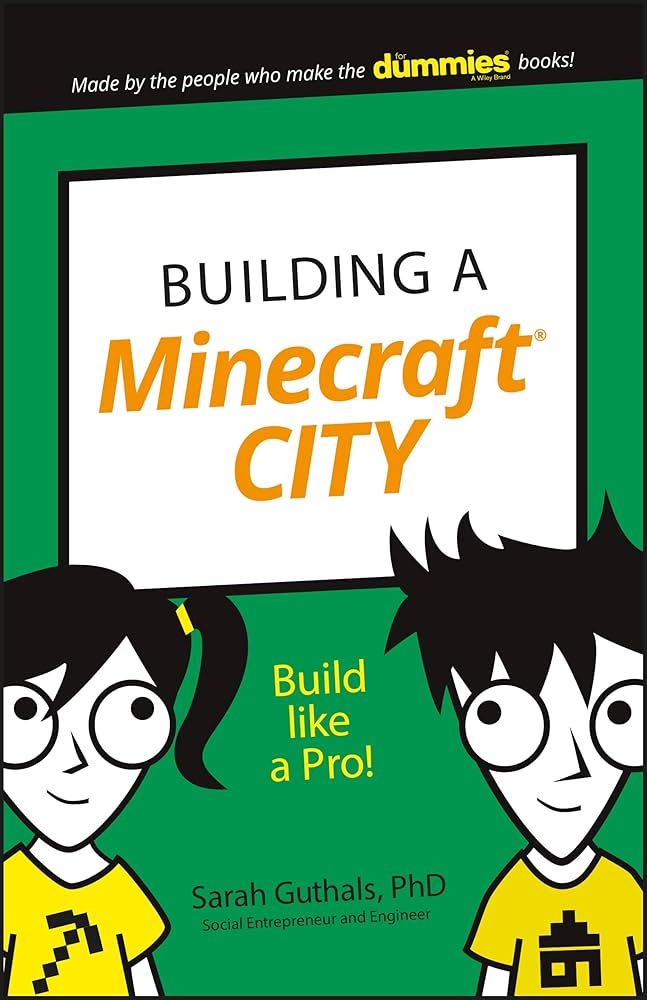
How to Build a City on Minecraft
Welcome to this comprehensive guide on how to build a city on Minecraft! In this article, we will take you through the step-by-step process of creating a city from scratch, including tips and tricks for designing your own unique metropolis.
Why Build a City on Minecraft?
Building a city on Minecraft is an exciting project that allows you to express your creativity, showcase your skills, and create a immersive gaming experience. Whether you’re playing in Survival mode or Creative mode, building a city on Minecraft can be a rewarding and enjoyable experience.
Step 1: Plan Your City
Before starting your city-building project, it’s essential to plan out the layout of your metropolis. Take some time to think about what kind of city you want to build:
- What style of architecture would you like? (e.G., Modern, medieval, futuristic)
- How big do you want your city to be?
- What features would you like to include? (e.G., Parks, buildings, roads)
Having a clear idea of what you want to achieve will make the building process much easier and more enjoyable.
Step 2: Gather Materials
To build your city, you’ll need a variety of materials. Make sure you have:
- A good supply of blocks (stone, wood, brick, etc.)
- Some essential tools (pickaxe, axe, shovel)
- A comfortable amount of free space to build
Step 3: Design Your City Layout
Now it’s time to start designing your city layout. Consider the following tips:
- Start with a central hub and work your way outwards
- Create distinct districts for different types of buildings (e.G., Residential, commercial, industrial)
- Don’t forget to include roads and other infrastructure
Step 4: Build Your City
With your design plan in place, it’s time to start building! Use the following tips to help you along:
- Start with basic blocks (stone, dirt) and gradually add more complex features
- Use a variety of materials to create visual interest and depth
- Pay attention to lighting and shadowing to create a realistic atmosphere
Step 5: Add Details And Features
Once your city’s framework is in place, it’s time to add the finishing touches. Consider adding:
- Decorative details (e.G., Fountains, statues, streetlights)
- Functional features (e.G., Shops, restaurants, hospitals)
- Unique landmarks or attractions
Step 6: Test And Refine
With your city built, it’s essential to test it out and refine the design. Consider playing in Survival mode to see how well your city holds up to external threats.
Tips And Tricks For Building a City on Minecraft
Here are some additional tips and tricks to help you build an amazing city on Minecraft:
- Use Natural Resources: Take advantage of the game’s natural features (e.G., Hills, valleys) to create unique landscapes.
- Experiment With Different Materials: Don’t be afraid to try out new materials or textures to add visual interest.
- Consider Lighting And Shadowing: Use lighting and shadowing to create a realistic atmosphere and highlight important details.
Building a City on Minecraft Bedrock Edition
If you’re playing the Bedrock Edition of Minecraft, don’t worry – our guide still applies! The main difference is that you’ll be using the Marketplace feature to access pre-made city blueprints.
Frequently Asked Questions (FAQs)
Here are some frequently asked questions about building a city on Minecraft:
Q: What’s The Best Way to Build a City?
A: Start with a clear plan and gradually add details and features as you go along.
Q: How Big Should my City Be?
A: It depends on your personal preference – but remember, bigger is not always better!
Q: Can I Build a City in Survival Mode?
A: Yes! Building a city in Survival mode can be a fun challenge.
Q: What Materials Should I Use For Building?
A: Experiment with different materials to find the ones that work best for your city’s style and aesthetic.
Q: How do I Add Lighting And Shadowing to my City?
A: Use torches, glowstones, or other light sources to create a realistic atmosphere.
Conclusion
Building a city on Minecraft can be an incredibly rewarding experience. With these tips and tricks, you’ll be well on your way to creating an amazing metropolis that showcases your creativity and skills. Happy building!
We hope this guide has been helpful in answering any questions you may have had about building a city on Minecraft. If you have any further queries or would like more information, please don’t hesitate to get in touch.
Bonus: Faqs
Here are some additional frequently asked questions that we didn’t cover earlier:
Q: Can I Build a City With my Friends?
A: Absolutely! Building a city together can be a fun and collaborative experience.
Q: How do I Protect my City From External Threats?
A: Use walls, gates, or other defensive features to keep your city safe.
Q: What’s The Best Way to Light up my City?
A: Experiment with different lighting sources (e.G., Torches, glowstones) to create a unique atmosphere.
Q: Can I Build a City in Any Biome?
A: Yes! Minecraft allows you to build cities in any biome – just make sure to choose the right materials and design for your environment.
We Hope This Article Has Been Helpful. If You Have Any Further Queries, Please Don’t Hesitate to Reach Out.


