
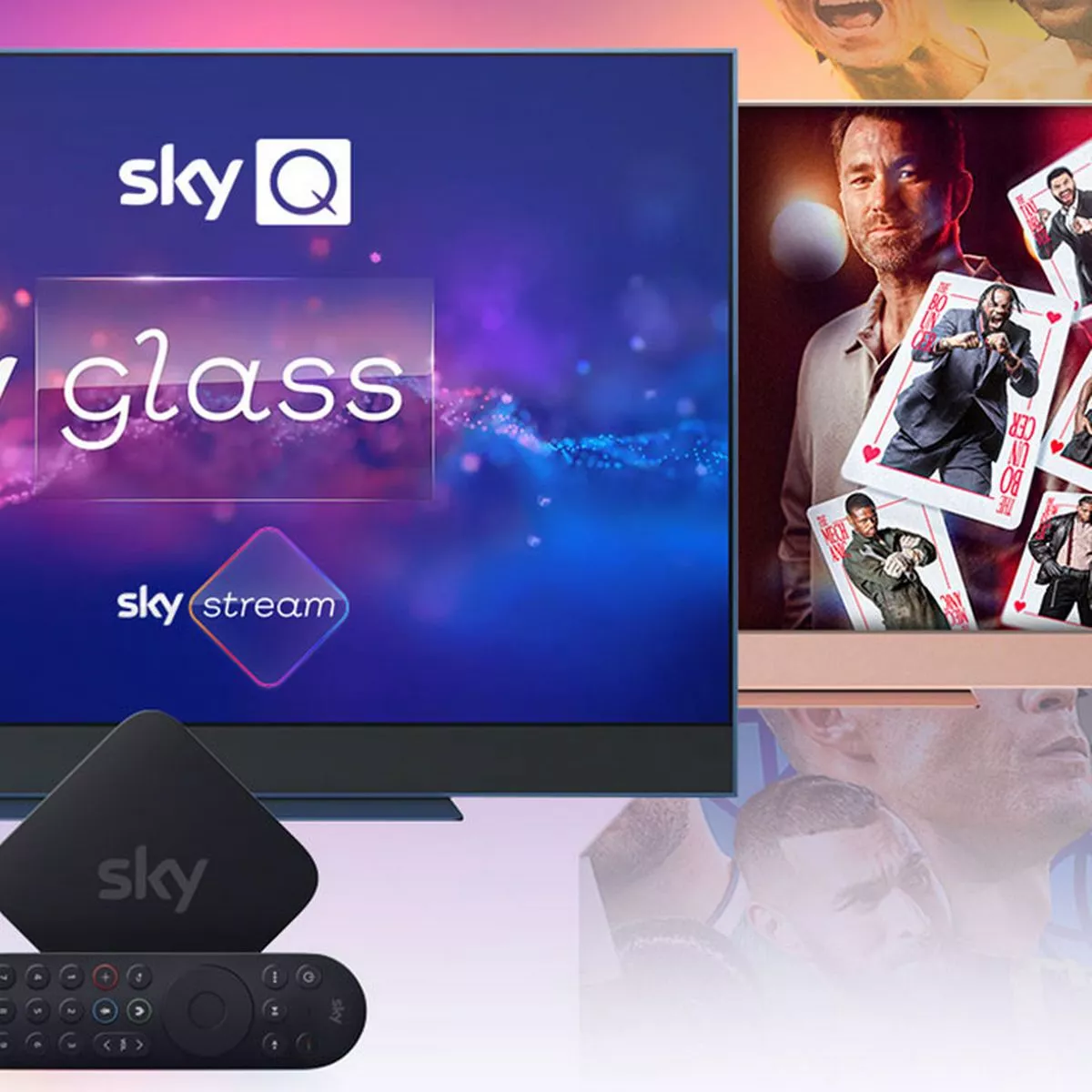
Unlocking The Secrets of Dazn on Sky: A Comprehensive Guide
Are you a sports enthusiast looking to enhance your viewing experience? Do you want to know more about acquiring DAZN on Sky? Look no further! In this article, we will delve into the world of DAZN and explore its features, benefits, and how to access it on your Sky decoder.
What is Dazn?
DAZN is a popular sports streaming service that offers a wide range of live and on-demand events. With DAZN, you can enjoy top-notch sports content without the need for a traditional TV subscription. From football to boxing, basketball, and more, DAZN has got you covered.
Accessing Dazn on Sky
To access DAZN on your Sky decoder, follow these simple steps:
- Ensure you have an active or new subscription to DAZN Start, DAZN Standard, or DAZN Plus.
- Navigate to the App section on your Sky decoder and search for DAZN.
- Log in with your DAZN account credentials (if you don’t remember them, you can recover them on the DAZN website).
- Start enjoying DAZN’s vast library of content, including live events and on-demand shows.
What Can I Watch on Dazn?
DAZN offers a diverse selection of sports content, including:
- Live events: Enjoy top-tier sports action, such as football, boxing, basketball, and more.
- On-demand shows: Catch up on past events, interviews, and analysis programs.
- Exclusive content: Discover unique features, like behind-the-scenes footage and expert commentary.
The Channel Zone Dazn
ZONE DAZN is an additional service that offers exclusive sports content. For just 10 euros/month (in addition to your DAZN subscription), you can access a selection of events, including the 7 matchdays of Serie A in exclusive DAZN coverage for each day of the championship.
How Do I Access Zone Dazn?
To activate ZONE DAZN, follow these steps:
- Visit the DAZN website and log in with your account credentials.
- Navigate to My Account > ZONE DAZN on Sky and follow the instructions to complete the activation process.
- Provide your Sky Client Code (if you don’t have it, you can recover it from the Sky website or the My Sky app).
- Once activated, access ZONE DAZN by pressing 214 on your Sky decoder.
Frequently Asked Questions
Here are some answers to common questions:
- Q: Can I Still Access Dazn if my Internet Connection is Unstable?
A: Yes, you can enjoy DAZN with a stable internet connection. However, if your connection is unreliable, consider upgrading to a more robust service. - Q: How do I Cancel my Dazn Subscription?
A: To cancel your subscription, visit the DAZN website and follow the instructions in the Help section. - Q: Can I Use Sky Go to Access Dazn Content?
A: No, Sky Go is not compatible with DAZN. However, you can access DAZN through the official app on your Android or iOS device.
Conclusion
DAZN on Sky offers a fantastic way to enhance your sports viewing experience. With its extensive library of live and on-demand events, you’ll never miss a moment of action. By following this comprehensive guide, you’ll be able to unlock the secrets of DAZN and enjoy top-notch sports content on your Sky decoder.


