
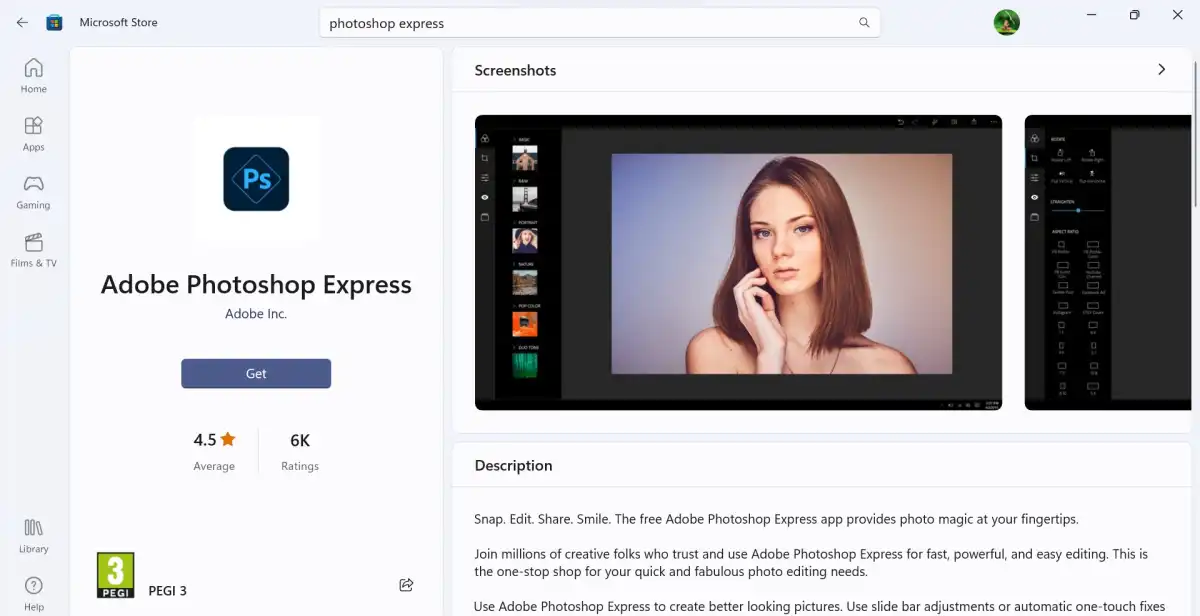
How to Buy Photoshop: A Step-by-step Guide
Are you a photography enthusiast or a graphic designer looking to upgrade your skills? Do you want to know how to buy Photoshop, the industry-leading photo editing software? Look no further! In this article, we will guide you through the process of purchasing and installing Photoshop, as well as exploring its features and pricing plans.
What is Photoshop?
Photoshop is a powerful image editing software developed by Adobe. It is widely used in various industries, including graphic design, photography, and digital art. With Photoshop, users can edit and enhance their photos, create stunning visual effects, and produce high-quality images for print or web use.
Why Buy Photoshop?
There are several reasons why you should buy Photoshop:
- Industry-standard Software: Photoshop is the industry standard for photo editing and manipulation.
- Advanced Features: With Photoshop, you can achieve professional-level results in image editing, retouching, and enhancement.
- Cross-platform Compatibility: Photoshop is available on Windows, Mac, and iPad, making it accessible to users across various platforms.
Pricing Plans
Adobe offers various pricing plans for Photoshop, including:
- Single Application Plan: This plan costs $24.99/Month (annual payment) or $31.49/Month (monthly payment). It includes access to Photoshop CC, 100 GB of cloud storage, Adobe Portfolio, and other services.
- All Apps Plan: This plan costs $52.99/Month (annual payment) or $63.51/Month (monthly payment). It includes access to all Creative Cloud apps, including Photoshop CC, Lightroom Classic CC, and more.
How to Download And Install Photoshop
To download and install Photoshop, follow these steps:
- Visit The Adobe Website: Go to the official Adobe website (www.Adobe.Com) and navigate to the Photoshop page.
- Click on The “Free Trial” Button: Click on the “Free Trial” button to download a free trial version of Photoshop.
- Choose Your Plan: Select your preferred pricing plan and follow the prompts to complete the purchase.
- Download And Install Photoshop: Once you have completed the purchase, you will be able to download and install Photoshop on your computer.
How to Buy Photoshop on Ipad
To buy Photoshop on iPad, follow these steps:
- Visit The App Store: Go to the App Store on your iPad and search for “Photoshop.”
- Download And Install The App: Download and install the Photoshop app.
- Sign in With Your Adobe ID: Sign in with your Adobe ID to access the app.
- Choose Your Plan: Select your preferred pricing plan and follow the prompts to complete the purchase.
Conclusion
Buying Photoshop is a straightforward process that can be completed online. With various pricing plans available, you can choose the one that best suits your needs and budget. Whether you’re a photography enthusiast or a graphic designer, Adobe Photoshop is an essential tool for anyone looking to take their creative skills to the next level.
Faqs
Here are some frequently asked questions about buying Photoshop:
- Q: What is The Cost of Purchasing Photoshop?
A: The cost of purchasing Photoshop depends on your preferred pricing plan. The single application plan costs $24.99/Month (annual payment) or $31.49/Month (monthly payment). - Q: Can I Buy Photoshop Without a Subscription?
A: No, Adobe requires users to subscribe to their Creative Cloud service to access Photoshop. - Q: How do I Download And Install Photoshop on my Computer?
A: To download and install Photoshop, follow the steps outlined in this article.


