
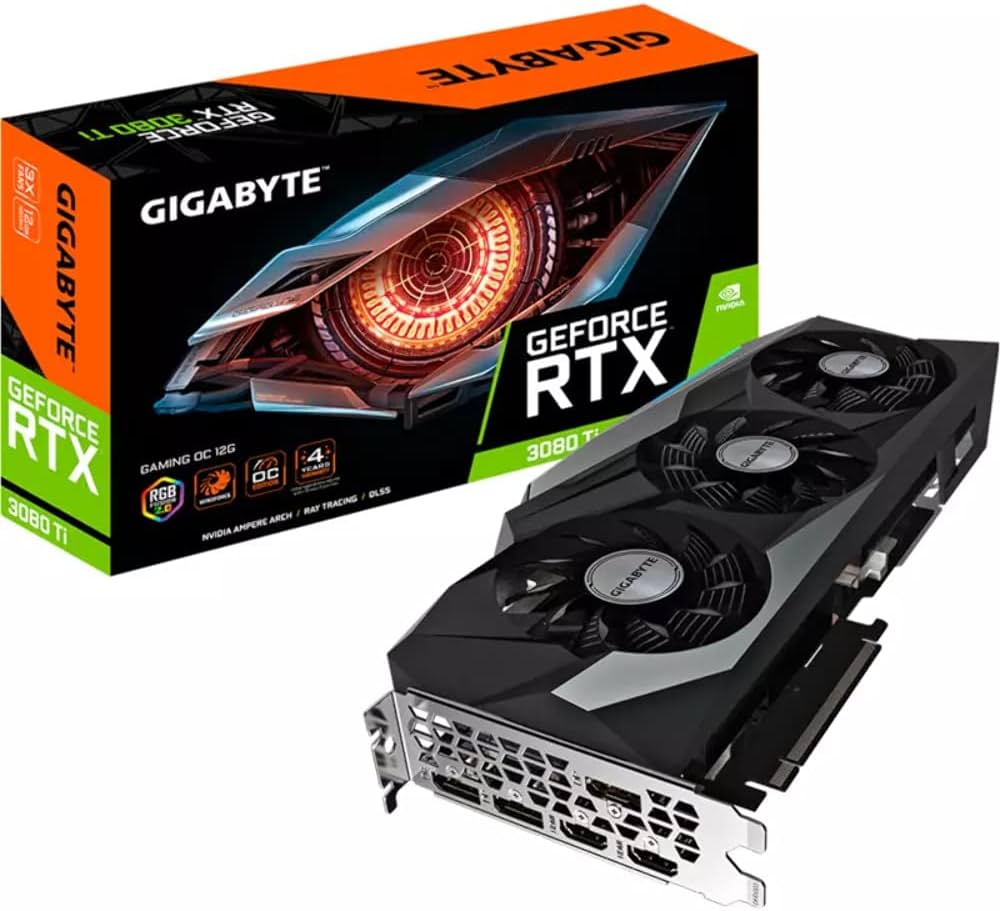
How to Buy a Graphics Card (GPU) – A Comprehensive Guide
Are you in the market for a new graphics card (GPU)? With so many options available, it can be overwhelming to make the right choice. In this article, we will guide you through the process of buying a GPU, from understanding your needs to finding the best deals.
Understanding Your Needs
Before you start shopping for a GPU, it’s essential to understand what you need. Here are some factors to consider:
- System Requirements: Check if your computer meets the minimum system requirements for the games or applications you want to run.
- Gpu Specifications: Understand the different specifications of GPUs, such as the number of cores, memory size, and bandwidth.
- Budget: Set a budget for your GPU purchase.
Types of Gpus
There are two main types of GPUs: NVIDIA and AMD. Both offer high-performance options, but they also have some differences.
- Nvidia: Known for their GeForce series, NVIDIA offers high-performance GPUs with advanced features like ray tracing and artificial intelligence.
- Amd: Offers a range of GPUs, from budget-friendly options to high-end models with advanced features like multi-threading and graphics rendering.
Where to Buy a Gpu
You can buy a GPU from various online retailers and physical stores. Here are some popular options:
- Amazon: Offers a wide selection of GPUs from various brands, with competitive pricing and fast shipping.
- Mediaworld: A popular Italian retailer that offers a range of GPUs from different manufacturers.
- Unieuro: Another Italian retailer that sells GPUs from well-known brands.
- Eprice: An online retailer that offers a wide selection of GPUs at discounted prices.
Buying a Used Gpu
If you’re on a tight budget or want to save money, consider buying a used GPU. Here are some tips:
- Ebay: A popular platform for buying and selling used goods, including GPUs.
- Facebook Marketplace: A local marketplace where you can buy and sell used items, including GPUs.
- Got It!: An online retailer that sells used electronics, including GPUs.
Conclusion
Buying a GPU can be a daunting task, but by understanding your needs, considering the different types of GPUs, and knowing where to buy them, you can make an informed decision. Remember to check reviews, compare prices, and look for deals before making a purchase. Happy shopping!
Frequently Asked Questions (FAQs)
- Q: What is a Gpu?
A: A graphics processing unit (GPU) is a computer chip that specializes in rendering images on a display device. - Q: Why do I Need a Gpu?
A: You may need a GPU for various reasons, such as gaming, video editing, or running graphically intensive applications. - Q: What Are The Different Types of Gpus?
A: There are two main types of GPUs: NVIDIA and AMD. - Q: Where Can I Buy a Gpu?
A: You can buy a GPU from various online retailers and physical stores, such as Amazon, MediaWorld, Unieuro, or ePrice. - Q: Can I Buy a Used Gpu?
A: Yes, you can buy a used GPU from platforms like eBay, Facebook Marketplace, or Got it! - Q: How do I Choose The Best Gpu For my Needs?
A: Consider your system requirements, budget, and desired features when choosing a GPU. - Q: What Are Some Tips For Buying a Gpu Online?
A: Research reviews, compare prices, check for deals, and look for certified sellers to ensure a smooth purchase process.
I hope this guide has been helpful in answering your questions about how to buy a graphics card (GPU).


