
The Ultimate Guide to Bypassing Whatsapp’s Digital Footprint
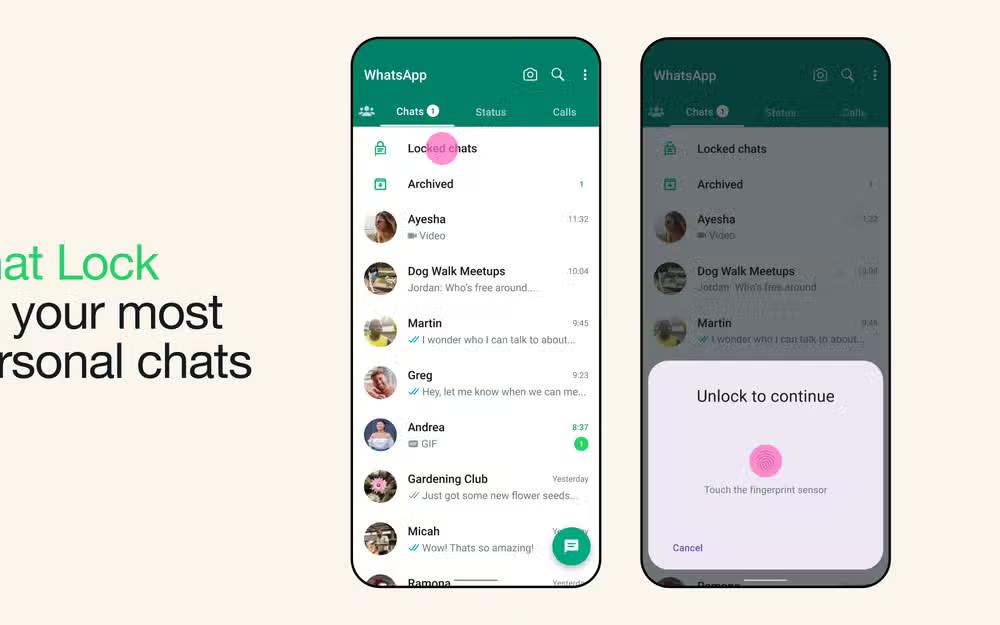
Are you tired of dealing with the hassle of scanning your digital fingerprint every time you want to access WhatsApp? Do you wish there was a way to bypass this requirement without compromising your security? Look no further! In this article, we’ll show you how to disable WhatsApp’s digital footprint on both Android and iPhone devices.
What is Whatsapp’s Digital Footprint?
For those who may not be familiar with the term, WhatsApp’s digital footprint refers to the biometric data that is stored on your device when you use the app. This includes information such as your fingerprint or facial recognition data, which are used to authenticate your identity and grant access to the app.
Why Disable Whatsapp’s Digital Footprint?
There are several reasons why you may want to disable WhatsApp’s digital footprint. Some of these include:
- Convenience: If you’re tired of scanning your fingerprint every time you want to access WhatsApp, disabling the digital footprint can save you a lot of hassle.
- Security: While the digital footprint is intended to add an extra layer of security to the app, some users may be concerned about their biometric data being stored on their device.
- Compatibility Issues: Some devices or operating systems may not be compatible with WhatsApp’s digital fingerprint feature.
How to Disable Whatsapp’s Digital Footprint on Android Devices
Disabling the digital footprint on Android devices is relatively straightforward. Here are the steps you need to follow:
- Open the Settings app on your device.
- Scroll down and select the “Safety” option.
- Select the “Block with fingerprint” option.
- Tap the toggle switch next to “Unblock with fingerprint” to disable it.
How to Disable Whatsapp’s Digital Footprint on Iphone Devices
Disabling the digital footprint on iPhone devices is also relatively straightforward. Here are the steps you need to follow:
- Open the Settings app on your device.
- Scroll down and select the “Touch ID & Passcode” option.
- Select the toggle switch next to “Require Touch ID for WhatsApp” to disable it.
Removing The Digital Footprint of Whatsapp Without Opening Whatsapp
If you’re wondering how to remove the digital footprint of WhatsApp without opening WhatsApp, there are a few options available to you. Here are some of them:
- Blocking The App: If you’ve blocked the WhatsApp app on your device, you won’t be able to access it even if you try to open it.
- Disabling The Digital Fingerprint Feature: As we mentioned earlier, disabling the digital footprint can prevent WhatsApp from requiring your biometric data to grant access to the app.
Conclusion
In conclusion, disabling WhatsApp’s digital footprint is a relatively straightforward process that can be completed on both Android and iPhone devices. Whether you’re looking to save yourself some hassle or want to disable the feature for security reasons, there are options available to you.


