
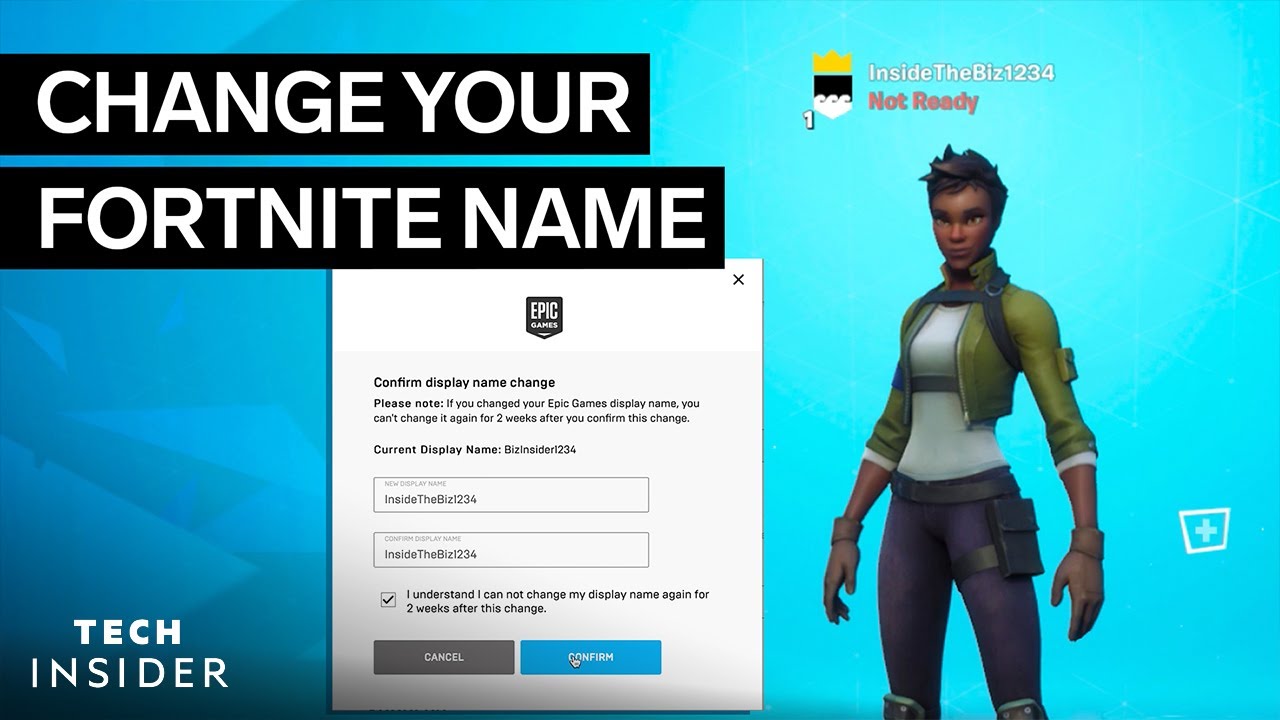
How to Change Your Name on Fortnite Ps4: A Step-by-step Guide
Are you tired of your old name on Fortnite PS4? Do you want to give yourself a new nickname that will strike fear into the hearts of your opponents? Look no further! In this article, we’ll guide you through the simple process of changing your name on Fortnite PS4.
Why Change Your Name?
Changing your name on Fortnite PS4 can be a great way to revamp your gaming experience. Whether you’re looking for a fresh start or just want to try out a new persona, changing your name is easy and can be done in just a few steps.
How Does The System Work?
The system of names on Fortnite PS4 is tied to the PlayStation Network (PSN) account. This means that changing your name will affect not only Fortnite but also other games and features on your console. However, don’t worry – this guide will walk you through the process step by step.
Step 1: Accessing Your Profile
To change your name, you’ll need to access your profile settings. To do this:
- Go to the main menu of your PlayStation 4
- Select “Settings” from the menu
- Choose “Account Management”
- Click on “Profile”
Step 2: Modifying Your ID
Now that you’re in your profile settings, it’s time to modify your ID. This will change not only your name but also your username and other related data.
- Click on “Modify Profile”
- Select “Change Name” from the options
- Enter your new name in the field provided
- Confirm your changes
Step 3: Checking Availability
Before confirming your new name, make sure it’s available. You can do this by checking the availability of your chosen name.
- Click on “Check Availability”
- If the name is available, you’ll see a green checkmark next to it
- If the name is not available, you may need to choose a different one
Step 4: Confirming Your Changes
Once you’ve confirmed that your new name is available, it’s time to make the changes official.
- Click on “Confirm”
- You’ll be asked to enter your password and confirm your changes again
- Enter your password and click on “OK”
And That’s It!
Congratulations – you now have a brand-new name on Fortnite PS4! Make sure to test it out in-game to see how it looks.
Using The Playstation App
If you’re playing on a computer or tablet, you can also change your name using the PlayStation app. To do this:
- Open the PlayStation app on your device
- Log in to your account
- Go to “Account Settings”
- Select “Change Name” from the options
Troubleshooting Common Issues
Sometimes, changing your name can cause problems with your account or access to certain features. If you encounter any issues, don’t worry – we’ve got some troubleshooting tips for you.
- Check the official PlayStation support website for more information on common issues and how to resolve them.
- Contact the customer support team via phone or email for assistance.
Conclusion
Changing your name on Fortnite PS4 is a simple process that can be completed in just a few steps. Whether you’re looking for a fresh start or just want to try out a new persona, changing your name can be a great way to revamp your gaming experience.
Faqs
- Q: Will my Old Name Still Work?
A: Yes, your old name will still work in-game, but it may not match the new name on other platforms or services. - Q: Can I Change my Name Back to my Old One?
A: Yes, you can change your name back to your old one at any time by following the same steps as before. - Q: Will Changing my Name Affect my Account or Access to Certain Features?
A: No, changing your name will not affect your account or access to certain features, but it may cause issues in some cases. - Q: Can I Use a Special Character or Symbol in my New Name?
A: Yes, you can use special characters and symbols in your new name, but make sure they are allowed by the PlayStation Network terms of service. - Q: How do I Know if my New Name is Available?
A: You can check the availability of your chosen name by following the steps above. - Q: What if I Encounter Problems With my Account or Access to Certain Features After Changing my Name?
A: If you encounter any issues, contact the customer support team via phone or email for assistance. - Q: Can I Change my Name on Other Platforms or Services Besides Fortnite Ps4?
A: Yes, you can change your name on other platforms and services besides Fortnite PS4, but this may involve additional steps or procedures.
We hope this guide has helped you understand how to change your name on Fortnite PS4. If you have any further questions or concerns, don’t hesitate to contact us!


