
Revolutionizing Phone Charging: Can You Charge One Iphone From Another?
Are you tired of running out of battery on your phone, only to have another one nearby that’s fully charged? Well, wonder no more! In this article, we’ll explore the possibility of charging one iPhone from another. Yes, you read that right – can you charge an iPhone using another iPhone?
The Concept
Before we dive into the nitty-gritty details, let’s understand the concept behind this revolutionary idea. With the rise of smartphones and their increasing dependence on batteries, it’s no wonder people are looking for ways to share power between devices. Enter the world of wireless charging and the possibility of using one iPhone to charge another.
The First Option: Wired Charging
Before we get to the exciting stuff, let’s talk about the first option – wired charging. You might be thinking, “Why not just use a cable?” Well, it turns out that charging an iPhone with another iPhone via cable is possible, but only for certain models. If you have an iPhone 15 or later, and you’re using a USB-C cable, then yes, you can charge your iPhone from another iPhone.
The Process
To do this, simply connect the two iPhones together using a USB-C cable, making sure that both devices are in the correct order (i.E., The charger on one end and the device to be charged on the other). The charging process will initiate automatically, and you’ll see the battery level of your iPhone being replenished.
The Limitations
While this method works for certain iPhone models, it’s essential to note that the power transfer is relatively low – about 4.5 Watts. This means that charging a fully drained iPhone using another iPhone via cable will take several hours. However, if you’re looking for a quick top-up or just want to give your friend’s phone some juice, this method might come in handy.
The Second Option: Wireless Charging
Now, let’s move on to the more exciting part – wireless charging! Unfortunately, as of now, it’s not possible to charge an iPhone wirelessly from another iPhone. However, there are other options available.
The Magsafe Battery Pack
One option is using a MagSafe battery pack. This handy accessory can be attached to your iPhone 12 or later models and serves as an external power source. When connected to your iPhone, the MagSafe battery pack will also charge your phone wirelessly. While this method is not exactly what we’re looking for (i.E., Charging one iPhone from another), it does demonstrate the potential of wireless charging technology.
Charging an Iphone With a Non-apple Phone
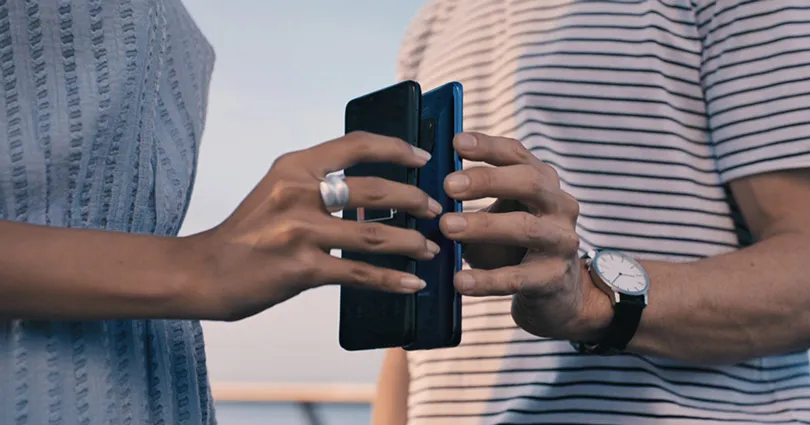
But what about charging an iPhone using a non-Apple device, like an Android phone? Well, it turns out that this is also possible. If you have an Android phone that supports wireless charging and has a reverse wireless charging feature (some Samsung phones come equipped with this), then yes, you can charge your iPhone from another Android phone.
The Process
To do this, follow these simple steps:
- Open the Settings app on your Android device.
- Navigate to the Battery section.
- Search for the Sharing battery wirelessly option.
- If available, toggle it on and adjust the minimum limit of the battery level (default is 30%).
Once you’ve completed these steps, approach your iPhone with your Android phone, align them correctly, and they should connect automatically. The charging process will initiate, and you’ll see your iPhone’s battery being replenished.
Conclusion
In conclusion, while it’s not possible to charge an iPhone wirelessly from another iPhone (yet!), there are alternative options available. Whether you’re using a MagSafe battery pack or a non-Apple device with wireless charging capabilities, you can still share power between devices. Who knows what the future holds for phone charging technology? Maybe one day we’ll have iPhones that can charge each other wirelessly!


