
How to Burden Your Iphone Without a Cable: A Comprehensive Guide
Are you tired of dealing with tangled cables and cumbersome charging solutions? Do you want to experience the freedom of wireless charging? Look no further! In this article, we will explore the best ways to burden your iPhone without a cable.
The Comfort of Wireless Charging
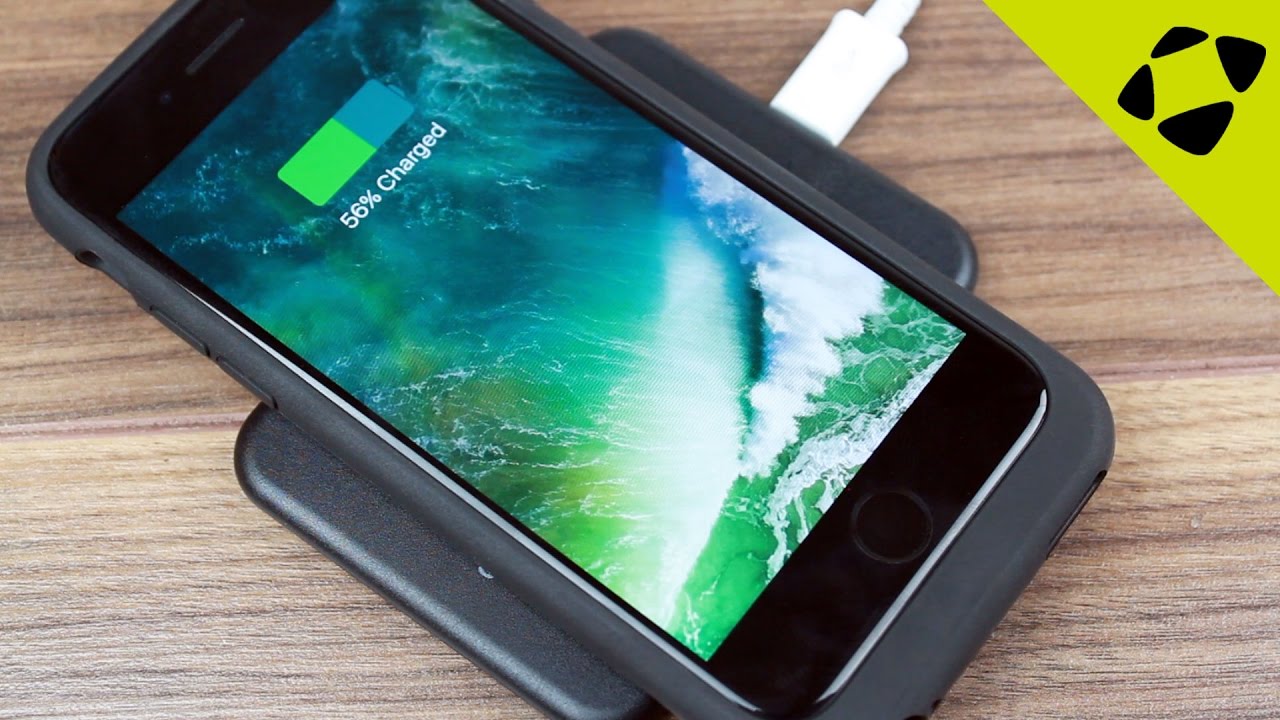
Wireless charging has become increasingly popular in recent years, and for good reason. It provides a sensation of “freedom” that is hard to match with traditional wired charging methods. Imagine being able to place your phone on a wireless charger without having to deal with cables or cumbersome charging solutions.
The Answer Lies in Apple’s Magsafe Technology
Apple has been at the forefront of wireless charging technology, and their MagSafe system is one of the most reliable and efficient ways to charge your iPhone wirelessly. Introduced with the iPhone 12 series, MagSafe uses magnets to align the charger with your phone, ensuring a seamless and fast charging experience.
Magsafe Battery Pack: A Game-changer
One of the most popular MagSafe accessories is the MagSafe Battery Pack. This compact charger can be attached to the back of your iPhone using magnets and provides up to 15W of wireless charging power. With the MagSafe Battery Pack, you can gain an extra 70% charge on your iPhone 13 mini or up to 40% charge on your iPhone 14 Pro Max.
Burdening Two Iphones Without a Cable
If you have two iPhones in your household and want to burden them without cables, there are several solutions available. You can purchase two MagSafe Battery Packs, but this might not be the most cost-effective option. Alternatively, you can look for third-party accessories that allow you to charge both phones at once.
Augmenting Your Iphone’s Battery Life
If you’re looking for ways to extend your iPhone’s battery life, there are several tips and tricks you can try. Reducing the screen brightness, deactivating Wi-Fi and Bluetooth, and using energy-saving features on your phone can all help prolong battery life.
Conclusion
Burdening your iPhone without a cable is easier than ever with the MagSafe system and other wireless charging solutions. Whether you’re looking for convenience, speed, or efficiency, there’s a solution out there for you. By following the tips and tricks outlined in this article, you can experience the freedom of wireless charging and enjoy a more convenient mobile experience.
Frequently Asked Questions
- What is Magsafe Technology?
MagSafe is Apple’s wireless charging system that uses magnets to align the charger with your phone. - How do I Use a Magsafe Battery Pack?
To use a MagSafe Battery Pack, simply attach it to the back of your iPhone using magnets and start charging wirelessly. - Can I Burden Two Iphones Without Cables?
Yes, there are several solutions available that allow you to charge both phones at once, including third-party accessories and MagSafe Battery Packs. - How Can I Extend my Iphone’s Battery Life?
To prolong your iPhone’s battery life, try reducing the screen brightness, deactivating Wi-Fi and Bluetooth, and using energy-saving features on your phone. - What Are Some Popular Wireless Charging Accessories For Iphone?
Some popular wireless charging accessories for iPhone include MagSafe Battery Packs, third-party chargers, and Qi-compatible chargers. - How do I Choose The Best Wireless Charging Accessory For my Iphone?
When choosing a wireless charging accessory for your iPhone, consider factors such as speed, efficiency, and compatibility with other devices.
Additional Resources
- How to Burden Your iPhone Quickly: A Comprehensive Guide
- The Best Wireless Charging Accessories for iPhone: A Review
- Tips and Tricks for Extending Your iPhone’s Battery Life


