
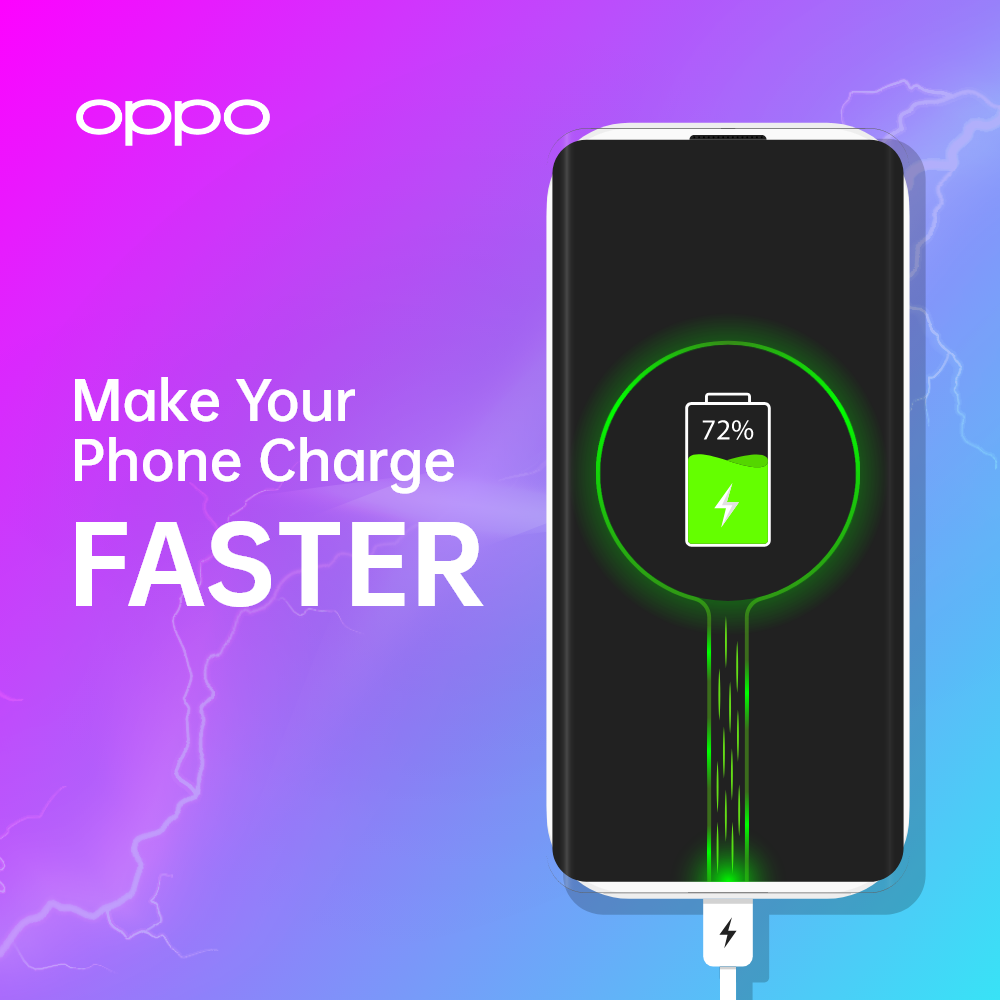
How to Charge Your Phone Quickly: Tips And Tricks
Are you tired of waiting hours for your phone to charge? Do you want to know the secrets to fast charging? Look no further! In this article, we’ll show you how to charge your phone quickly and efficiently.
The Importance of Fast Charging
Fast charging is not just a convenience; it’s also essential for modern smartphones. With the increasing demand for power-hungry devices, manufacturers have introduced faster charging technologies to keep up with user needs. Whether you’re busy or always on-the-go, fast charging can be a game-changer.
Using a Fast Charger
One of the most effective ways to charge your phone quickly is by using a fast charger. These chargers are specifically designed to provide high-speed power delivery, which can significantly reduce charging time. When choosing a fast charger, look for one that’s certified by reputable organizations like USB-IF or MHL.
Avoid Using The Computer’s Usb Port
While it may be convenient to use your computer’s USB port to charge your phone, this method is often slow and inefficient. The reason is that computer USB ports are designed for data transfer, not high-speed power delivery. This can result in longer charging times and increased wear on your phone’s battery.
Using a High-quality Power Bank
A high-quality power bank can be an excellent investment if you’re always on-the-go. These portable chargers can provide fast and efficient power delivery to your phone, ensuring that you stay charged throughout the day. Look for power banks with high-capacity batteries, quick charging capabilities, and multiple output ports.
How to Charge Your Phone in Aerial Mode
Charging your phone in aerial mode (also known as flight mode) can help reduce energy consumption and speed up charging time. This mode disconnects your phone from cellular networks, Wi-Fi, and Bluetooth, reducing power drain and allowing for faster charging. To activate aerial mode on your Android device, go to the notification area and tap on the airplane icon. On iOS devices, navigate to Settings > Airplane Mode.
Keeping Your Phone Away From Heat Sources
When charging your phone, it’s essential to keep it away from heat sources like direct sunlight or a heated surface. Excessive heat can cause energy dispersion, affecting charging time and battery longevity. Place your phone in a cool, well-ventilated area while charging for optimal results.
Avoiding The Use of Incompatible Chargers
When choosing a charger, ensure that it’s compatible with your device. Using an incompatible charger can lead to power surges or even damage to your phone’s battery. Check your device manual or manufacturer’s website for recommended charger specifications.
Using a Fast Charger With Gan Technology
Some fast chargers now incorporate GaN (Gallium Nitride) technology, which offers improved efficiency and faster charging speeds. These chargers can deliver higher power output without increasing heat generation, making them ideal for high-demand devices like smartphones.
Consulting Your Phone’s User Manual
Your phone’s user manual is an excellent resource for understanding its specific charging requirements. Check the manual or manufacturer’s website for recommended charger specifications, as well as any tips for optimizing charging performance.
Conclusion
Charging your phone quickly and efficiently requires a combination of the right hardware and knowledge. By using fast chargers, high-quality power banks, and following best practices like keeping your phone away from heat sources, you can enjoy faster charging times and extended battery life.
Frequently Asked Questions (FAQs)
- Q: What is Fast Charging?
A: Fast charging refers to the ability of a charger to provide high-speed power delivery to a device, reducing charging time. - Q: Which Type of Charger Should I Use?
A: Look for chargers certified by reputable organizations like USB-IF or MHL, and ensure compatibility with your device. - Q: Can I Charge my Phone in The Car?
A: Yes, but ensure that your car’s charging system is compatible with your device and follow best practices to avoid overheating. - Q: How do I Activate Aerial Mode on my Android Device?
A: Go to the notification area and tap on the airplane icon. - Q: What is Gan Technology in Chargers?
A: GaN (Gallium Nitride) technology offers improved efficiency and faster charging speeds in some fast chargers. - Q: Can I Charge my Phone While Using It?
A: Yes, but avoid prolonged use while charging to prevent overheating and damage to the battery. - Q: How Often Should I Replace my Phone’s Charger?
A: Replace your charger every 1-2 years or when signs of wear and tear become apparent. - Q: Can I Charge Multiple Devices at Once Using a Power Bank?
A: Yes, but ensure that the power bank has sufficient capacity and output ports to handle simultaneous charging.
I hope this article has provided you with valuable insights into fast charging your phone quickly and efficiently!


