
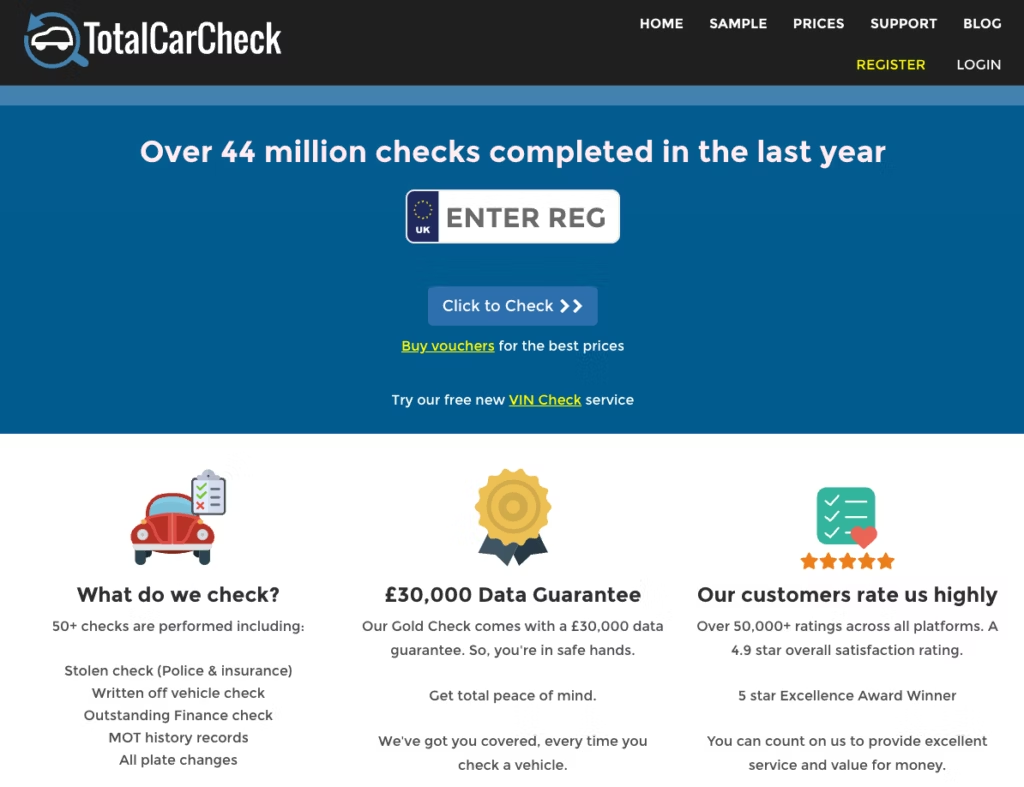
Checking Car Insurance Coverage: A Comprehensive Guide
As a car owner, it’s essential to ensure that your vehicle is properly insured against various risks and uncertainties. In this article, we’ll delve into the world of car insurance coverage, exploring the best ways to check your policy, compare quotes, and even reset your printer ink cartridges if needed.
Understanding Car Insurance Coverage
Before we dive into the nitty-gritty of checking car insurance coverage, let’s understand what it entails. Car insurance provides financial protection against damages or losses resulting from various events, such as accidents, theft, fire, or natural disasters. The policy typically covers the vehicle itself, as well as any injuries or fatalities to third parties.
Checking Your Car Insurance Coverage
Now that we’ve covered the basics, let’s focus on checking your car insurance coverage. Here are some steps you can follow:
Step 1: Visit The Official Website of The Ministry of Infrastructures And Transport
The official website (link provided below) is a great starting point for checking your car insurance coverage. This government-run platform allows you to verify your policy details, including the type of coverage, expiration date, and other essential information.
Step 2: Use Online Services or Mobile Apps
There are several online services and mobile apps available that can help you check your car insurance coverage. Some popular options include:
- CONSAP (Concessionaria Servizi Assicurativi Pubblici)
- The Portal of the Motorist
- Targa (available for both Android and iOS devices)
These services provide a convenient way to verify your policy details, compare quotes, and even report any issues or complaints.
Comparing Insurance Quotes
When comparing insurance quotes, consider the following factors:
- Coverage: Make sure you understand what is covered under each policy.
- Premiums: Compare the costs of different policies.
- Additional services: Some insurers offer additional services like roadside assistance or accident forgiveness.
By considering these factors, you can make an informed decision when choosing your car insurance coverage.
Resetting Printer Ink Cartridges
If you’re experiencing issues with your printer ink cartridges, don’t worry! We’ve got a solution for you. You can use the InkChip software to reset your cartridges. Here’s how:
Step 1: Download And Install The Inkchip Software
Download the InkChip software from the official website (link provided below).
Step 2: Extract The Printer Ink Cartridges
Follow the instructions provided by the manufacturer to extract the printer ink cartridges.
Step 3: Clean The Ink Cartridges
Clean the ink cartridges according to the manufacturer’s guidelines.
Step 4: Reset The Ink Cartridges Using The Inkchip Software
Use the InkChip software to reset the ink cartridges. This should resolve any issues you’re experiencing with your printer.
By following these steps, you can easily check your car insurance coverage and even reset your printer ink cartridges if needed.
Conclusion
Checking your car insurance coverage is a vital step in ensuring that you’re protected against various risks and uncertainties. By using online services or mobile apps, comparing insurance quotes, and resetting printer ink cartridges (if necessary), you can enjoy peace of mind knowing that you’re prepared for any eventuality.
FAQs
-
What is the official website of the Ministry of Infrastructures and Transport?
- The official website is www.Mininf.It.
-
Which online services or mobile apps can I use to check my car insurance coverage?
-
CONSAP, The Portal of the Motorist, Targa (available for both Android and iOS devices)
-
What factors should I consider when comparing insurance quotes?
-
Coverage, Premiums, Additional services
-
Can I reset my printer ink cartridges using the InkChip software?
-
Yes, you can use the InkChip software to reset your printer ink cartridges.
-
How do I extract the printer ink cartridges?
-
Follow the instructions provided by the manufacturer to extract the printer ink cartridges.
-
What should I clean the ink cartridges with?
-
Clean the ink cartridges according to the manufacturer’s guidelines.
-
Can I reset my printer ink cartridges without using the InkChip software?
-
No, you’ll need to use the InkChip software to reset your printer ink cartridges.


