
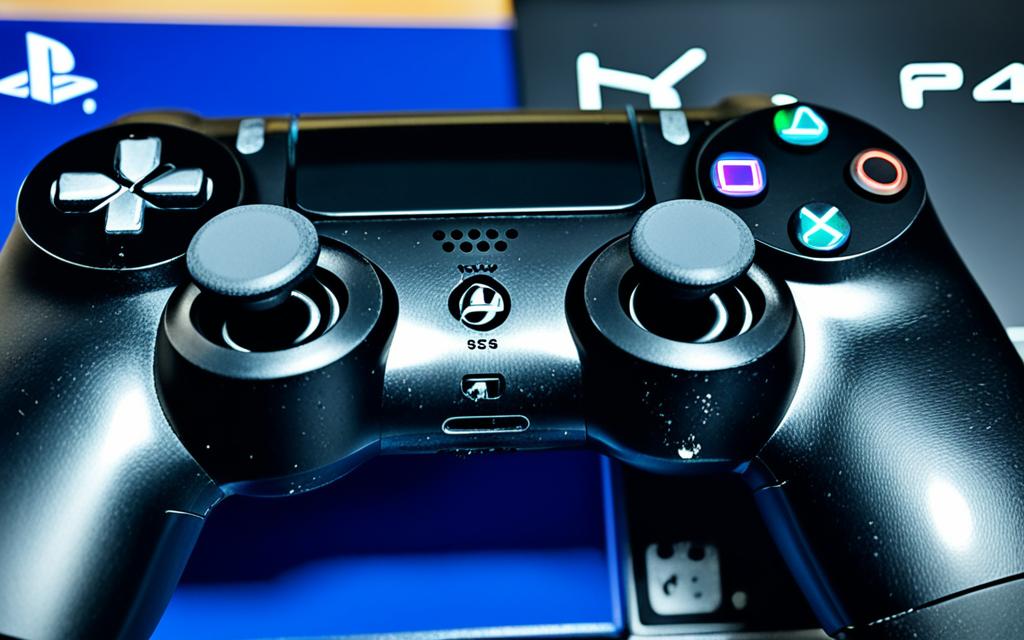
How to Clean Your Playstation 4 Controller: A Step-by-step Guide
Are you tired of dealing with a dusty, dirty, or malfunctioning PlayStation 4 controller? Look no further! In this article, we’ll provide you with a comprehensive guide on how to clean your PS4 controller, both externally and internally.
The Importance of Cleaning Your Ps4 Controller
Cleaning your PS4 controller is essential for several reasons. Firstly, it helps maintain the performance and accuracy of the gamepad. Dirt, dust, and other debris can accumulate and interfere with the controller’s sensors, causing malfunctions or unresponsiveness. Secondly, cleaning your controller regularly can help prevent damage to the internal components.
Materials Needed
Before we begin, let’s go over the materials you’ll need:
- Microfiber cloth
- Compressed air
- Precision screwdriver (6mm)
- Cotton swab
- Solution of water and alcohol (optional)
External Cleaning
The external cleaning process is relatively straightforward. Here’s what to do:
- Disconnect The Cable: Before starting, make sure to disconnect the USB cable and any other attachments from your controller.
- Remove Dust: Hold your PS4 controller vertically and gently tap it with a microfiber cloth to remove loose dust particles.
- Use Compressed Air: Spray compressed air onto the analog sticks, buttons, and other areas where dust tends to accumulate. Gently blow into the crevices to loosen any debris.
- Clean The Trigger Mechanisms: Use a cotton swab or soft brush to clean out any dust or dirt from the trigger mechanisms.
Internal Cleaning
Now that we’ve covered external cleaning, it’s time to tackle the more delicate task of internal cleaning. Please note that this process requires some caution and may void your warranty.
- Remove The Screws: Use a precision screwdriver (6mm) to remove the four screws on the back of the controller.
- Disconnect The Battery: Carefully disconnect the battery from the motherboard using a flathead screwdriver or plastic tool.
- Clean The Motherboard: Use compressed air and a soft brush to clean out any dust or debris from the motherboard.
Cleaning The Analog Sticks And D-pad
To clean the analog sticks, follow these steps:
- Remove The Rubber Covers: Carefully remove the rubber covers from the analog sticks using a flathead screwdriver.
- Clean With Compressed Air: Spray compressed air onto the analog sticks to loosen any debris.
- Use a Cotton Swab or Soft Brush: Gently clean out the crevices and corners of the analog sticks using a cotton swab or soft brush.
Putting Everything Back Together
After cleaning your PS4 controller’s internal components, it’s time to put everything back together:
- Reconnect The Battery: Carefully reconnect the battery to the motherboard.
- Reattach The Screws: Use a precision screwdriver (6mm) to reattach the four screws on the back of the controller.
Tips And Tricks
Here are some additional tips to keep in mind:
- Regularly clean your PS4 controller every 3-6 months, depending on usage.
- Use compressed air sparingly to avoid pushing dust further into the crevices.
- Avoid using harsh chemicals or excessive force when cleaning your controller.
- If you’re not comfortable with internal cleaning, consider consulting a professional.
Conclusion
Cleaning your PlayStation 4 controller is an essential task that requires some patience and care. By following this step-by-step guide, you’ll be able to maintain your gamepad’s performance and accuracy while preventing damage to the internal components. Remember to clean your PS4 controller regularly to ensure optimal gaming experience.
Faqs
- How Often Should I Clean my Ps4 Controller?
Clean your PS4 controller every 3-6 months, depending on usage. - What Materials do I Need For Cleaning?
You’ll need a microfiber cloth, compressed air, precision screwdriver (6mm), cotton swab, and solution of water and alcohol (optional). - How do I Clean The Internal Components?
Use compressed air, soft brush, and cotton swab to clean out dust and debris from the motherboard. - Can I Use Harsh Chemicals or Excessive Force When Cleaning my Controller?
No! Avoid using harsh chemicals or excessive force as they may damage your PS4 controller’s internal components. - Where Can I Buy Replacement Parts For my Ps4 Controller?
Check online retailers like Amazon, iFixit, or visit a Sony-approved repair service center. - How do I Prevent Dust Buildup in The First Place?
Regularly clean your PS4 controller and store it in a dry, cool environment to minimize dust accumulation.
Final Thoughts
Cleaning your PlayStation 4 controller is an essential task that requires some patience and care. By following this guide and using the recommended materials, you’ll be able to maintain your gamepad’s performance and accuracy while preventing damage to the internal components. Don’t hesitate to reach out if you have any further questions or concerns!


