
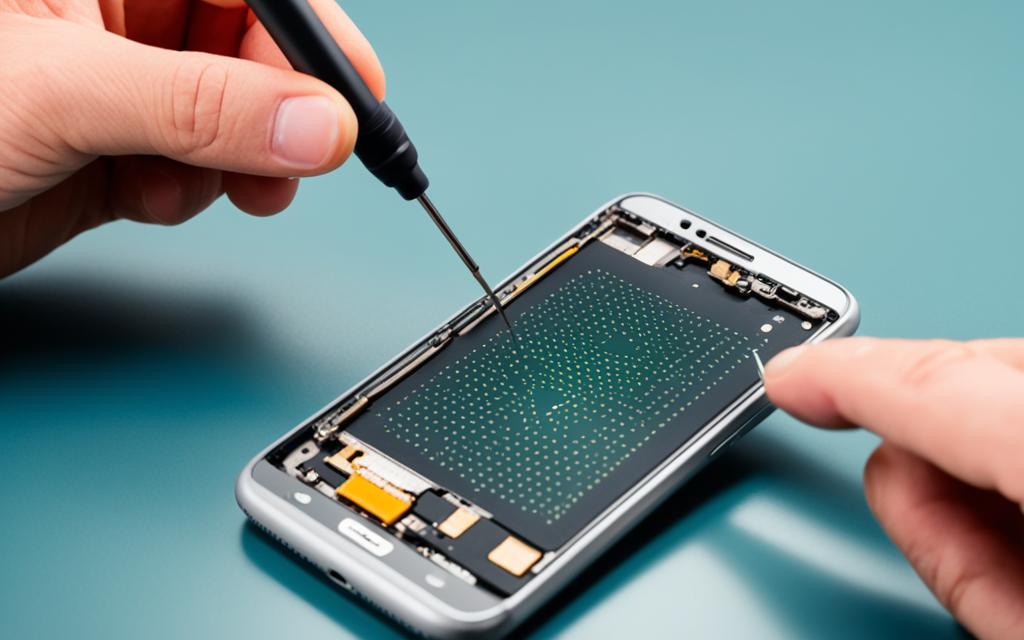
The Ultimate Guide to Cleaning Your Smartphone’s Microphone
Are you tired of poor call quality or struggling to hear your favorite podcast? The culprit might be a dirty smartphone microphone! In this comprehensive guide, we’ll show you how to clean your phone’s mic and improve audio performance.
Understanding The Problem
A dirty microphone can cause issues with call quality, voice commands, and even affect your device’s overall audio experience. But don’t worry; cleaning your phone’s mic is a simple process that can make a big difference.
Gathering The Necessary Tools
To clean your smartphone’s microphone, you’ll need a few basic tools:
- A soft, microfiber cloth (like the ones used for cleaning glasses or lenses)
- A small-bristled brush or a cotton swab
- A gentle soap or cleaning solution (optional)
You can find these tools at most electronics stores or online.
Locating The Microphone
The position of your phone’s microphone varies depending on the model and brand. Generally, you’ll find it:
- In the bottom part of the phone case (for Android devices)
- On the front or rear panel (for iPhones)
Consult your device’s user manual or search online for specific guidance.
Cleaning The Microphone
Now that you’ve located the microphone, it’s time to clean it!
- Prepare Your Workspace: Place a soft cloth on a flat surface to protect your phone.
- Turn Off Your Phone: Make sure your device is powered down before cleaning the microphone.
- Identify The Microphone: Use the cloth or brush to locate the microphone and gently wipe away any visible dust or debris.
- Clean The Microphone: Using the soft-bristled brush or cotton swab, gently scrub the microphone in a circular motion. Avoid applying too much pressure, which can damage the mic.
- Rinse With Soap (optional): If you’re using a gentle soap or cleaning solution, dip your cloth or brush into it and wipe away any remaining dirt.
- Dry The Microphone: Use a dry section of the cloth to gently pat the microphone dry.
Additional Remedies For Poor Audio
If cleaning the microphone doesn’t improve audio quality, try these additional solutions:
- Update your device’s software
- Restart your phone in safe mode
- Replace the microphone (in extreme cases)
Specific Instructions For Android And Iphone Devices
For Android devices:
- Locate the microphone in the bottom part of the phone case.
- Clean the microphone using a soft-bristled brush or cotton swab.
For iPhone devices:
- Identify the three microphones located on the front, rear, or bottom panel.
- Clean each microphone individually using a soft-bristled brush or cotton swab.
Tips And Tricks
To maintain your phone’s microphone and overall audio performance:
- Avoid touching the microphone with dirty hands
- Keep your phone clean and dust-free
- Update your device’s software regularly
By following these simple steps, you can improve your smartphone’s microphone and enjoy better call quality, voice commands, and overall audio experience.
Conclusion
Cleaning your smartphone’s microphone is a straightforward process that can make a significant difference in audio performance. Remember to use the right tools, locate the correct microphone, and be gentle when cleaning. If you’re still experiencing issues, try additional remedies or seek professional help. Happy cleaning!
Frequently Asked Questions (FAQs)
- What Causes a Dirty Smartphone Microphone?
A: Dust, dirt, or other debris can accumulate on the microphone, affecting audio quality. - How Often Should I Clean my Phone’s Microphone?
A: Clean your phone’s microphone every 3-6 months, depending on usage and environment. - Can I Use Any Cleaning Solution For The Microphone?
A: No, avoid using harsh chemicals or abrasive materials that can damage the microphone. - Will Cleaning The Microphone Void my Device’s Warranty?
A: Generally, no, but it’s always best to check with your manufacturer or authorized service provider. - Can I Clean The Microphone Myself, or Should I Take it to a Professional?
A: Cleaning the microphone is usually a DIY task, but if you’re unsure or uncomfortable doing so, consult a professional. - How Can I Improve Audio Quality Further?
A: Update your device’s software, restart in safe mode, or replace the microphone (in extreme cases). - Are There Any Specific Cleaning Products For Smartphone Microphones?
A: Yes, you can find specialized cleaning solutions and kits designed specifically for smartphone microphones. - Can I Use a Cotton Swab to Clean The Microphone?
A: Yes, but be gentle and avoid applying too much pressure to prevent damaging the mic.
Hope this helps! Let me know if you have any further questions or need additional clarification on anything.


