
How to Clean Your Smartphone: A Step-by-step Guide
Are you tired of dealing with a dirty and smudged smartphone screen? Do you want to keep your device clean and hygienic without damaging it? Look no further! In this article, we will guide you through the process of cleaning your smartphone, from the monitor to the rear panel, and even disinfecting it. We’ll also discuss how to remove stubborn stains and sanitize your phone’s ports.
Why Clean Your Smartphone?
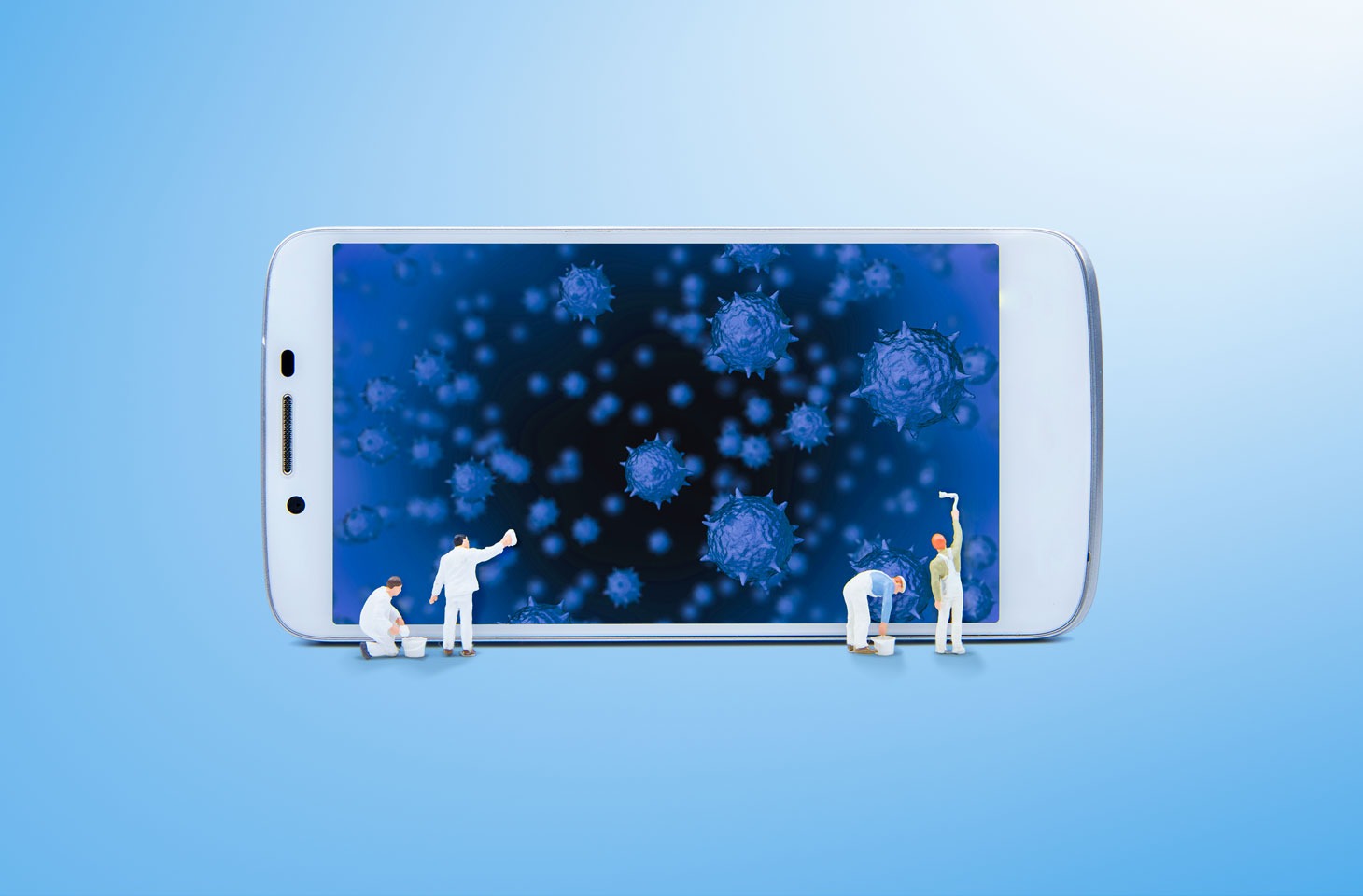
Before we dive into the nitty-gritty of cleaning your smartphone, let’s talk about why it’s essential to keep your device clean. A dirty phone can harbor germs, bacteria, and viruses that can cause problems not just for you but also for others who use or come into contact with it.
Materials Needed
Before we begin, make sure you have the following materials:
- A soft, dry cloth (microfiber is ideal)
- A gentle soap solution (dampen your cloth lightly if needed)
- An alcohol-based disinfectant (such as 70% isopropyl alcohol)
- A UV sterilizer (optional)
Cleaning The Monitor
- Gently Wipe The Monitor: Take a soft, dry cloth and gently wipe the screen in circular motions to remove any smudges or fingerprints.
- Remove Stubborn Stains: If there are any stubborn stains, you can dampen your cloth with a gentle soap solution. Avoid getting water or soap directly onto the screen.
- Dry The Monitor: Use a soft, dry cloth to wipe away any excess moisture.
Cleaning The Rear Panel
- Position The Phone Correctly: Place the phone on a flat surface with the rear panel facing down.
- Gently Clean The Back Panel: Take your soft, dry cloth and gently wipe the back panel in circular motions, making sure to cover all areas, including sensors and camera holes.
Cleaning The Ports
- Use a Brush or Small Tool: Use a brush or small tool specifically designed for cleaning ports (like those on USB cables) to remove any debris.
- Dampen Your Cloth Lightly: If needed, dampen your cloth with water to clean stubborn stains. Avoid getting liquids into the ports.
Disinfecting Your Smartphone
- Use a UV Sterilizer: Consider using a UV sterilizer to disinfect your smartphone. This will help kill germs and bacteria.
- Apply Isopropyl Alcohol: Dampen a cloth with 70% isopropyl alcohol and gently wipe the phone’s surfaces, making sure to cover all areas.
Removing Virus From Your Smartphone
- Use Built-in Security Measures: For Android devices, use Google Play Protect or Avast Mobile Security to protect your device.
- Update Your Operating System: Regularly update your operating system to ensure you have the latest security patches and updates.
Additional Tips
- Avoid using harsh chemicals or abrasive materials that can damage your smartphone’s surfaces.
- Clean your phone regularly to prevent dirt buildup.
- Use a screen protector to protect your monitor from scratches and smudges.
Frequently Asked Questions (FAQs)
- Q: How Often Should I Clean my Smartphone?
A: Clean your smartphone at least once a week, or more frequently if you use it extensively. - Q: What Materials Can I Use to Clean my Phone’s Ports?
A: Use a brush or small tool specifically designed for cleaning ports (like those on USB cables). - Q: Can I Use Bleach or Other Strong Chemicals to Clean my Smartphone?
A: No, avoid using harsh chemicals that can damage your smartphone’s surfaces. - Q: How do I Remove Stubborn Stains From my Phone’s Monitor?
A: Dampen a cloth with gentle soap solution and gently wipe the screen in circular motions. - Q: Can I Use a UV Sterilizer to Disinfect Other Objects Besides my Smartphone?
A: Yes, UV sterilizers can be used to disinfect various objects, but always follow manufacturer instructions.
Conclusion
Cleaning your smartphone is essential for maintaining its hygiene and performance. By following the steps outlined in this article, you’ll be able to keep your device clean, free from germs, bacteria, and viruses. Remember to clean your phone regularly, use gentle soap solutions, and avoid harsh chemicals or abrasive materials. If you have any further questions, feel free to ask!


