
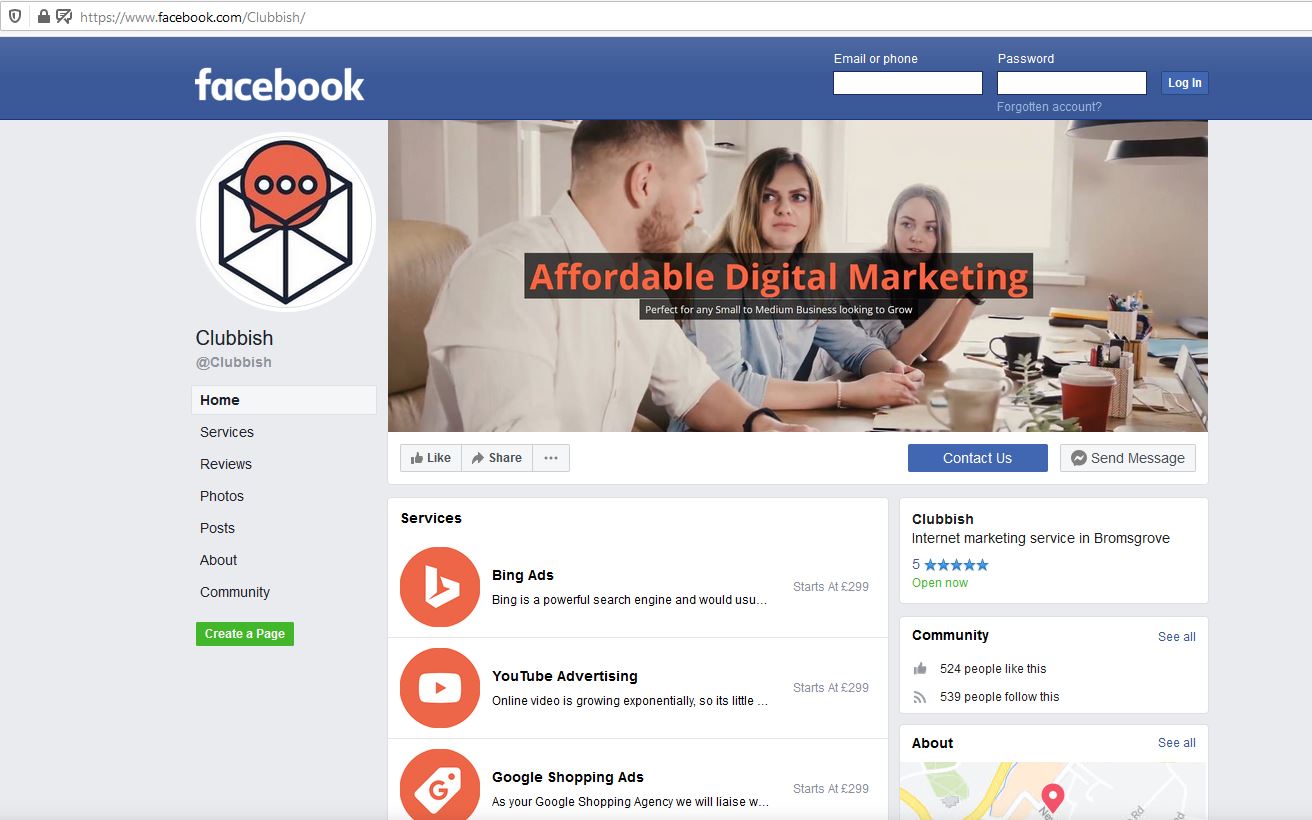
How to Create a Successful Facebook Business Page: A Step-by-step Guide
As a business owner, having a strong online presence is crucial in today’s digital age. One of the most effective ways to reach your target audience is by creating a Facebook business page. In this article, we will guide you through the process of creating a successful Facebook business page, from scratch to launch.
Why Create a Facebook Business Page?
Before we dive into the steps, let’s talk about why you need a Facebook business page in the first place. Here are some compelling reasons:
- Reach Your Target Audience: With over 2.7 Billion monthly active users, Facebook is an ideal platform to connect with your target audience.
- Increase Brand Awareness: A well-crafted Facebook business page can help increase brand recognition and credibility.
- Drive Website Traffic: By linking your Facebook page to your website, you can drive traffic and boost online sales.
Step 1: Create a Facebook Profile
To create a Facebook business page, you need to have a personal profile on the platform. If you don’t already have one, sign up for a Facebook account.
Step 2: Access Facebook’s Business Page Creation Tool
Once you’re logged in, navigate to the Facebook website and click on the “Create New Page” button. This will take you to the business page creation tool.
Step 3: Choose Your Page Type
Select the type of business page you want to create (e.G., Company, organization, or product). Fill out the required information, such as your business name, description, and profile picture.
Step 4: Add a Cover Photo
Upload an eye-catching cover photo that represents your brand. This image will be displayed at the top of your Facebook page.
Step 5: Complete Your Page’s Profile Information
Fill out your page’s profile information, including your business address, phone number, and email address.
Step 6: Set Up Your Business Page’s Categories
Choose categories that best describe your business. This will help users find your page when searching for related topics.
Step 7: Add a Call-to-action Button
Add a call-to-action button to encourage visitors to take action (e.G., “Book Now” or “Sign Up”).
Step 8: Share Your Page With Friends And Family
Invite friends and family members to like your page. This will help you get started with your online presence.
Step 9: Monitor And Engage With Your Audience
Keep an eye on your page’s performance by monitoring engagement metrics (e.G., Likes, comments, shares). Respond to comments and messages in a timely manner to build relationships with your audience.
Tips For Success
Here are some additional tips to help you create a successful Facebook business page:
- Post High-quality Content: Share engaging content that resonates with your target audience.
- Use Relevant Hashtags: Use relevant hashtags to increase the visibility of your posts.
- Run Facebook Ads: Consider running targeted ads to reach a wider audience and drive sales.
By following these steps and tips, you’ll be well on your way to creating a successful Facebook business page that attracts and engages with your target audience.


