
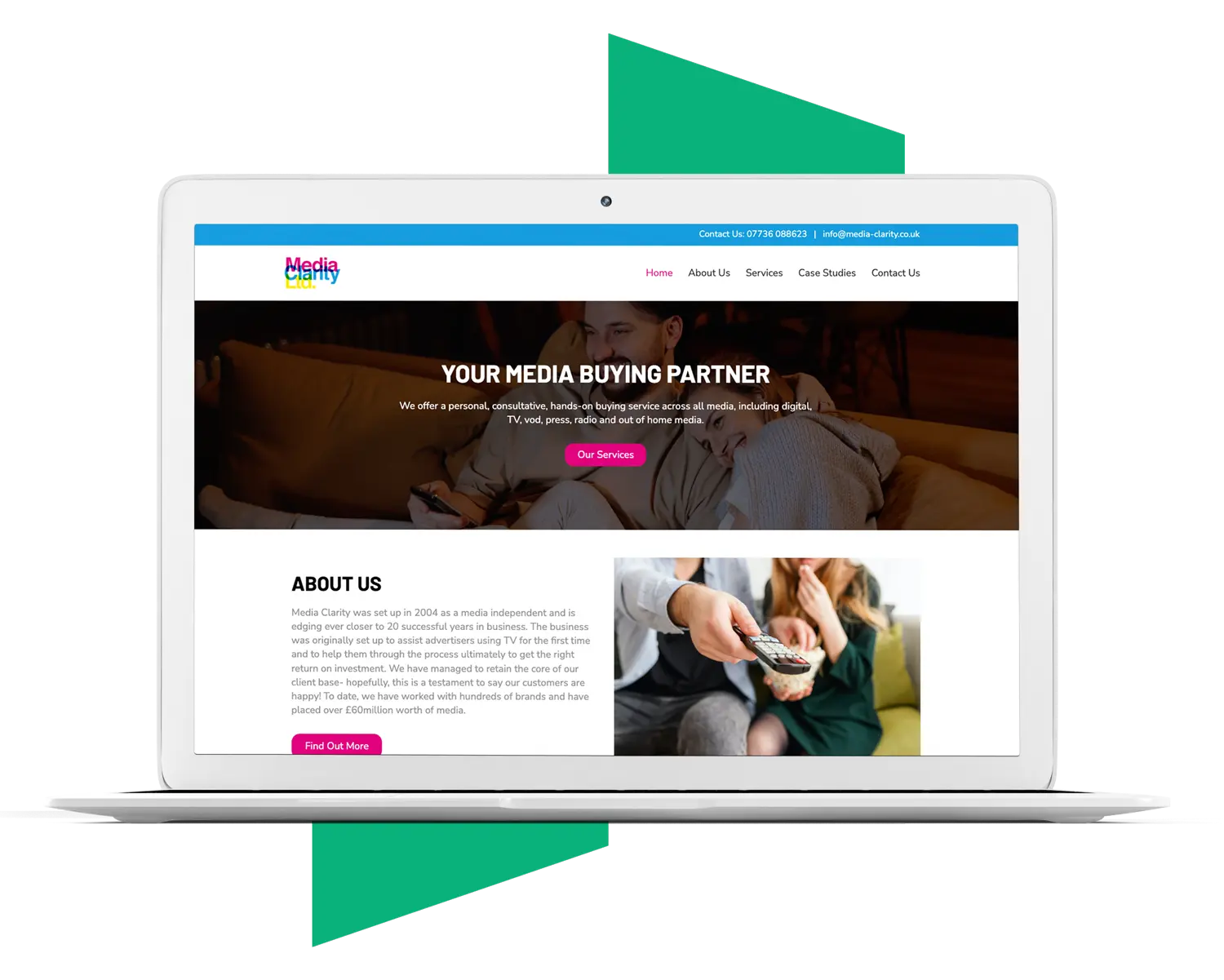
How to Create a Free Professional Website: A Step-by-step Guide
Are you looking to create a professional website without breaking the bank? Look no further! In this article, we will guide you through the process of creating a free professional website using popular platforms like Wix, Google Sites, and WordPress.
Why Create a Free Professional Website?
Before we dive into the nitty-gritty of creating a website, let’s first discuss why you might want to create one in the first place. A professional website can help establish your brand, showcase your products or services, and provide a platform for customer engagement. With a free website, you can achieve all these benefits without incurring any costs.
Benefits of Using Wix
Wix is an excellent platform for creating a free professional website. Here are some benefits of using Wix:
- Ease of Use: Wix has a user-friendly interface that makes it easy to create and design your website.
- Customization Options: Wix offers a wide range of templates, drag-and-drop tools, and customization options to make your website unique.
- Free Hosting: Wix provides free hosting for your website, which means you don’t have to worry about paying for web hosting services.
- Scalability: Wix allows you to upgrade to paid plans as your website grows, making it a scalable solution.
How to Create a Website With Wix
To create a website with Wix, follow these steps:
- Sign up For Wix: Go to the Wix website and sign up for an account.
- Choose a Template: Select a template that suits your needs and customize it as desired.
- Add Content: Add text, images, and other media to your website.
- Publish Your Website: Once you’re happy with your website, publish it and share the link with the world.
Benefits of Using Google Sites
Google Sites is another excellent platform for creating a free professional website. Here are some benefits of using Google Sites:
- Integration With Google Tools: Google Sites integrates seamlessly with other Google tools like Google Drive, Google Maps, and more.
- Ease of Use: Google Sites has a simple interface that makes it easy to create and design your website.
- Free Hosting: Google Sites provides free hosting for your website.
How to Create a Website With Google Sites
To create a website with Google Sites, follow these steps:
- Sign up For Google Sites: Go to the Google Sites website and sign up for an account.
- Choose a Template: Select a template that suits your needs and customize it as desired.
- Add Content: Add text, images, and other media to your website.
- Publish Your Website: Once you’re happy with your website, publish it and share the link with the world.
Benefits of Using WordPress
WordPress is a popular platform for creating professional websites. Here are some benefits of using WordPress:
- Flexibility: WordPress offers a wide range of themes, plugins, and customization options to make your website unique.
- Scalability: WordPress allows you to upgrade to paid plans as your website grows, making it a scalable solution.
- Community Support: WordPress has an active community of users, developers, and designers who can provide support and guidance.
How to Create a Website With WordPress
To create a website with WordPress, follow these steps:
- Sign up For WordPress.Com: Go to the WordPress.Com website and sign up for an account.
- Choose a Theme: Select a theme that suits your needs and customize it as desired.
- Add Content: Add text, images, and other media to your website.
- Publish Your Website: Once you’re happy with your website, publish it and share the link with the world.
Creating an E-commerce Website
If you want to create an e-commerce website, there are several platforms that can help you achieve this goal. Here are some popular options:
- Shopify: Shopify is a leading e-commerce platform that offers a wide range of features and tools to help you create and manage your online store.
- Wix: Wix also offers e-commerce solutions that allow you to create and manage an online store.
Conclusion
Creating a free professional website is easier than ever, thanks to platforms like Wix, Google Sites, and WordPress. These platforms offer a wide range of features, tools, and customization options to help you create a website that suits your needs. Whether you’re looking to establish your brand, showcase your products or services, or provide a platform for customer engagement, these platforms can help you achieve your goals.
Faqs
- What is The Best Platform For Creating a Free Professional Website?
The best platform for creating a free professional website depends on your needs and preferences. Wix, Google Sites, and WordPress are all excellent options that offer a wide range of features and customization options. - Can I Create an E-commerce Website With One of These Platforms?
Yes, you can create an e-commerce website with Shopify or Wix. Both platforms offer e-commerce solutions that allow you to create and manage an online store. - Do I Need to Have Technical Expertise to Create a Website With One of These Platforms?
No, you don’t need to have technical expertise to create a website with one of these platforms. Wix, Google Sites, and WordPress all offer user-friendly interfaces that make it easy to create and design your website. - Can I Upgrade to Paid Plans as my Website Grows?
Yes, all three platforms allow you to upgrade to paid plans as your website grows. This makes them scalable solutions that can grow with your business. - What Are The Limitations of Using a Free Website Platform?
The limitations of using a free website platform include limited customization options, limited storage space, and limited support. However, these limitations can be overcome by upgrading to paid plans or using third-party tools and services. - Can I Create a Professional-looking Website With One of These Platforms?
Yes, you can create a professional-looking website with one of these platforms. Wix, Google Sites, and WordPress all offer templates, themes, and customization options that can help you create a professional-looking website. - Do I Need to Have an Existing Business or Brand to Create a Website With One of These Platforms?
No, you don’t need to have an existing business or brand to create a website with one of these platforms. These platforms are designed to be used by individuals and businesses alike. - Can I Use One of These Platforms For Personal Purposes?
Yes, you can use one of these platforms for personal purposes. Wix, Google Sites, and WordPress all offer free plans that can be used for personal websites, blogs, and other projects.


