
How to Create a Website With Jimdo
Are you interested in creating a website dedicated to your passions or professional activity but don’t know where to start? Do you not know any programming language? Don’t despair! There are solutions that allow you to create professional-looking websites in just a few clicks, without typing a single line of code. No worries if you’re not tech-savvy; Jimdo Dolphin is here to help.
What is Jimdo Dolphin?
Jimdo Dolphin is a modern system powered by Artificial Intelligence (AI) that automatically works on content, design, and helpful information, just like the services offered by Facebook, Google, and Instagram. Images, texts, and details about your activity are added and arranged automatically in your website, which is then ready to go online.
How Does it Work?
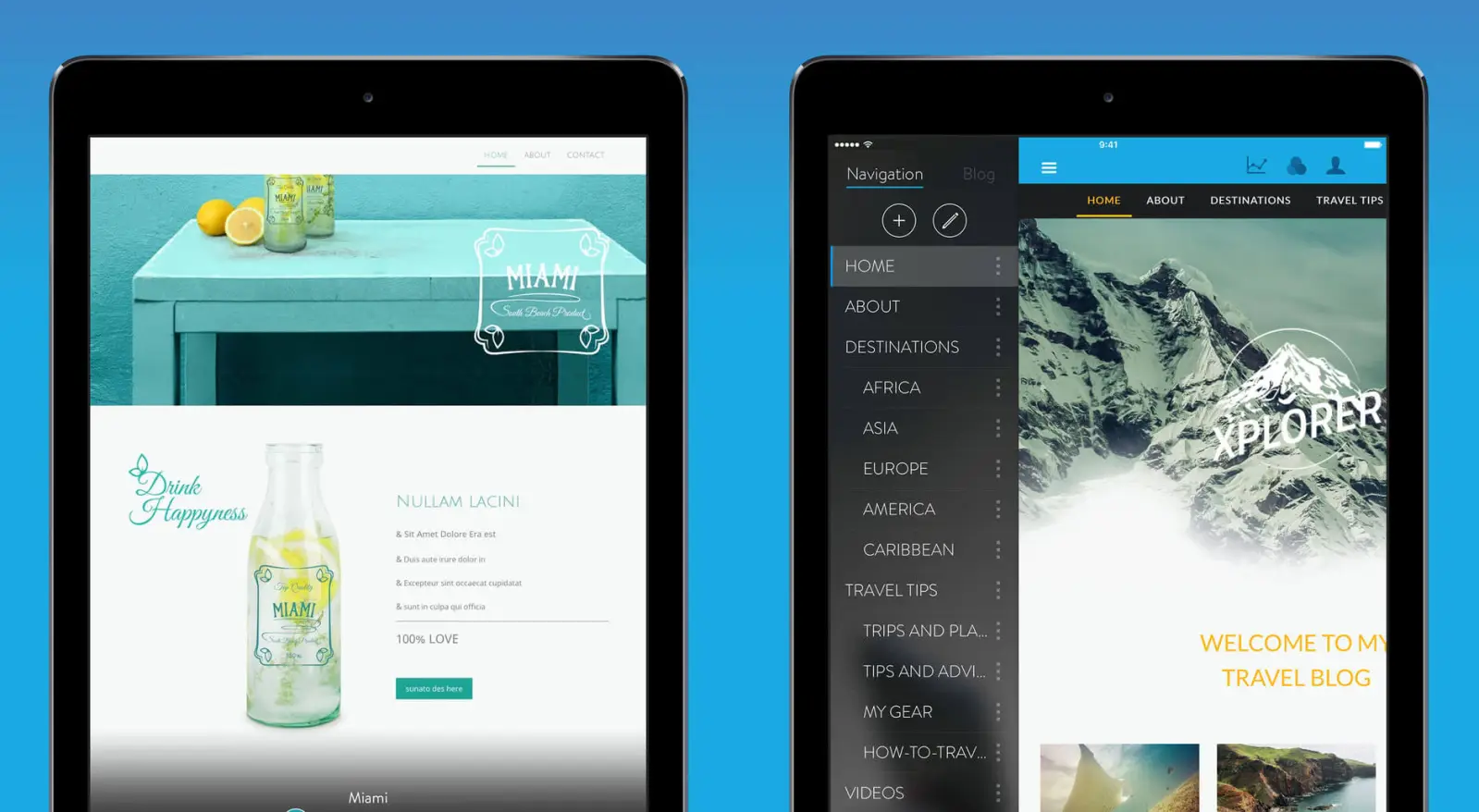
After creating your website, you can personalize each page’s appearance using a comfortable editor that functions directly from your browser (no need to install programs or components). Your websites are optimized for mobile devices and search engines, and all connections are safe via HTTPS. The best part? It’s free!
Pricing Options
Jimdo offers various pricing options:
- Play: This is the basic plan, which costs €0/month and includes 500MB of storage space and 2GB of bandwidth.
- Start: This plan costs €9/month (annual payment) and includes a customized domain name for free for a year, along with 5GB of storage space and 10GB of bandwidth.
- Grow: This plan costs €15/month (annual payment) and includes a customized domain name for free for a year, along with 15GB of storage space and 20GB of bandwidth.
- Ecommerce: This plan costs €19/month (annual payment) and includes all the features of the Grow plan, plus unlimited products, easy payment forms, and no commissions on sales.
- Unlimited: This is the most complete plan, which costs €39/month (annual payment) and includes all the features of the Ecommerce plan, along with premium support and 20 re-directs.
Getting Started
To create a website with Jimdo Dolphin, follow these steps:
- Access the Jimdo website using your browser.
- Click on the “Create a Website” button.
- Choose the type of website you want to create (business or personal).
- Enter your desired website name and click “Next.”
- Select the theme and design for your website.
- Add your social media profiles to connect with your audience.
- Customize your website’s appearance using the editor.
Personalizing Your Website
Once you’ve created your website, you can personalize each page’s appearance using the editor. You can modify text, images, and videos, as well as add new blocks and elements to your pages.
Optimizing Your Website
Jimdo Dolphin automatically optimizes some parameters of your website to enhance its positioning on Google. However, there are also instruments that you can use actively to optimize your website. If you need help with this process, Jimdo’s assistant is available to provide helpful tips and suggestions.
Publishing Your Website
Once you’ve completed your website, it’s time to publish it online! Access the editor, click on the “Publish” button, and your website will be live immediately. If you have a customized domain name, this will be used instead of the free Jimdo subdomain.
Managing Your Website
To manage your website, access the Jimdo dashboard and follow these steps:
- Login to your account.
- Click on the “Dashboard” button.
- Select the website you want to manage.
- Use the editor to make changes to your website’s content and design.
Conclusion
Creating a website with Jimdo Dolphin is an easy and user-friendly process that requires no technical expertise. With various pricing options and automatic optimization, it’s a great choice for individuals and businesses looking to establish an online presence. Whether you’re interested in promoting your professional activity, showcasing your creative work, or selling products online, Jimdo Dolphin has got you covered.
Frequently Asked Questions
- What is Jimdo Dolphin?
Jimdo Dolphin is a modern system powered by Artificial Intelligence (AI) that automatically works on content, design, and helpful information. - How Much Does it Cost to Create a Website With Jimdo?
The costs vary depending on the pricing plan you choose, which range from €0/month for the Play plan to €39/month for the Unlimited plan. - Can I Customize my Website’s Appearance?
Yes, you can personalize each page’s appearance using the editor. - How do I Optimize my Website For Search Engines?
Jimdo Dolphin automatically optimizes some parameters of your website, and there are also instruments that you can use actively to optimize your website. - Can I Create a Store on my Jimdo Website?
Yes, you can include a store in your Jimdo website using the Ecommerce or Unlimited plan. - How do I Publish my Website Online?
Access the editor, click on the “Publish” button, and your website will be live immediately. - Can I Manage my Website From a Smartphone or Tablet?
Yes, you can create and manage your Jimdo website using a smartphone or tablet.


