
How to Create a Second Account on Instagram
Are you looking to create another account on Instagram? Perhaps you want to separate your personal and professional life or keep your online presence private from friends and family. Whatever the reason, creating an additional account is easier than you think.
In this article, we will guide you through the process of creating a second account on Instagram using both Android and iOS devices as well as computers. We’ll also cover how to create an alternate account with the same email address and provide tips for maintaining anonymity on your new profile.
Why Create a Second Account on Instagram?
Before diving into the process, let’s consider why you might want to create another account on Instagram:
- Separate Personal And Professional Life: Having two accounts can help you maintain a clear distinction between your personal and professional online presence.
- Anonymity: If you’re concerned about maintaining anonymity or want to keep your online activities private, creating an alternate account can be beneficial.
- Experimentation: Creating a second account allows you to test new features, explore different personalities, or try out different content styles without affecting your primary account.
Creating a Second Account on Instagram From Android And Ios Devices
To create another account on Instagram using your smartphone or tablet:
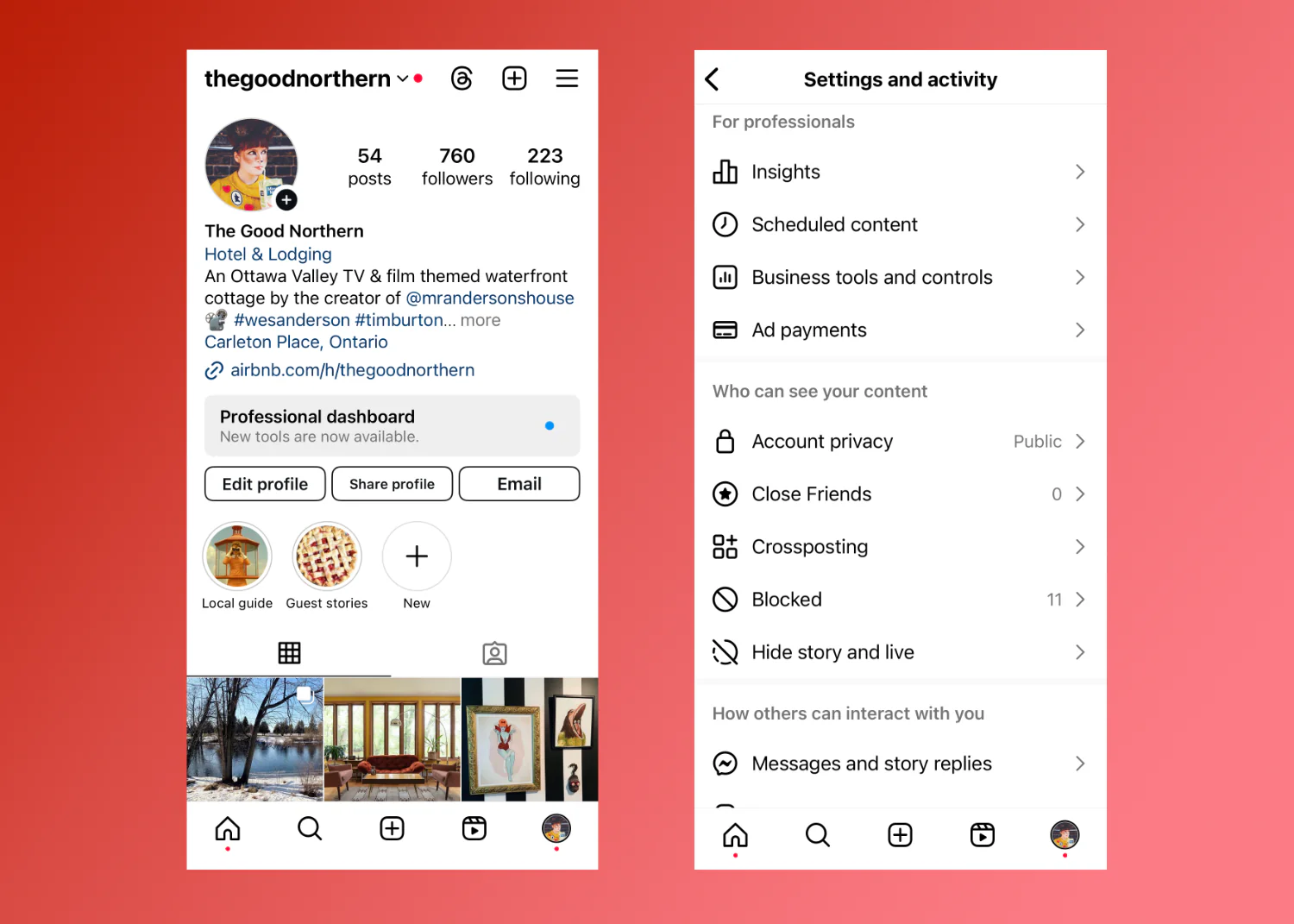
- Open the Instagram app and navigate to your profile.
- Tap the three horizontal lines (⋯) at the top-right corner of the screen, then select Settings from the menu.
- Scroll down and tap Log Out, then confirm that you want to log out of your current account.
- Once logged out, tap the “Create new account” button at the bottom-center of the screen.
- Enter your phone number or email address to create a new account.
- Follow the prompts to set up your new account, including choosing a username, password, and profile picture.
Creating a Second Account on Instagram From a Computer
To create another account on Instagram using your computer:
- Log in to your current account on instagram.Com or use the Instagram app for Windows 10.
- Click on the Log Out button at the top-right corner of the screen.
- Once logged out, click on the “Create new account” button.
- Enter your email address, password, and other required information to set up a new account.
Creating an Alternate Account With The Same Email Address
To create another account using the same email address:
- Open the Instagram app and navigate to your profile.
- Tap the three horizontal lines (⋯) at the top-right corner of the screen, then select Settings from the menu.
- Scroll down and tap Add Account, then select Create New Account.
- Enter a unique username, password, and other required information to set up your new account.
Tips For Maintaining Anonymity on Your New Profile
To keep your new profile private:
- Use an email address or phone number that isn’t associated with your primary account.
- Create a unique username and password.
- Set your account to private, so only approved followers can see your content.
By following these steps and tips, you’ll be able to create a second account on Instagram without any complications.
Conclusion
Creating an additional account on Instagram is a straightforward process that allows you to maintain separate online presences or keep your activities private. By understanding the benefits of having multiple accounts and following the steps outlined above, you can establish an alternate profile with ease.
Frequently Asked Questions
Here are some common questions people have when creating a second account on Instagram:
- What if I Forget my New Account Password?
To reset your password, go to instagram.Com, click “Forgot Password,” and follow the prompts. - Can I Switch Between my Primary And Secondary Accounts Easily?
Yes! From the app or website, you can log in and out of each account as needed. - How do I Know if Someone Has Accessed my New Account?
Instagram will send you a notification if someone logs into your account from an unfamiliar device.


