
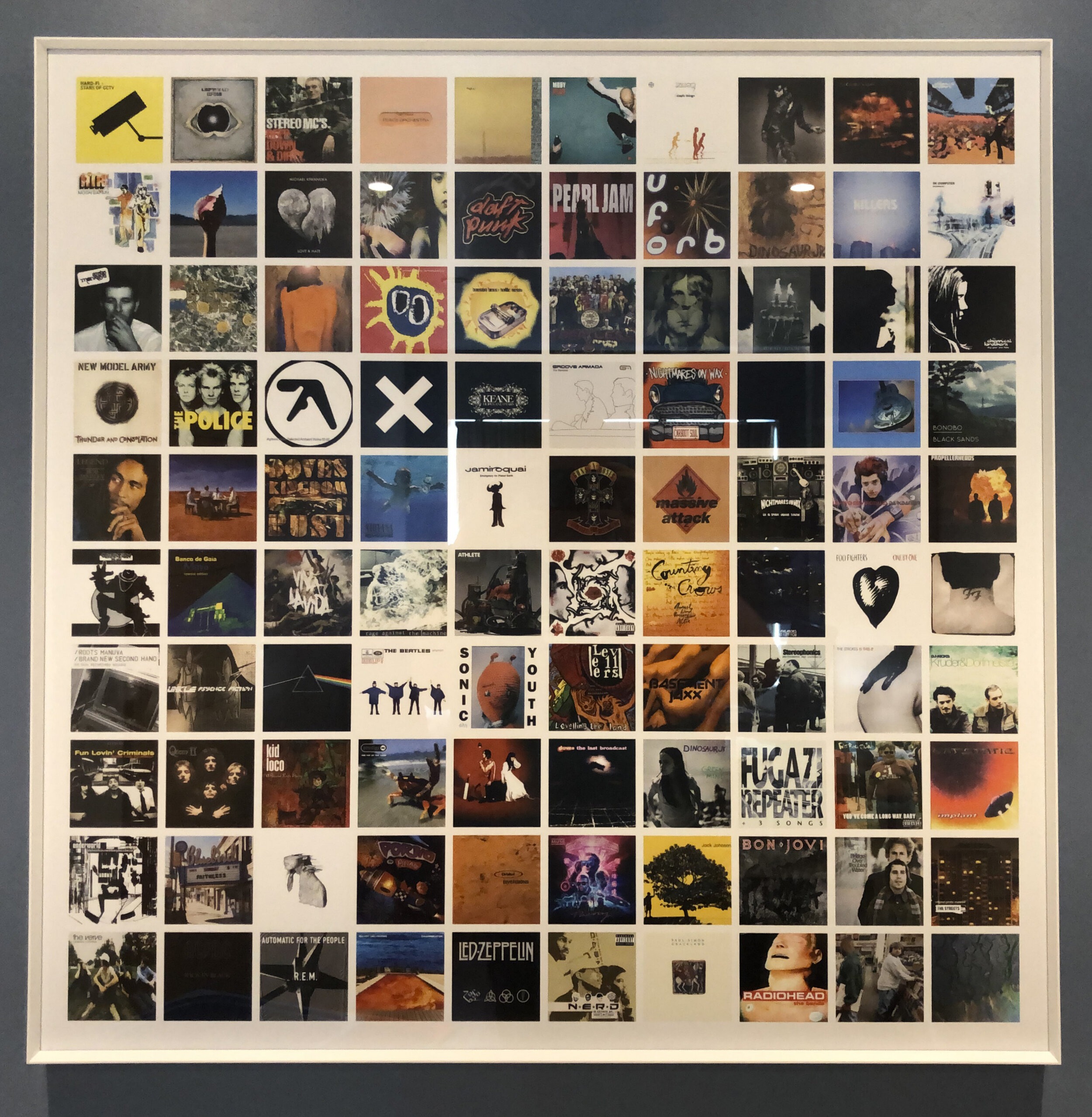
How to Create Covers For Cds: A Comprehensive Guide
Are you tired of searching for hours to find a CD cover that catches your eye? Do you want to create a custom cover for your favorite album or movie, but don’t know where to start? Look no further! In this article, we’ll show you how to create covers for CDs using various programs and services.
Introduction
Creating a cover for a CD can be a fun and creative project. With the rise of digital music, it’s become easier than ever to find and share your favorite tunes. However, with so many albums and movies out there, it can be hard to stand out from the crowd. That’s where creating a custom cover comes in.
Why Create Covers For Cds?
Creating covers for CDs is not only fun, but it also serves several purposes:
- It allows you to personalize your music collection and make it truly unique.
- It gives you an opportunity to express yourself creatively and showcase your artistic skills.
- It can be a great way to promote your favorite artists or movies.
Programs to Create Covers For Cds
There are several programs available that can help you create covers for CDs. Here are some of the most popular ones:
Undercover10 (Windows)
This program is specifically designed for creating and printing CD, DVD, Blu-ray, and other media covers. It’s free and easy to use, making it a great option for beginners.
- Download and install UnderCover10 from the official website.
- Create a new project by clicking on “New” in the top-left corner of the screen.
- Select the format you want your cover to be (e.G., CD, DVD, Blu-ray).
- Choose an image or background for your cover.
- Add text and other elements as desired.
- Print your cover using a printer.
Photoshop (Windows/Mac)
This industry-standard program is widely used by graphic designers and artists. It offers advanced features and tools that can help you create professional-looking covers.
- Download and install Photoshop from the Adobe website.
- Create a new document by clicking on “File” > “New.”
- Set your resolution to 300 DPI (dots per inch) for high-quality printing.
- Choose an image or background for your cover.
- Add text and other elements as desired.
- Save your file in the correct format for printing.
Other Programs
There are many other programs available that can help you create covers for CDs. Some popular options include:
- GIMP (Windows/Mac/Linux): A free, open-source alternative to Photoshop.
- Inkscape (Windows/Mac/Linux): A vector graphics editor that’s perfect for creating custom illustrations and designs.
Services to Create Covers For Cds
If you’re not interested in using a program, there are also several services available that can help you create covers for CDs. Here are some popular options:
Canva
This online service offers a wide range of templates and design tools that can help you create professional-looking covers.
- Sign up for a free account on the Canva website.
- Choose a template or start from scratch.
- Add text, images, and other elements as desired.
- Save your file in the correct format for printing.
Adobe Express
This online service offers a range of templates and design tools that can help you create professional-looking covers.
- Sign up for a free account on the Adobe website.
- Choose a template or start from scratch.
- Add text, images, and other elements as desired.
- Save your file in the correct format for printing.
Apps to Create Covers For Cds
If you’re looking for a mobile app to create covers for CDs, here are some popular options:
Adobe Express (Android/iOS)
This app offers a range of templates and design tools that can help you create professional-looking covers.
- Download and install the Adobe Express app from the App Store or Google Play.
- Sign up for a free account on the Adobe website.
- Choose a template or start from scratch.
- Add text, images, and other elements as desired.
- Save your file in the correct format for printing.
Canva (Android/iOS)
This app offers a range of templates and design tools that can help you create professional-looking covers.
- Download and install the Canva app from the App Store or Google Play.
- Sign up for a free account on the Canva website.
- Choose a template or start from scratch.
- Add text, images, and other elements as desired.
- Save your file in the correct format for printing.
Conclusion
Creating covers for CDs is a fun and creative project that can help you personalize your music collection and express yourself artistically. With so many programs and services available, it’s easier than ever to create professional-looking covers without breaking the bank. Whether you’re a beginner or an experienced designer, there’s something out there for everyone.
Frequently Asked Questions
- What Are Some Popular Programs For Creating Covers For Cds?
Some popular programs include UnderCover10 (Windows), Photoshop (Windows/Mac), GIMP (Windows/Mac/Linux), and Inkscape (Windows/Mac/Linux). - How do I Create a Cover For my CD Using Canva?
Sign up for a free account on the Canva website, choose a template or start from scratch, add text, images, and other elements as desired, and save your file in the correct format for printing. - What Are Some Popular Services For Creating Covers For Cds?
Some popular services include Canva, Adobe Express, Fotor, and View Created. - Can I Create a Cover For my CD Using an App on my Phone or Tablet?
Yes, there are several apps available that can help you create professional-looking covers, including Adobe Express (Android/iOS) and Canva (Android/iOS). - How Much Does it Cost to Use These Programs And Services?
Some of these programs and services are free, while others may require a subscription or one-time payment. - Can I Create a Cover For my CD in Other Formats Besides Cd?
Yes, you can also create covers for DVDs, Blu-rays, and other media using the same programs and services listed above.
Hope this comprehensive guide helps you in your quest to creating amazing CD covers!


