
How to Create Music: A Comprehensive Guide
Are you interested in becoming a music producer or DJ? Do you want to create your own music without relying on others? Look no further! In this article, we will guide you through the process of creating music using various software and online tools.
What You Need to Get Started
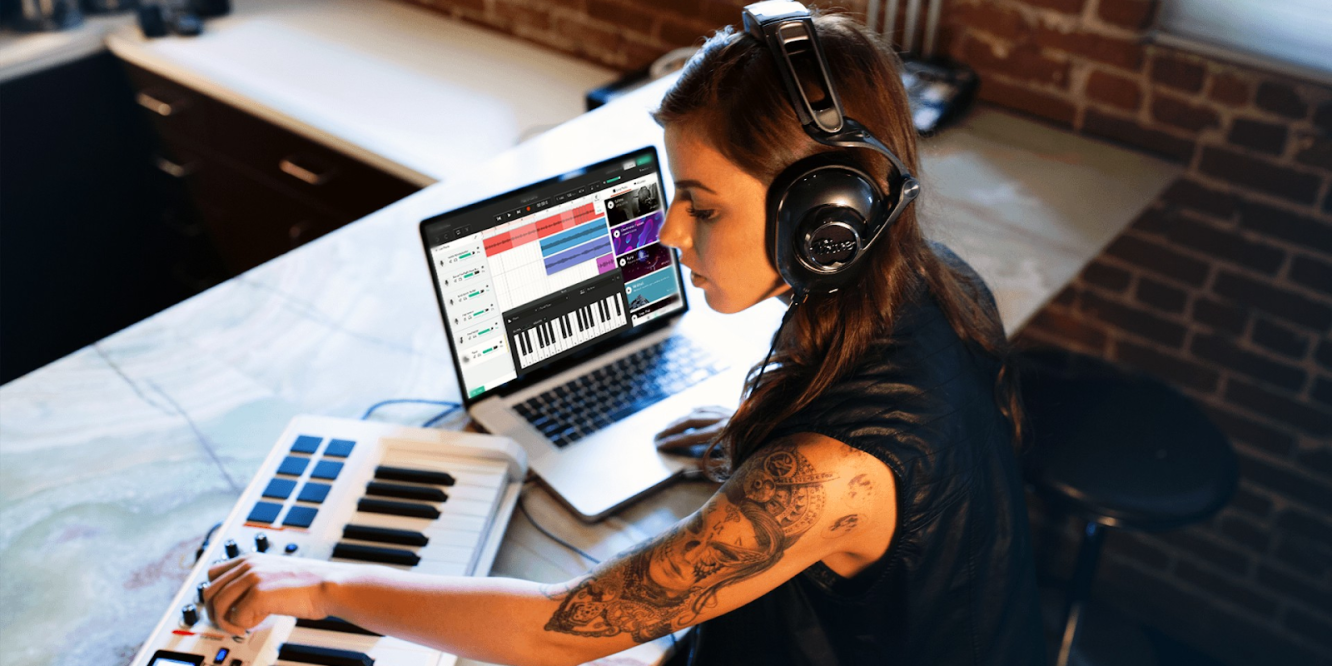
To create music, you’ll need a computer or mobile device with internet access. You can use either a Windows or macOS system, as well as Android or iOS devices. Additionally, you’ll need a good pair of headphones or speakers to listen to your creations.
Software For Creating Music on Computer
There are several software options available for creating music on computers. Here are some of the most popular ones:
- Audacity: A free and open-source audio editor that’s available for Windows, macOS, and Linux.
- Garageband: A user-friendly digital audio workstation (DAW) developed by Apple, exclusively for Mac users.
Using Audacity to Create Music
To get started with Audacity, follow these steps:
- Download the software from the official website.
- Install the software on your computer.
- Launch Audacity and click on “OK” in the welcome window.
- Choose a location to save your file or create a new one from scratch.
Using Garageband to Create Music
To get started with GarageBand, follow these steps:
- Open the Launchpad on your Mac.
- Click on the GarageBand icon.
- Select “Empty Project” and choose the type of instrument you want to use.
- Click on “Create” to start creating music.
Online Tools For Creating Music
If you don’t have a computer or prefer to create music online, there are several options available:
- Soundation: A web-based DAW that offers a wide range of features and instruments.
- Soundtrap: A cloud-based audio editing platform that allows collaboration and sharing.
Using Soundation to Create Music
To get started with Soundation, follow these steps:
- Go to the Soundation website and click on “Join for free”.
- Sign up for an account or log in if you already have one.
- Click on the “Start with the Free plan” button.
- Follow the prompts to create a new project.
Mobile Apps For Creating Music
If you prefer to create music on your mobile device, there are several apps available:
- Bandlab: A free app that allows you to create and share music on Android and iOS devices.
- Groovepad: An app that offers virtual pads for creating music on Android and iOS devices.
Conclusion
Creating music is a fun and rewarding experience that can be done with the right tools and knowledge. Whether you’re a beginner or an experienced producer, there’s something out there for everyone. We hope this guide has helped you get started on your musical journey!
Frequently Asked Questions (FAQs)
- Q: What is The Best Software For Creating Music?
A: The best software for creating music depends on personal preference and skill level. - Q: Can I Create Music Online?
A: Yes, there are several online tools available that allow you to create music without downloading any software. - Q: Do I Need a Computer to Create Music?
A: No, you can also use mobile devices or tablets to create music using various apps. - Q: What is The Difference Between Audacity And Garageband?
A: Audacity is a free and open-source audio editor, while GarageBand is a user-friendly DAW developed by Apple for Mac users. - Q: Can I Collaborate With Others on my Music Project?
A: Yes, some online tools like Soundtrap allow collaboration and sharing of music projects. - Q: What is The Best Mobile App For Creating Music?
A: The best mobile app for creating music depends on personal preference and device type (Android or iOS). - Q: Can I Export my Music Project as an Mp3 File?
A: Yes, most online tools and software allow you to export your music project as an MP3 file. - Q: What is The Cost of Using These Software And Apps?
A: Some software and apps are free, while others offer a free trial or subscription-based model.


